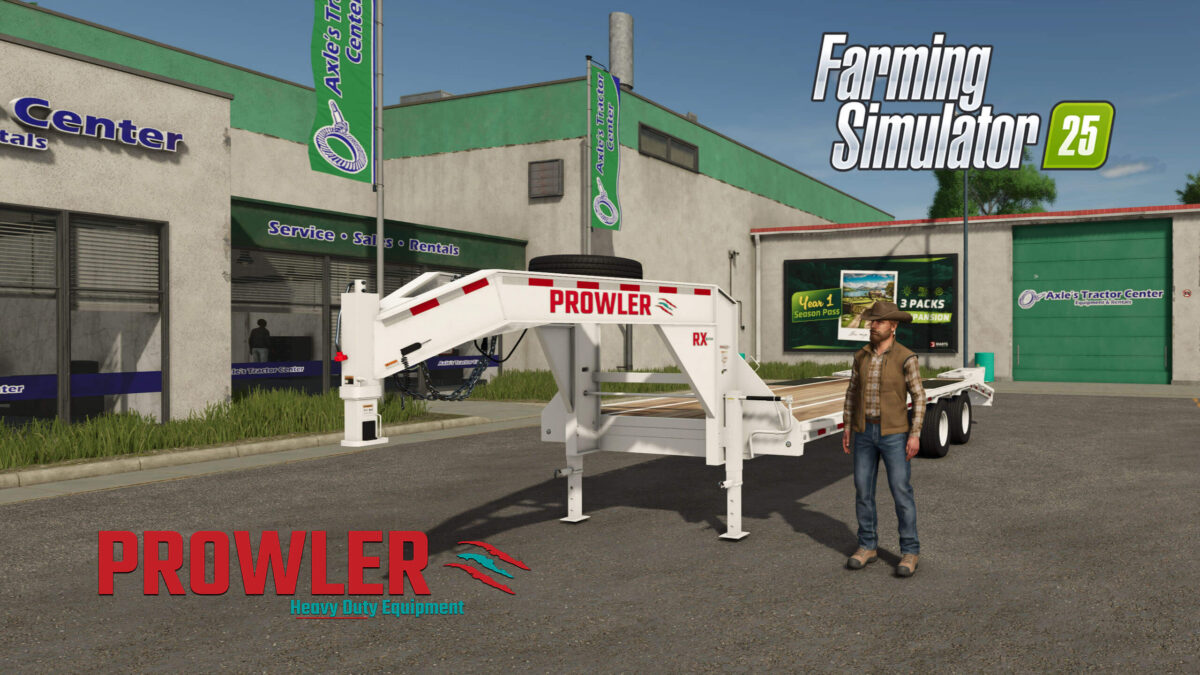
Prowler Gooseneck Trailer v 1.0


Prowler Heavy Duty Equipment proudly presents their first High Quality non-motorized utility trailer.
With it’s extra wide deck over design, your choice of ramps, custom tool boxes and multiple field support options, this trailer is the perfect choice if you’re needing to frequently side load material in addition to your everyday heavy duty hauling.
Special Features:
– Sprayer Support Tank – Motorized Pump provides pumping of Liquid Fertilizer and Herbicides to your Sprayers
– Water Support Tank – Tank to transfer water to your animal pens
– Dynamic Rear Hitch for Ramp less Configurations (Hitch activates when target trailer is nearby)
Sprayer Support Function:
The sprayer support functions as the pump to transfer fuel from your trailer to a sprayer or chemical storage tank.
Step 1: fill the trailers tank from either a buy or storage point on the map.
Step 2: when in the vehicle connected to the trailer, select the trailer as the primary tool, Then start the pump by selecting the option in the menu.
Step 3: move the trailer into position near the sprayer.
Step 4: The option to offload your product to the sprayer should now be visible.
Water Support Tank:
The Water Tank functions as a normal water trailer would function on a base game trailer.
Credits:
North West Mods & Edits