

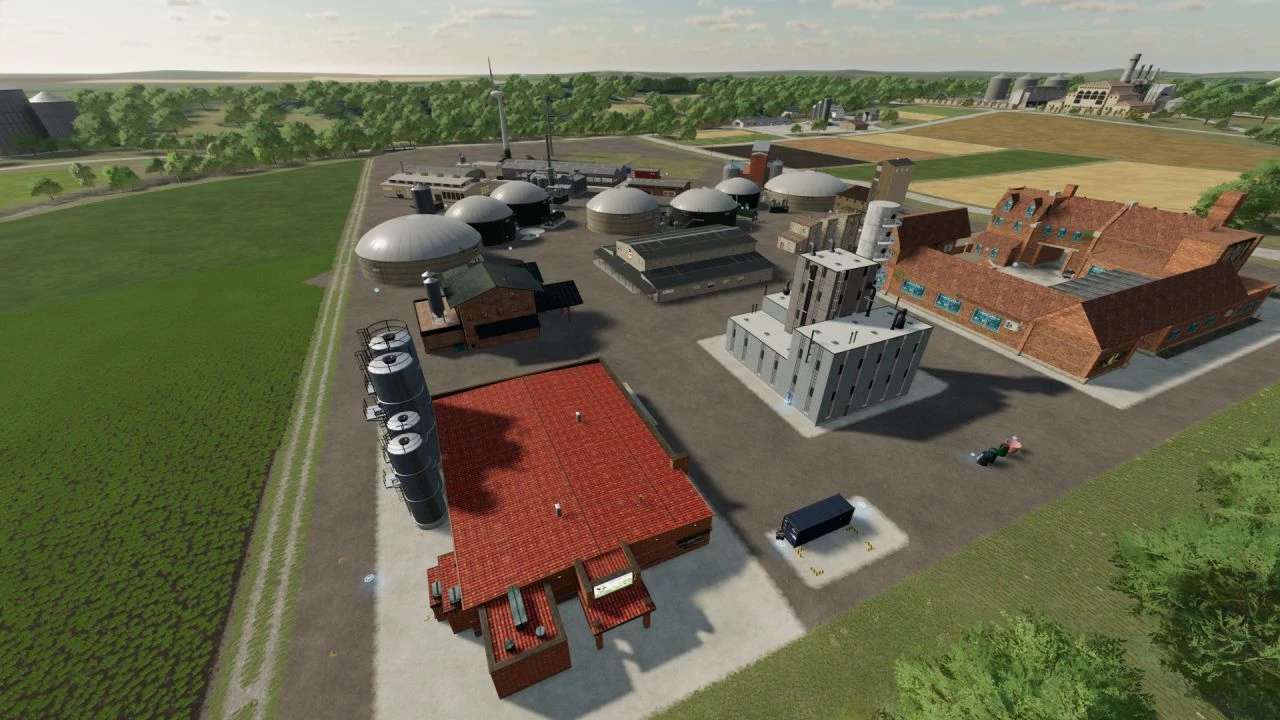
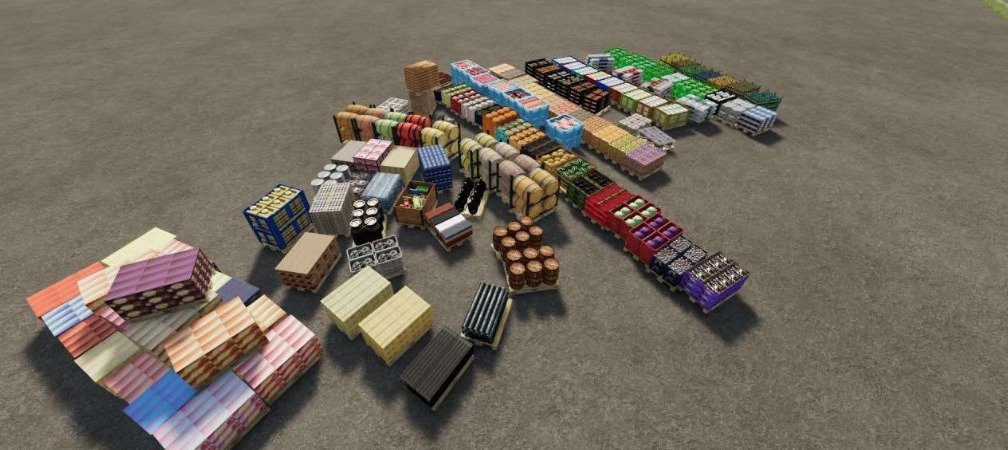
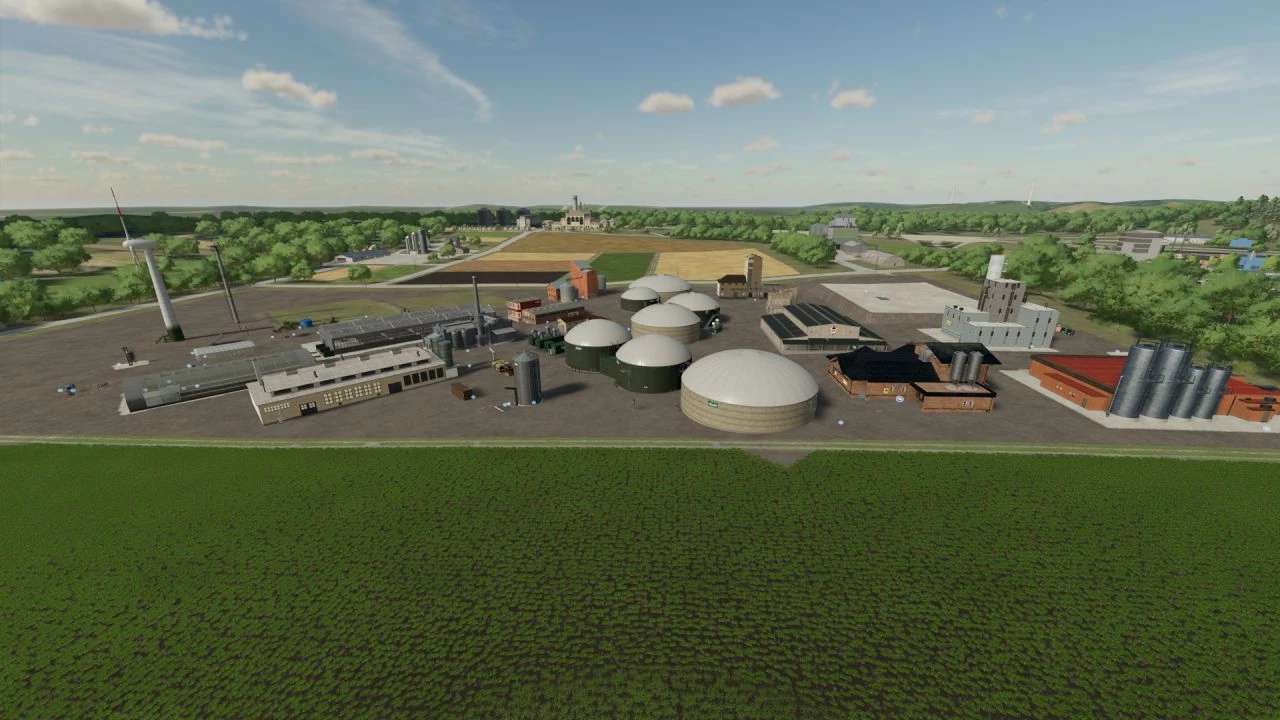
Productions Pack v 1.2


Version 1.2:
* Open garden plots and fruit Orchards now collect water when raining
* Added a water well that produces water and, when raining, the production is faster and cheaper
* Added national flags as decorations
* Added a billboard with several alternate displays
* Added horse grass to Fermenting Silo
* All outputs on Fermenting silo work, as long you have the input on the map (for example alfalfa as input, will now give alfalfa fermented, without the need for the map to have that fillType, the same for clover and horse grass)
* Added horse grass silage to BGA
* Added spelt and triticale as an option in making wheat flour (base game flour)
* Added tobacco factory
* Added a fishing resort (a hut to place near a pond, to simulate fishing from it)
* Added a water plane with a water trigger, to make your own pond (carefully, very large)
* Fixed textures on winter cow barn
* Added the red and white grapes orchards
* Added a workshop ramp
* Added an object storage barn
* Added tobacco to the cotton and lavender harvester from the pack
Credits:
Jinkou89


