

Production Storage Control v 1.0


Production Storage Control allows you to manage the storage of a production.
Features:
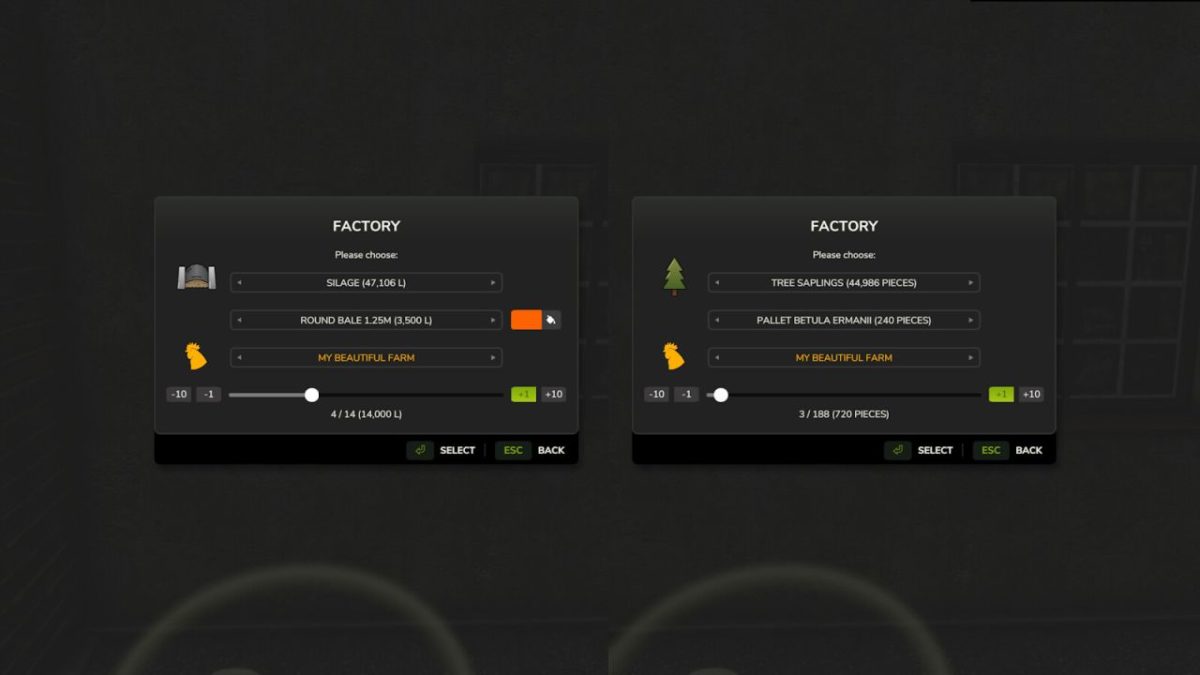
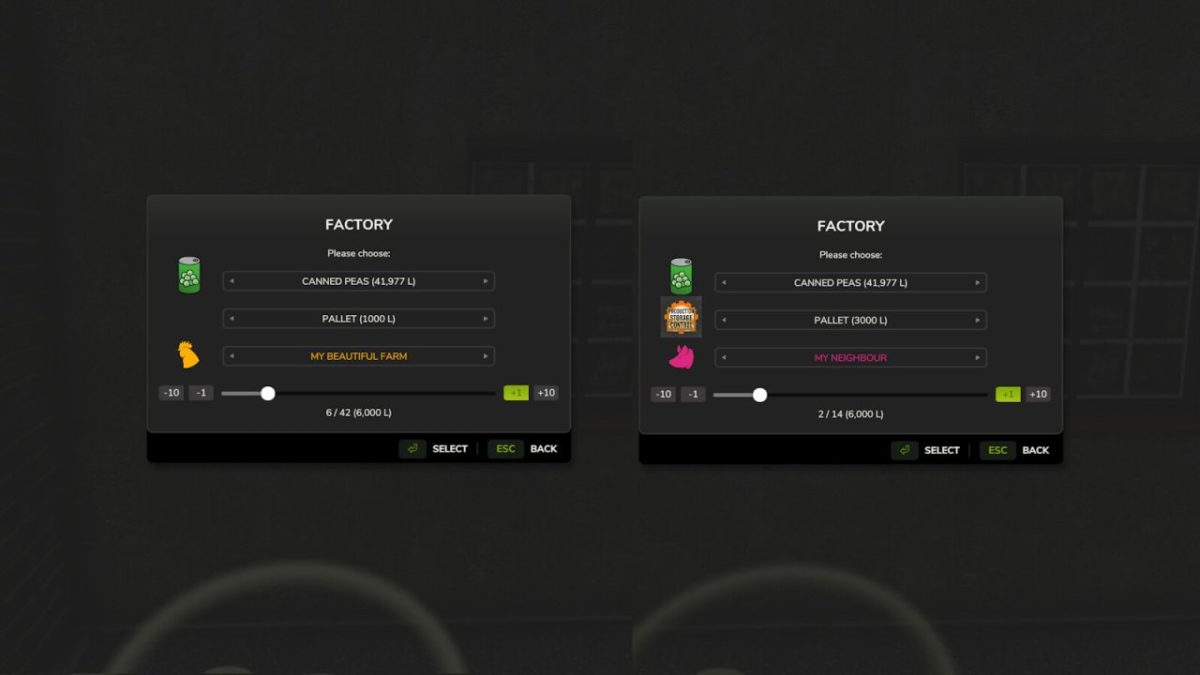
PSC adds the ability to MANUALLY spawn pallets and bales to all productions.
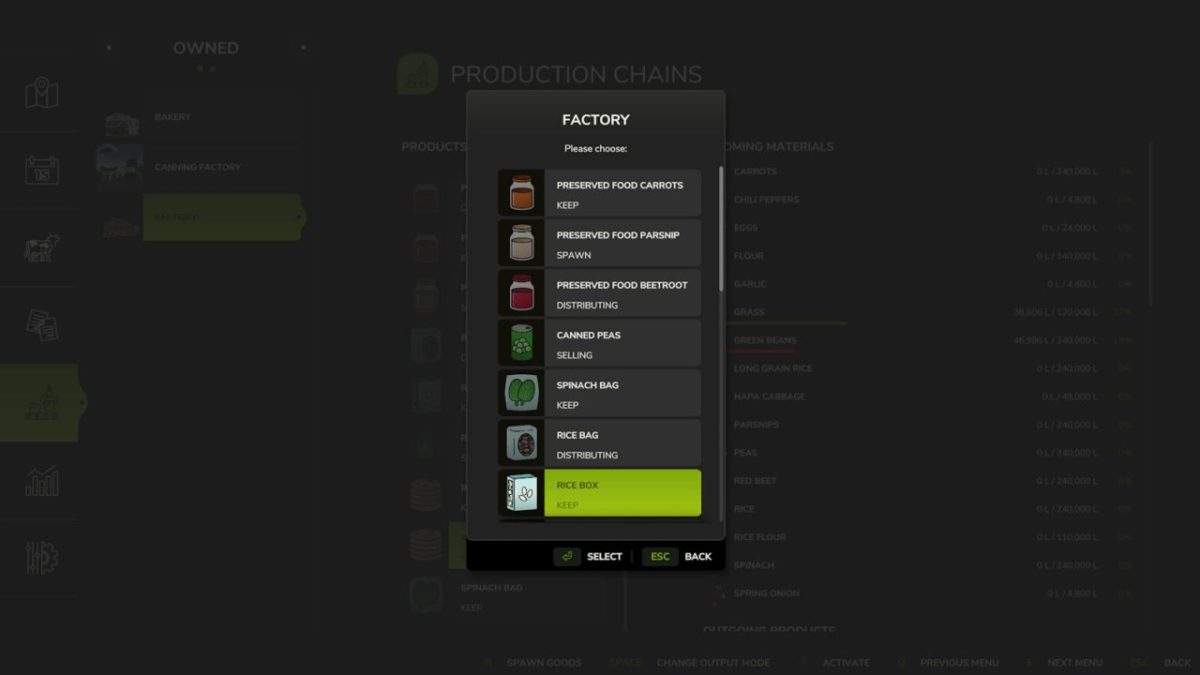
PSC allows you to set the output mode for each output of a production.
New output mode: Store – with this mode, no pallets are spawned automatically.
To make it easier to distinguish, the KEEP output mode is renamed to Spawn.
Multiplayer only: Allows you to set the owner of a pallet/bale when spawning manually.
Automatically available for all productions.
Allows 180 productions, 1024 fill types and unlimited bales/pallets (note: may impact performance).
Full Multiplayer Support.
Full color choice support for bales in foil.
Allows you to manually spawn ALL pallets from productions that exist in the game.
To spawn bales it is necessary to have a PalletSpawner as part of the production.
Credits:
Braeven


