

Pro Shot v 1.0


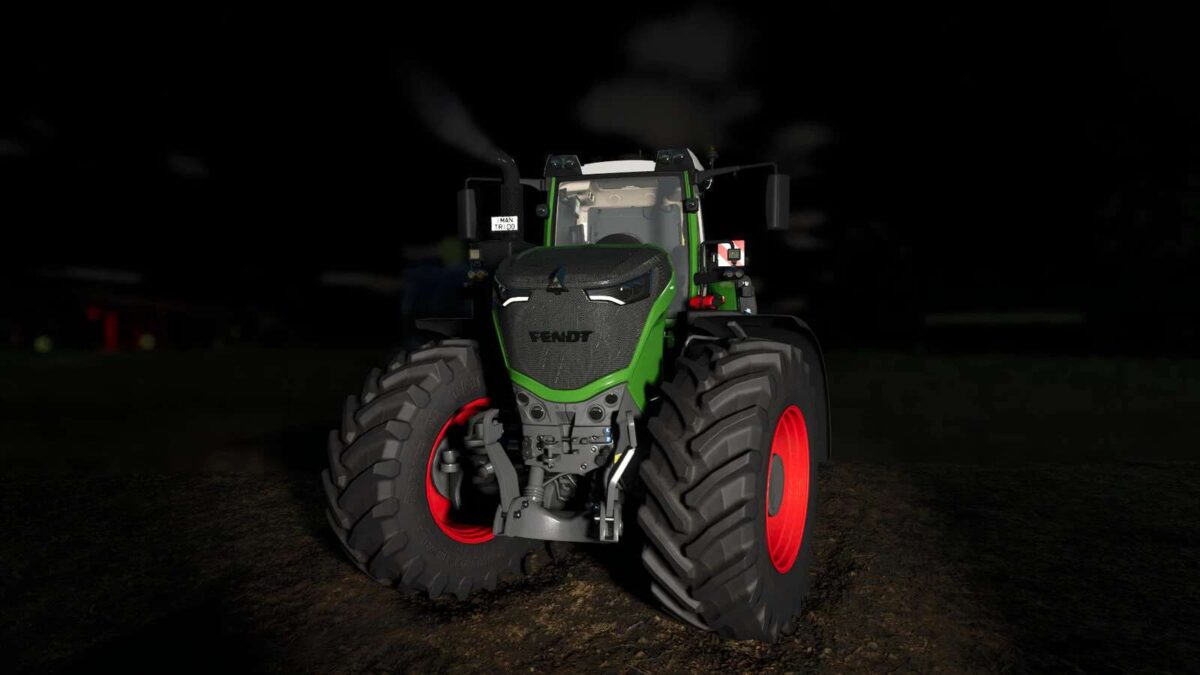
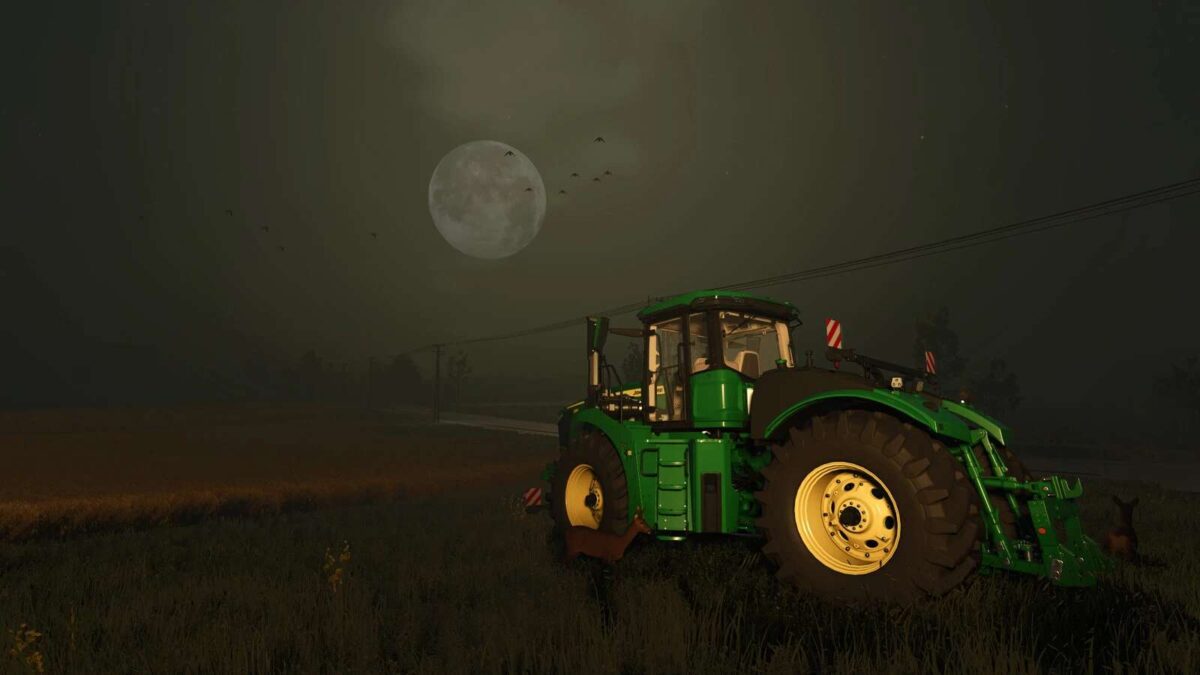
To take a good photo, you need to take your time. This mod lets you pause time, while you set up and frame the perfect shot. With advanced quality and lighting options, and much more, you’re sure to take a Pro Shot!
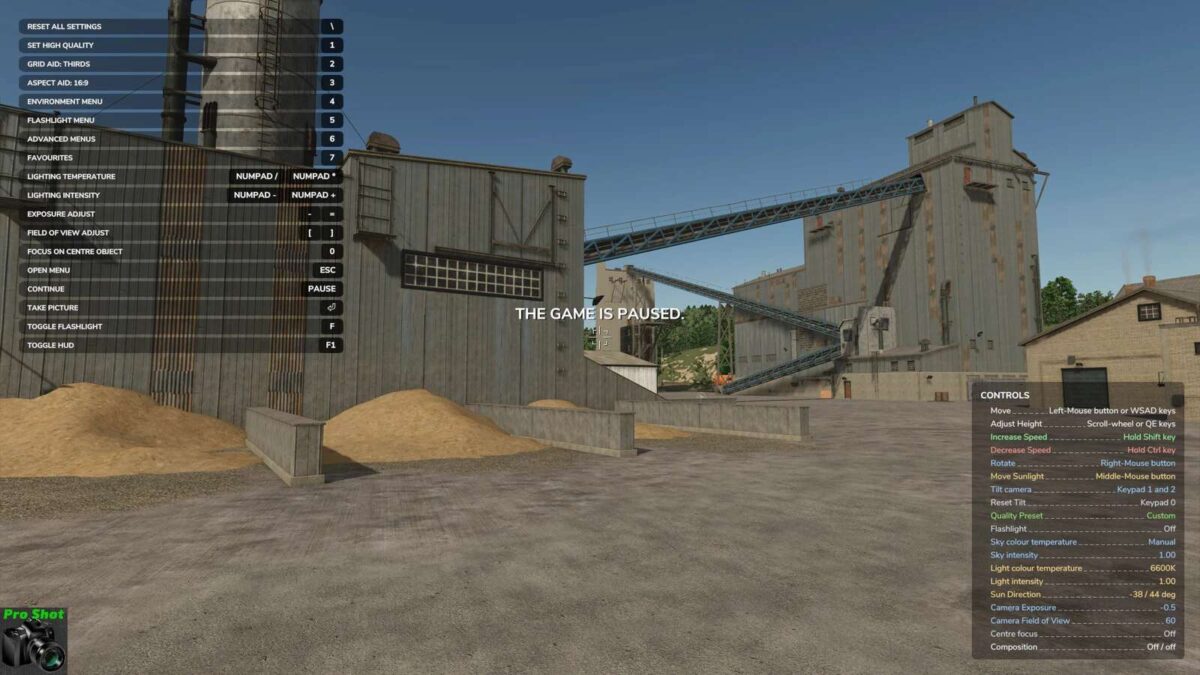
Pause the game using your assigned Pause control (PAUSE by default) to activate Pro Shot and take screenshots
Free-roaming camera, including roll/tilt, via mouse and keyboard controls
Activate High Quality mode, and adjust other detail settings
Change the camera exposure, Field of View, and a whole lot more
Change the direction of the sunlight, and adjust the colour of the light (temperature or red-green-blue)
Use photo lights to brighten your shot (Place unlimited flashlights, each with their own colour, intensity, beam angle, and focus, to highlight your shot the way you want)
Change the weather, or season, including snow/frost/fog/haze/hail
Adjust the time, for natural sun/moon progression
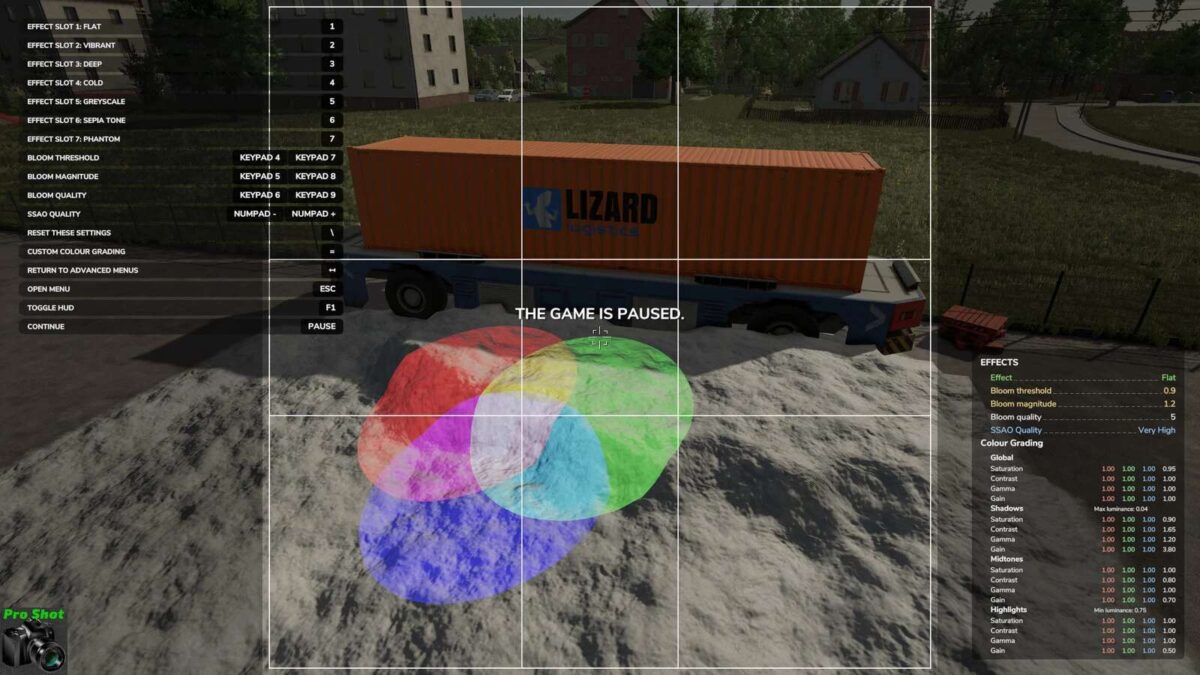
Apply lighting effects for black and white, sepia tone, and other filters
Adjust the Depth of Field, to highlight areas in your picture
Make the Sun and Moon larger or smaller, and adjust atmospheric light scattering
Screenshots are saved into their own folder, inside the regular screenshots folder
Features for modders:
Great for inspecting models with unlimited, precision control of the camera
Press alt+R to reload active vehicle. alt+shift+R to reload all vehicles within 10m. alt+shift+ctrl+R to reload all vehicles within 100m
Press alt+P to reload all placeables on the map
New since FS22
Composition aids (thirds, Golden Ratio, centre, diagonal, Diagonal Method and Golden Triangles grids, plus aspect-ratio overlays)
Depth of Field focus assist, to easily target objects
Fog and haze adjustment
Ground wetness
Hail added to environment menu
Save and restore up to ten named favourite settings, with selectable components (Camera, Quality, Sky, Ground lighting, Effects, Season, Weather, and Time)
Save and restore up to eight named flashlight favourites
Custom colour-grading controls, with 10 favourite save slots (including replaceable presets)
Expanded live settings/info displays.
Menu-level reversion, so you can play around and reset to previous state if you make a mess
Tone mapping controls
Independent sky-brightness and ground-light colour/intensity controls
Show traffic, pedestrians, and parked vehicles… or not. It’s up to you.
Place wildlife, flying birds, and posed farm animals in your shot. Adjust rotation and offset for precise placement, with automatic surface placement for crows and farm animals.
Add or remove snow wherever you want, with adjustable radius and strength controls
Remove tyre tracks
Optional HDR image output, with or without a depth map. Use CTRL+ENTER for HDR, or CTRL+SHIFT+ENTER to include a depth map image as well.
Notes
Due to the nature of the pause screen activation and global settings changes, this mod does not support multiplayer.
All changes are reverted after leaving the pause screen, with the following two exceptions:
Once tyre tracks are removed, they don’t come back unless you drive them there again
Snow is restored to the previous level, which may overwrite non-standard snow. If you have non-standard snow and experience issues, let me know.
Credits:
Mantrid


