

Powertrain Upgrade v1.0.1.0


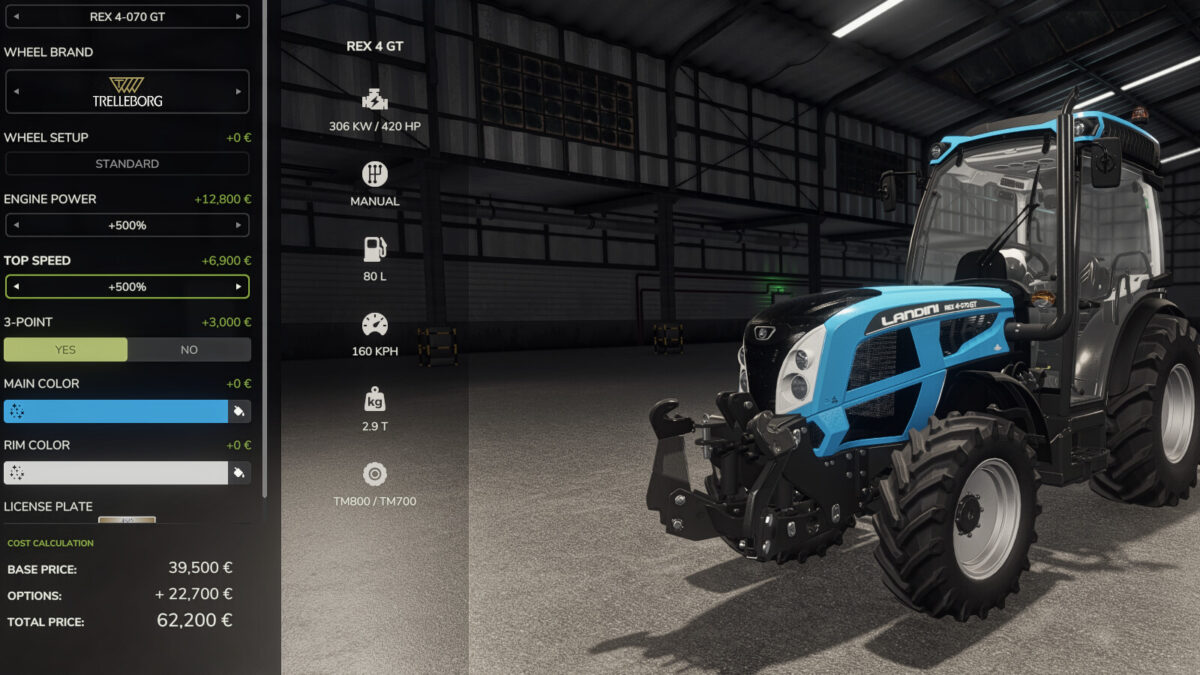
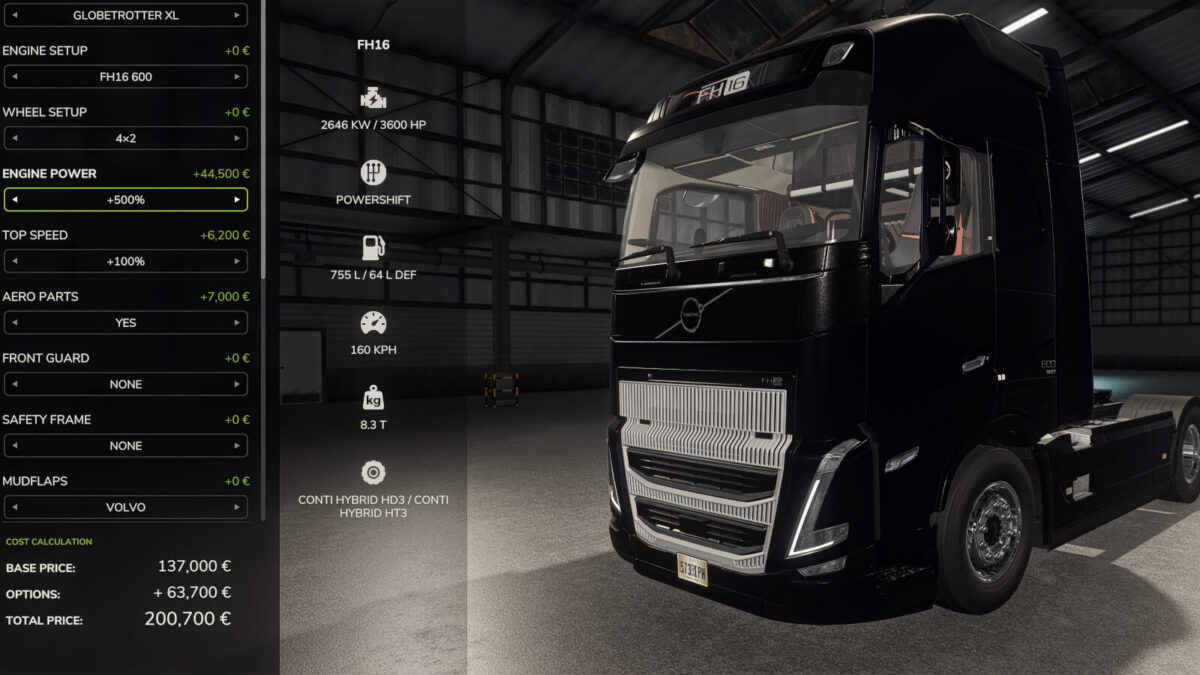
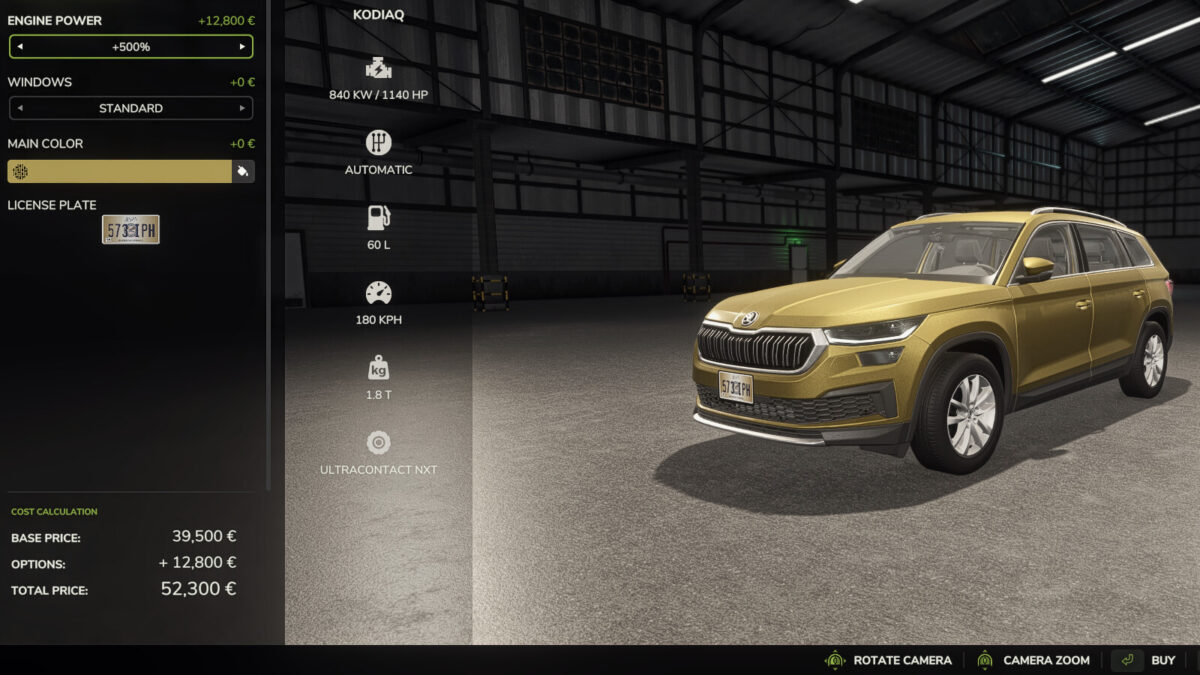
Adds two configuration rows, “Engine power” and “Top speed”, to every motorised vehicle in the game. Pick them when you buy the machine, or change them later in the workshop. No duplicate machines in the shop, and it works on mod vehicles too.
Seven levels each: Stock / +25% / +50% / +100% / +150% / +200% / +500%. Each level costs a share of the vehicle’s own price, so it scales from a small utility tractor to a 500 hp flagship. Power and speed are chosen separately, so a puller can be all engine and a road tractor all gearing.
The whole driveline is rebuilt, not just the number on the label: the torque curve, the peak torque and power that implements read, the clutch torque ceiling, the acceleration limit and the fuel consumption follow the power level, while the gear ratios (or the CVT ratio band), maximum forward and reverse speed, clutch engagement, brake force and the cruise control ceiling follow the speed level. On a CVT only the fast end of the ratio band is stretched, so slow field work is untouched.
Because these are real configurations, the shop and workshop prices, the savegame and multiplayer sync are all handled by the game itself. Top speed is limited to 160 km/h.
Changelog 1.0.1.0:
– Cruise control now follows the upgraded top speed, forward and in reverse: a new machine starts at its new maximum, and the cruise speeds you set are kept when the game is loaded again (they used to fall back to stock, which also held reverse at the stock speed).
Credits:
FastFarm Dad


