
FS25 Misc

Portable Service Kit v 1.0

Portable Service Kit v 1.0

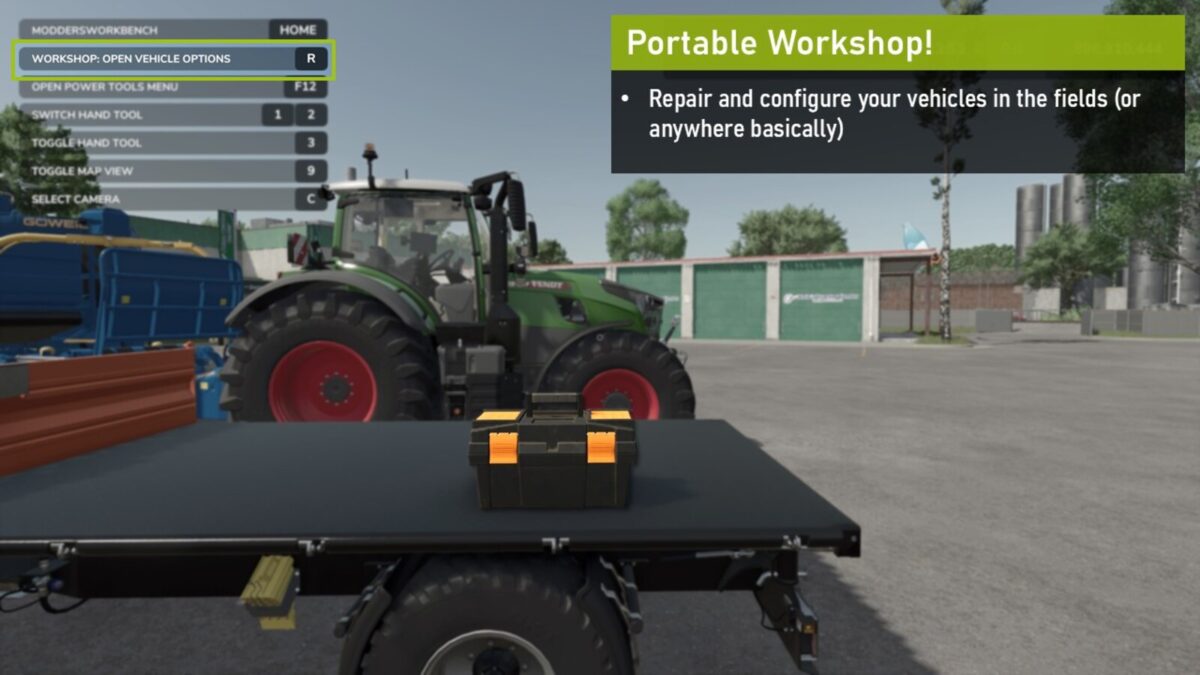
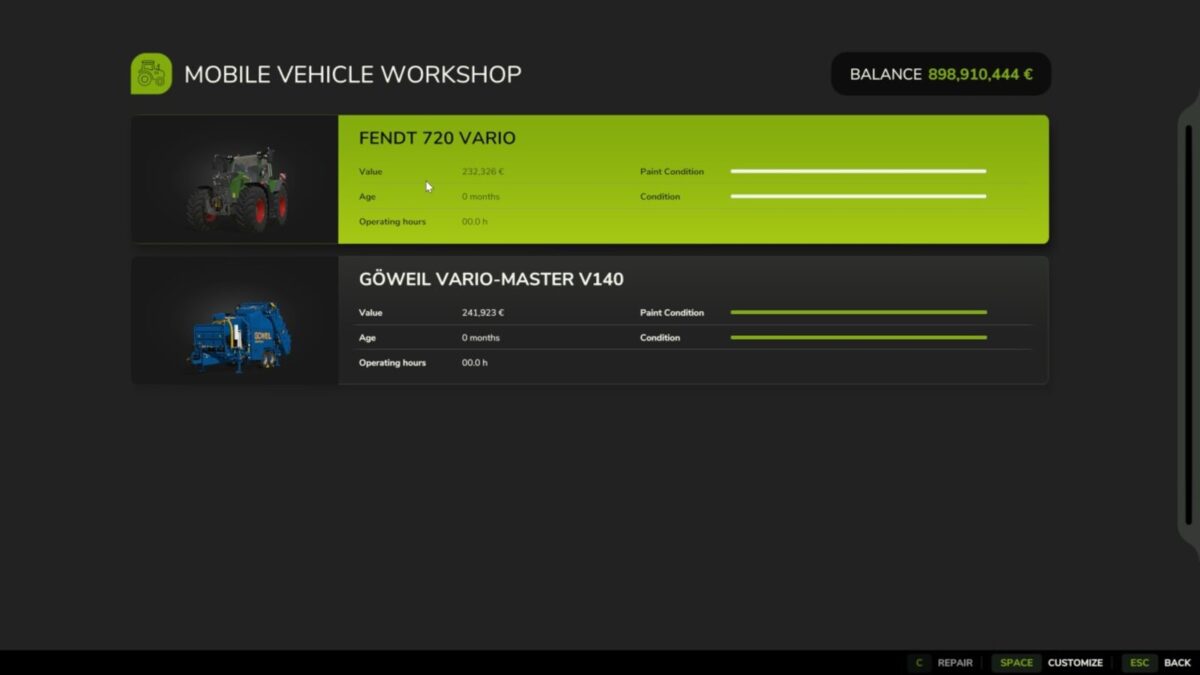
A portable field service toolkit allowing you to repair and configure your vehicles anywhere on the map.

Price: $500
Category: MISC

Features:
– Toolbox that can be carried by hand and placed in/on your vehicle for easy transport
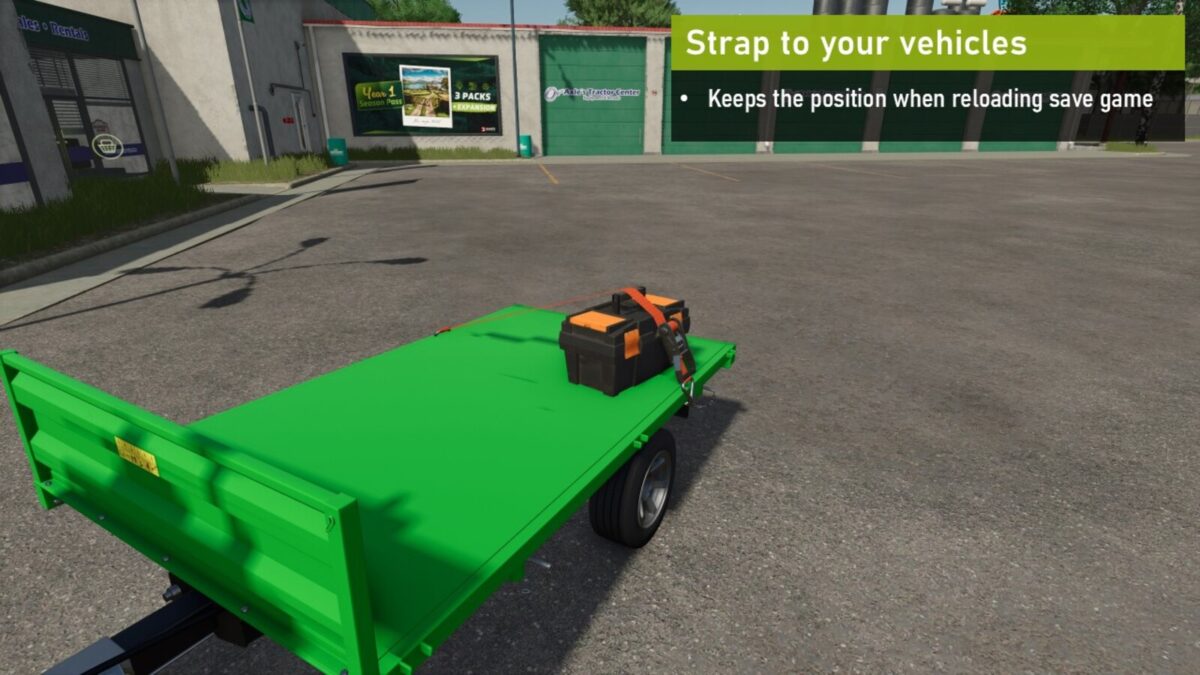
– Can be strapped down to prevent scattering your tools all over the place (for those who cannot behave in traffic… yes, you know who you are)
– The placement of the toolbox persists when reloading the game (yes, you don’t need to go back to feth it again from your farm, and yes, you can lose the toolbox)

How to use:
– Stand in front of the toolbox (the opening towards you) and press the same you activate the regular workshop with (default: R)
– The backside of the toolbox should face the vehicle(s) you want to repair/configure

Credits:

w33zl

How to install FS25 Misc?
Firstly find a mod which you like and want to download. Then download a mod to your PC. Mods are usually in .zip format file. But sometimes it can be in .rar. If a mod file is a .zip format no needed additional actions. If a file is in .rar, then you must unarchive mod with software like WinRar or Zip7. Windows 10 users no need to use software for archives, Win10 itself has a feature to unarchive files.
The next step is to find mods folder in your PC. Usually, it is in Documents/My Games/Farming Simulator 25/2025. Open the "mods" folder and put downloaded .zip archive or unarchived .rar file to this folder.
Last step. Enjoy of FS25 mods!

Leave a Reply

Your email address will not be published. Required fields are marked *