

FS25 Logging Harvesters

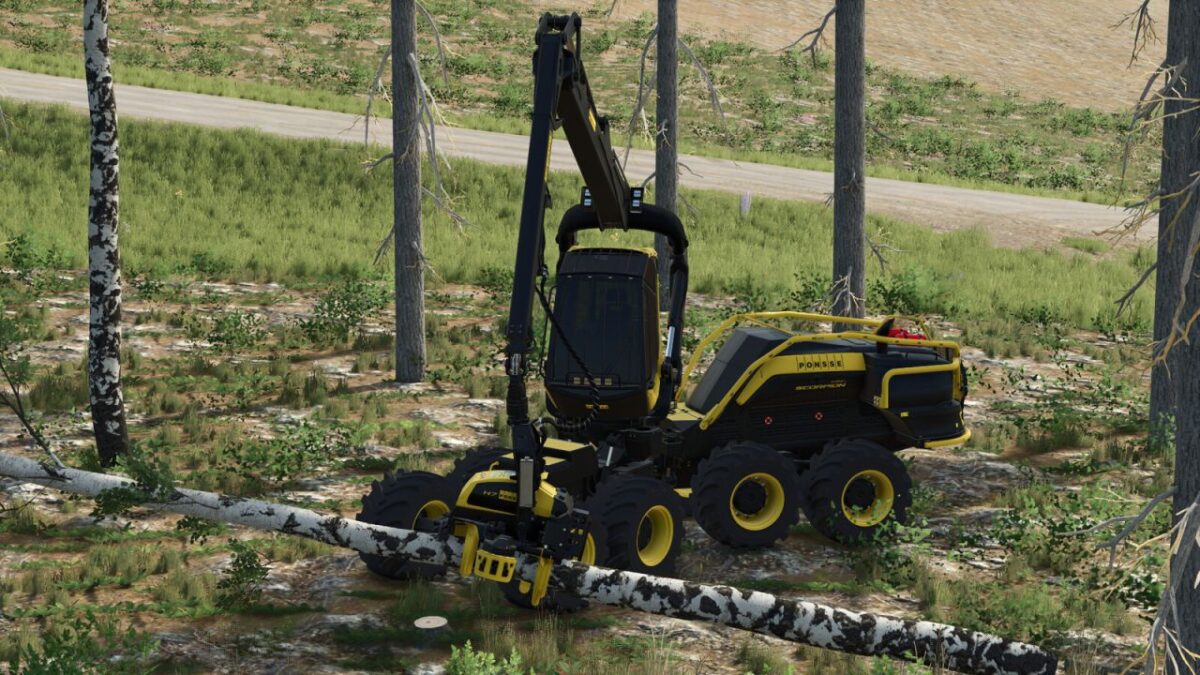
Ponsse Harvester Pack v 1.0.0.2

Ponsse Harvester Pack v 1.0.0.2

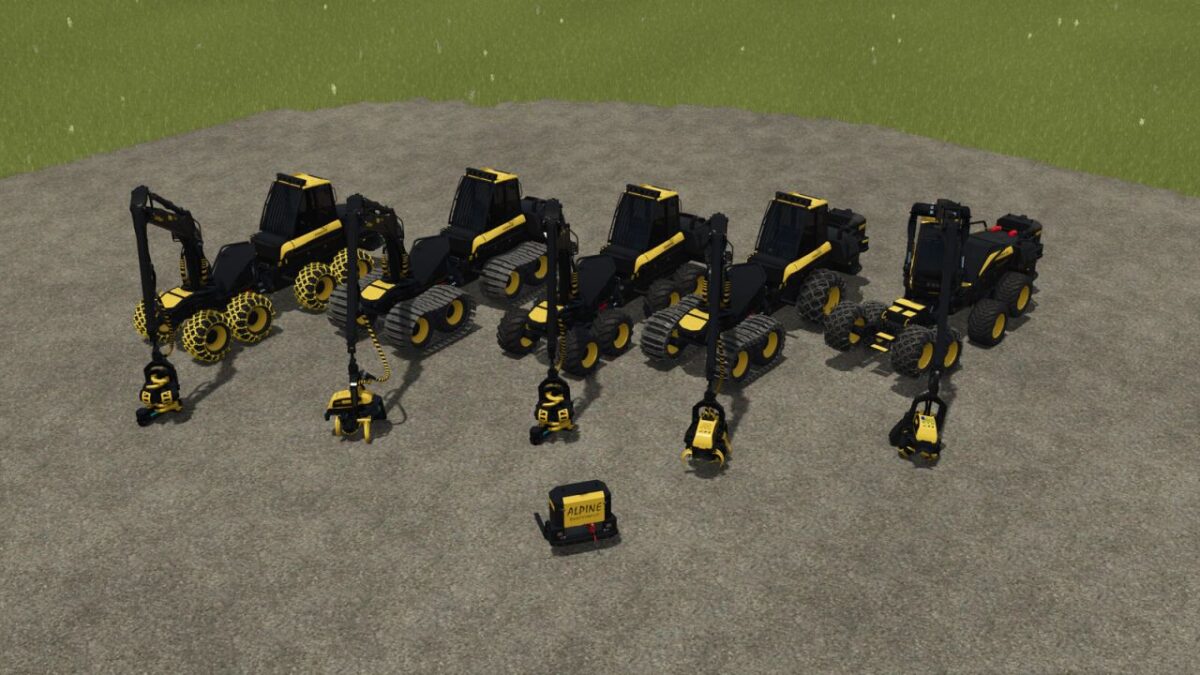
These include:

Cobra
Price: 435,000 $
Power: 285 HP
Category: Harvesters

Ergo 6 Wheel
Price: 430,000 $
Power: 285 HP
Category: Harvesters

Ergo 8 Wheel
Price: 455,000 $
Power: 285 HP
Category: Harvesters

Ergo 8 Wheel Active Frame
Price: 465,000 $
Power: 285 HP
Category: Harvesters

Scorpion King
Price: 485,000 $
Power: 285 HP
Category: Harvesters

Alpine Synchrowinch
Price: 14,999 $
Category: Winches

All vehicles have:
Various wheel and belt/chain sets
Real steering
Various color choices
Optical Shop Options
Chainsaw holder
License plate in the cabin e.g. for driver name
Cutting length up to 25 meters in 0.5 increments
Manual gripping

Version 1.0.0.2:
* Wheel data adjusted for Patch 1.19; tires no longer clip into the ground

Credits:

HR Forst und Fahrzeugbau

How to install FS25 Logging Harvesters?
Firstly find a mod which you like and want to download. Then download a mod to your PC. Mods are usually in .zip format file. But sometimes it can be in .rar. If a mod file is a .zip format no needed additional actions. If a file is in .rar, then you must unarchive mod with software like WinRar or Zip7. Windows 10 users no need to use software for archives, Win10 itself has a feature to unarchive files.
The next step is to find mods folder in your PC. Usually, it is in Documents/My Games/Farming Simulator 25/2025. Open the "mods" folder and put downloaded .zip archive or unarchived .rar file to this folder.
Last step. Enjoy of FS25 mods!

Leave a Reply

Your email address will not be published. Required fields are marked *