

Polish Products Texture Pack v 1.0


A texture pack for Polish products to increase immersion.
Changes:
Butter- Mleczna Dolina (Biedronka
Canned peas – Farmer
Rapeseed oil – Kujawski
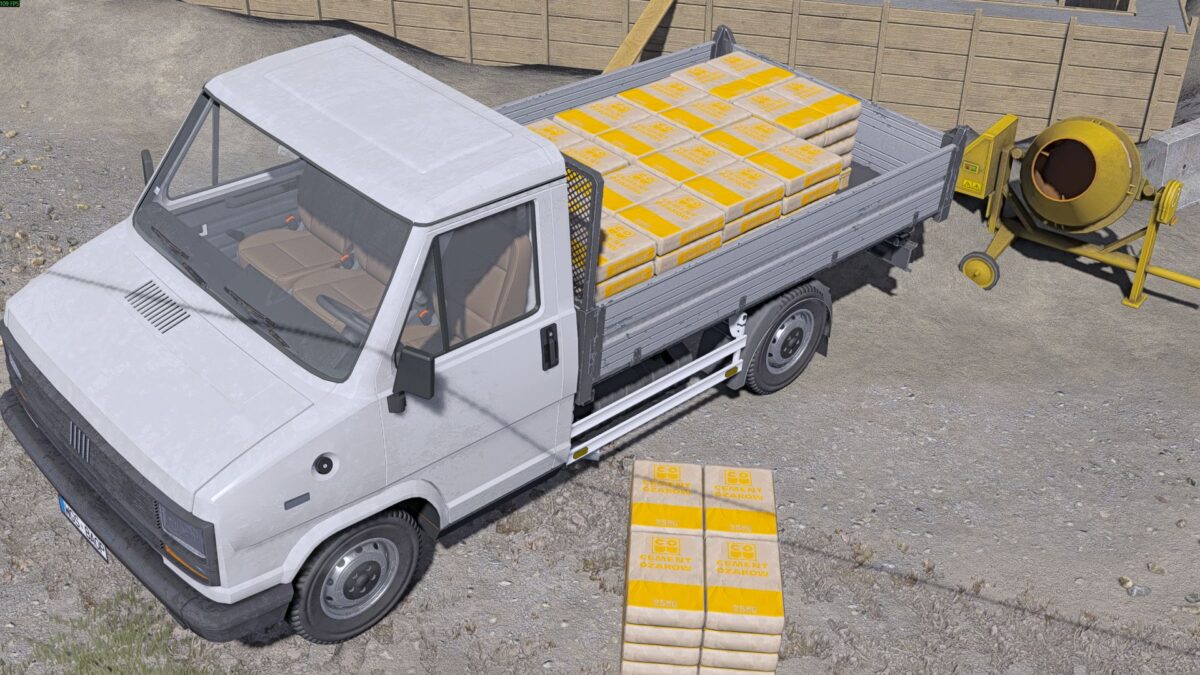
Cement bags – Cement Ożarów
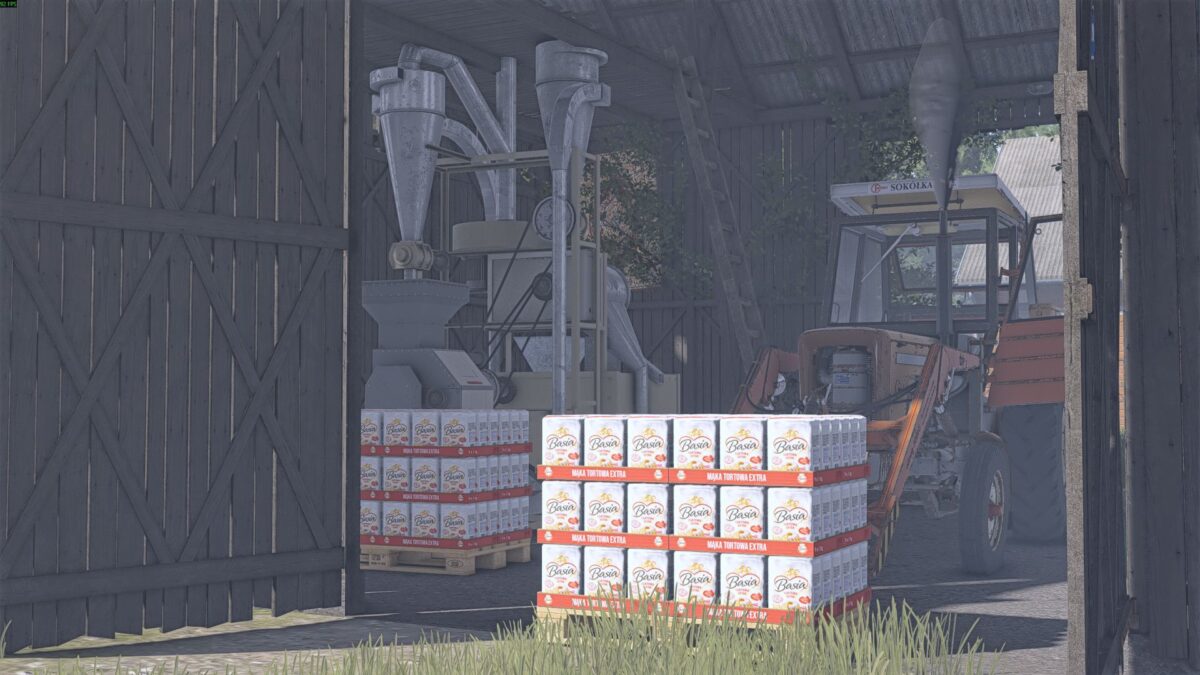
Flour – Basia Flour
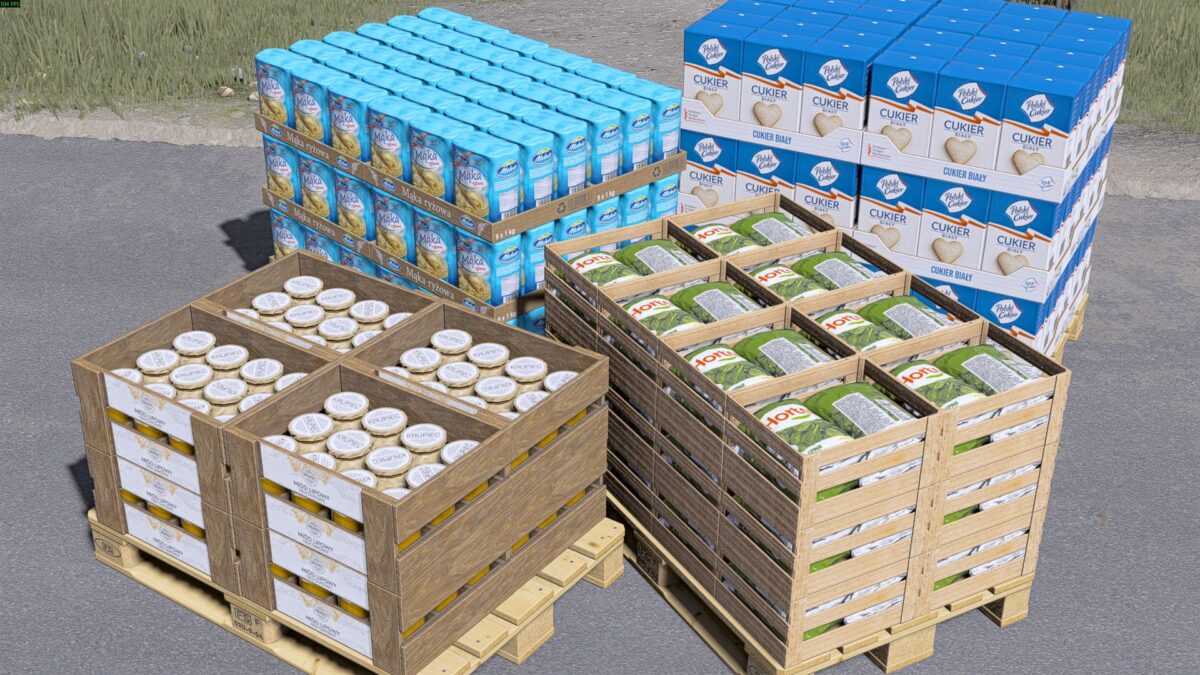
Rice flour – Melvit rice flour
Packed spinach – Hortex
Goat cheese – Danmis
Honey – Krupiec
Green beans in jars – Farmer
Bottled cow’s milk – delicious Mlekovita
Bottled buffalo milk – Łaciate
Bottled goat milk – Danmis
Mozzarella – Formagia (Euroser)
Potato chips – Country potatoes
Canned carrots – Farmer
Canned beets – Farmer
Red borscht – Urbanek
Cukier – Polski Cukier
Sunflower oil – Greater Poland oil
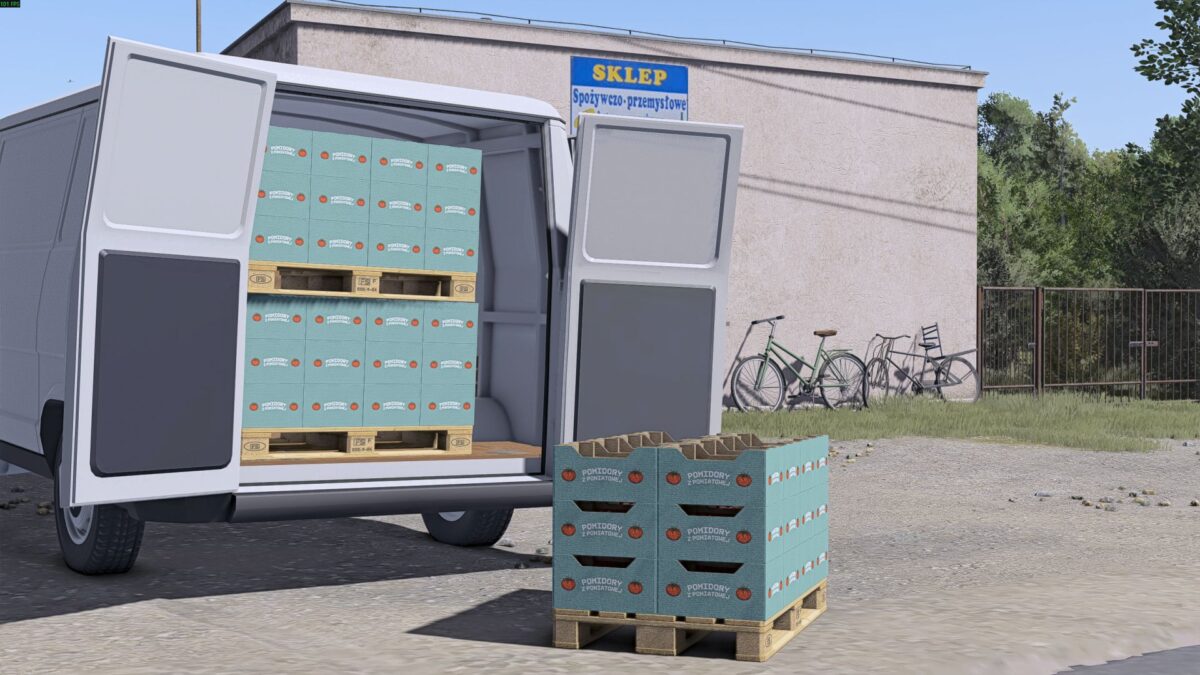
Tomatoes – Tomatoes from Poniatowa
All the above textures were created based on existing products, the textures below were generated using artificial intelligence in order to maintain graphical consistency with the rest, as they have no equivalent in real products:
Canned parsnips – Farmer
Carrot soup – Urbanek
Three-ingredient soup – Urbanek
Parsnip soup – Urbanek
Potato soup – Urbanek
Installation like any other texture.
Credits:
tryta


