

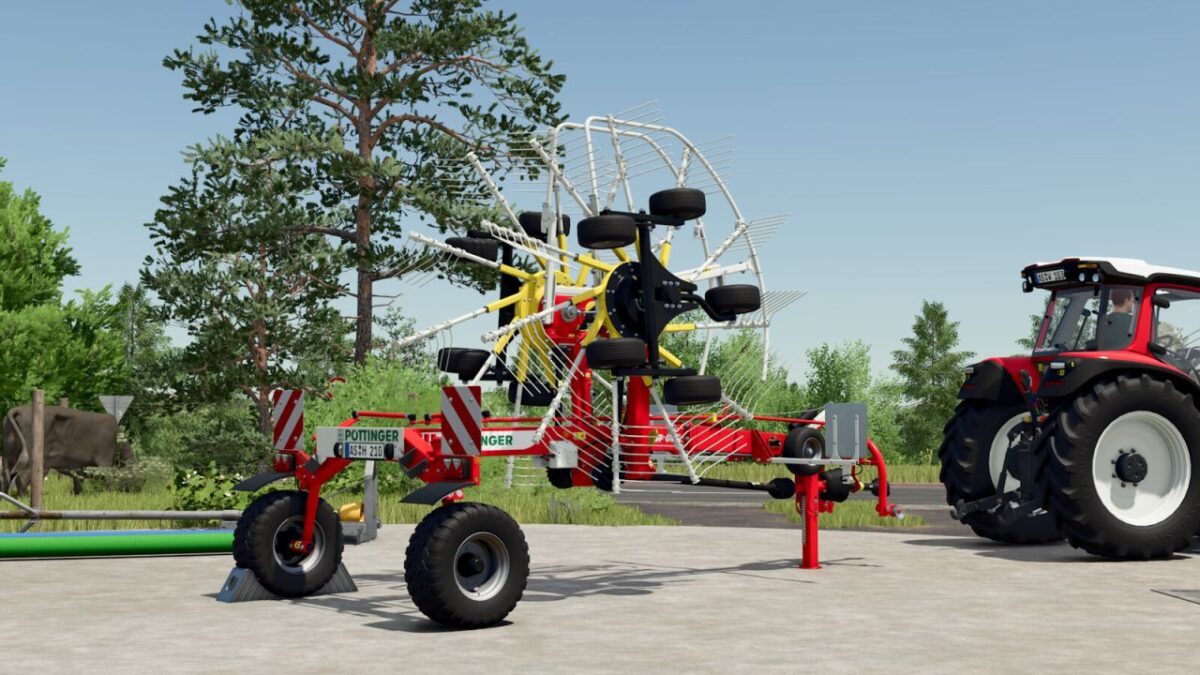
Poettinger Top 612 C v 1.0.0.1


Poettinger has taken on the issues of high forage quality, perfect ground adaptation and manoeuvrability.
With the new centre rake model TOP 612 C, a double centre rake has been developed whose manoeuvrability and soiland forage friendly technology is unique.
Category: Windrowers
Price: 23,500 $
Working speed: 15 km/h
Weight: 1.830 kg
Number of rotors: 2
Number of tine arms: 11
Double prongs per arm: 4
Required power: 40 hp
Working width: 5.90 m
Configurations:
Fender
Tires
Fold-out animation
MULTITAST
Swath cloth
Rear lights
Wheel hub color
Version 1.0.0.1:
* Fixed number plate light
* Windrow placement position improved
* New wheels added for the rotors
* Configuration for the rear lights added
* Wheel hub color selection added
* Further adjustments
Credits:
Agrar Design Austria


