PnH Flow Control v1.0.0.0


BGA FlowControl – Smart Feeding for Modular Biogas Plants
Does this sound familiar? You’re in the middle of the harvest rush, the silage supply in the digester is running low, and suddenly the entire biogas plant comes to a standstill—even though the tanks for liquid manure, solid manure, and sugar beet pulp are full to the brim. That’s over now!
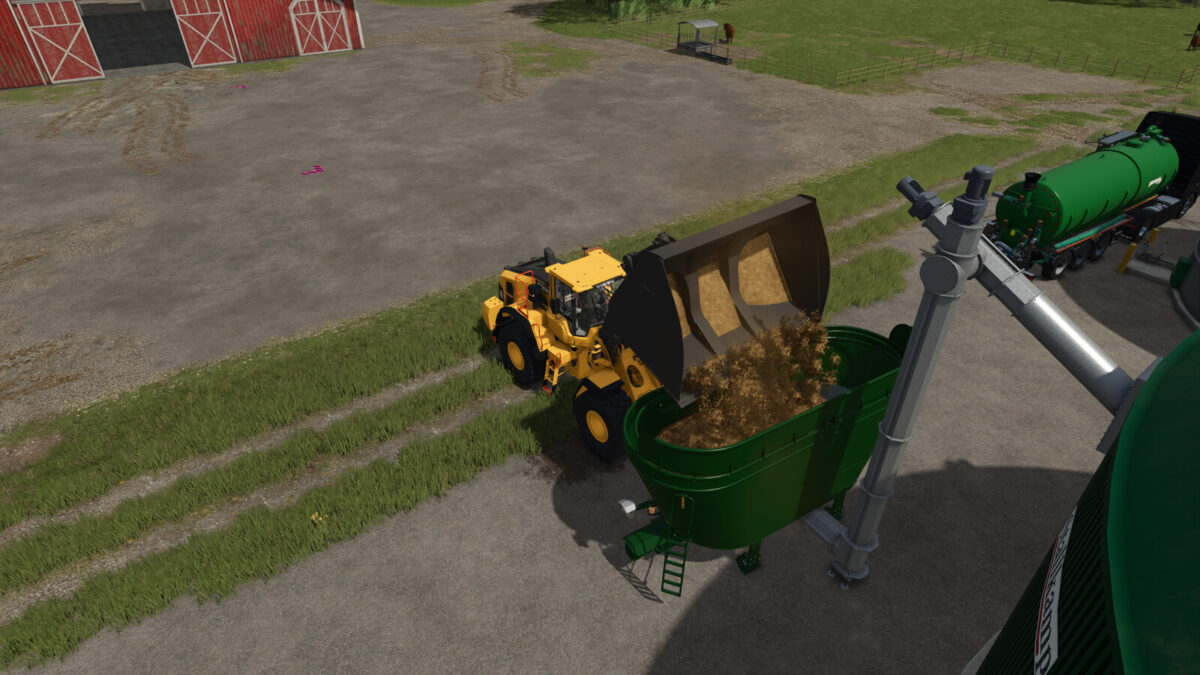
BGA FlowControl equips the modular biogas plants from the Pumps N’ Hoses DLC with intelligent, practical feed and recipe control. Decide for yourself how much to feed, run mono- or mixed-fermentation, and use alternative substrates like CCM, fresh grass, or spent grain directly in the dosing hopper!
IMPORTANT NOTE:
This mod requires the official “Pumps N’ Hoses Pack” (DLC) and optimizes its modular digesters and dosing hoppers.
FEATURES:
1. Dynamic Recipes Instead of Mandatory Silage
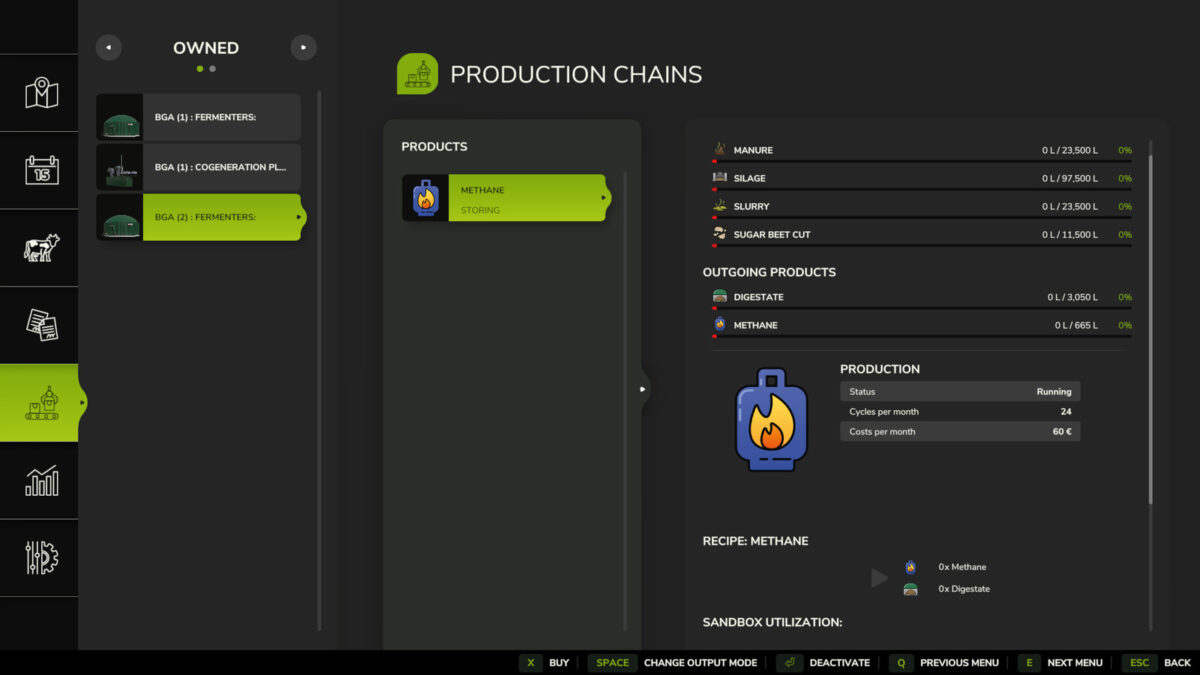
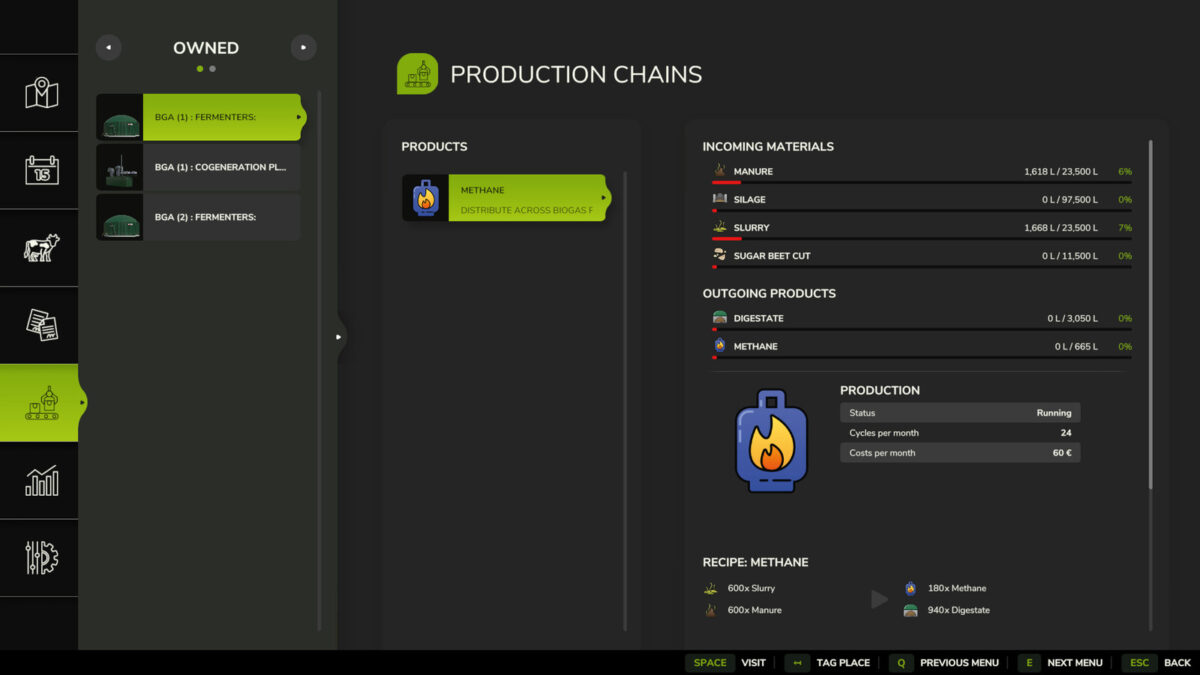
Gone are the days of rigid mandatory inputs: If there’s no silage in the fermenter, biogas production no longer stops. The plant dynamically adjusts its recipe and flexibly ferments only the substrates that are actually stored in the tank.
2. Feed control at the push of a button (0% to 140%)
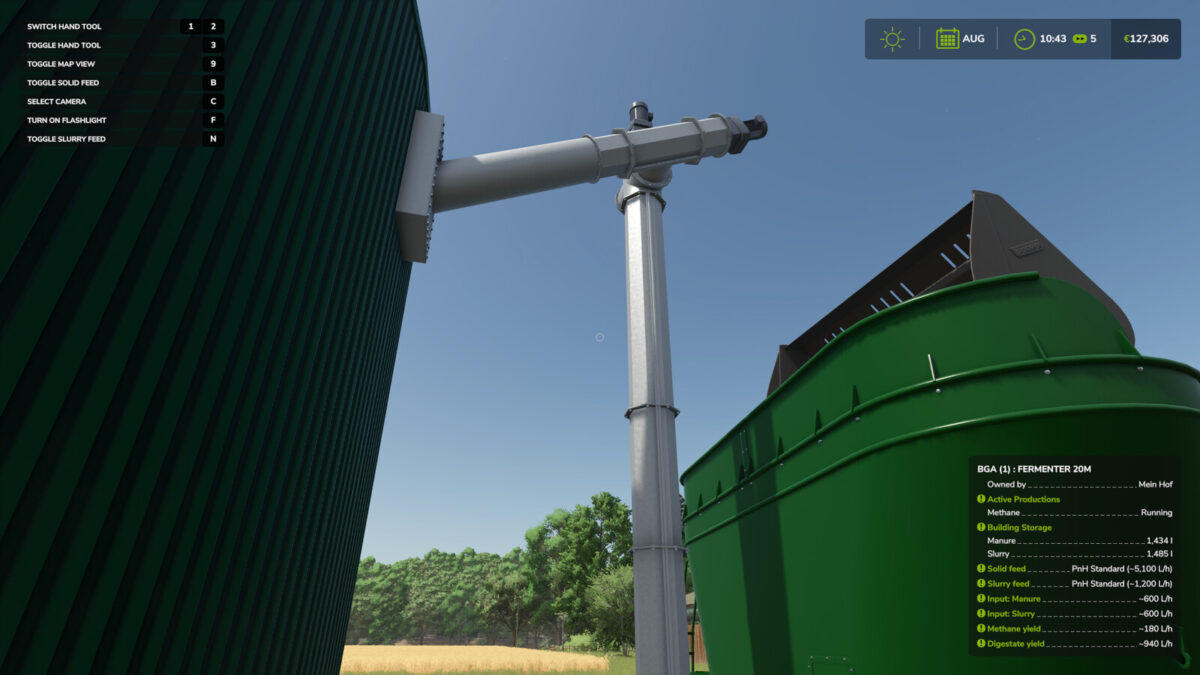
Control the feed rate directly at the digester in fine increments:
• Button B: Toggle solid feed (Off / 20% / 40% / 60% / 80% / 100% / 120% / 140%)
• Button N: Toggle slurry feed (Off / 20% / 40% / 60% / 80% / 100% / 120% / 140%)
(Button assignments can be freely customized in the game menu)
3. Buffer Filling for Servers & Absences
Set the feed rate to 120% or 140%: The dosing unit replenishes the system faster than the reactor consumes it. This allows you to specifically replenish the fermenter’s internal supply on Dedicated Servers before extended absences or overnight. Conversely, the “Off (0%)” setting enables targeted mono-fermentation of pure manure or pure solids.
4. Integrated Substrate Converter on the PnH Bunker
Dump whatever your farm produces! The dosing bunker now accepts numerous additional crops (as bulk material or bales, if available on the map) and automatically converts them into the appropriate base substrate upon loading using a fair, energy-equivalent yield ratio:
• To silage: CCM (144%), dried silage corn (109%), beet pulp (103%), haylage (103%), grass silage (97%), clover silage (94%), brewer’s grains (94%), alfalfa silage (91%), fresh grass (56%), green rye / field grass, and much more.
• For manure: Straw (52%), compost (29%)
• For root crops: Potato pulp (100%), sugar beets (80%), potatoes (80%)
5. Live Telemetry in Infotrigger
Step up to the fermenter and keep an eye on all process data:
• Selected feed stage, including target flow rate (~L/h)
• Active substrate consumption for each individual raw material (~L/h)
• Actual methane yield (~L/h)
• Actual digestate production (~L/h)
6. Clean Residual Utilization & Multiplayer Support
• No bottlenecks due to minimum quantities: Residual stocks are completely fermented down to zero liters.
• 100% multiplayer and dedicated server compatible: All switch states and flow rates run synchronously across all clients under strict server authority.
• Access Restriction: Only authorized farm members can adjust feed levels.
Jump in, set it up, and hit the gas!
No complicated configuration required: Activate the mod, load an existing save file, and perfectly tailor your BGA’s feeding to your farm operations.
Credits:
Kastor[DSA]