

Player Workers v 1.0


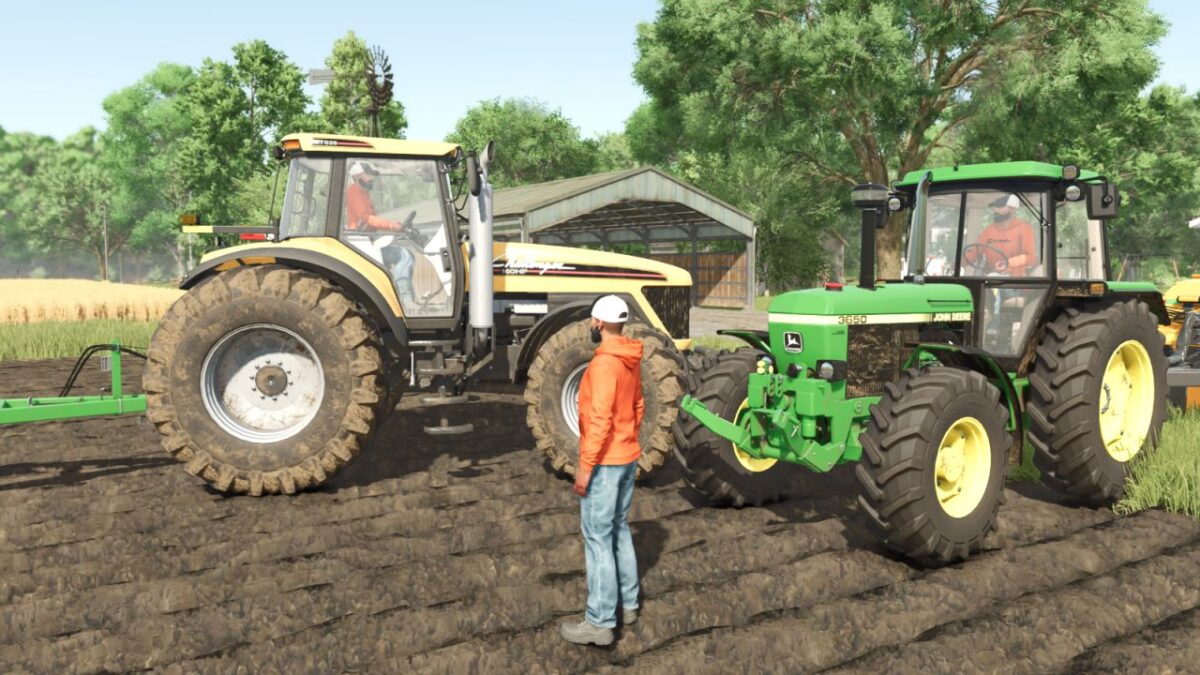
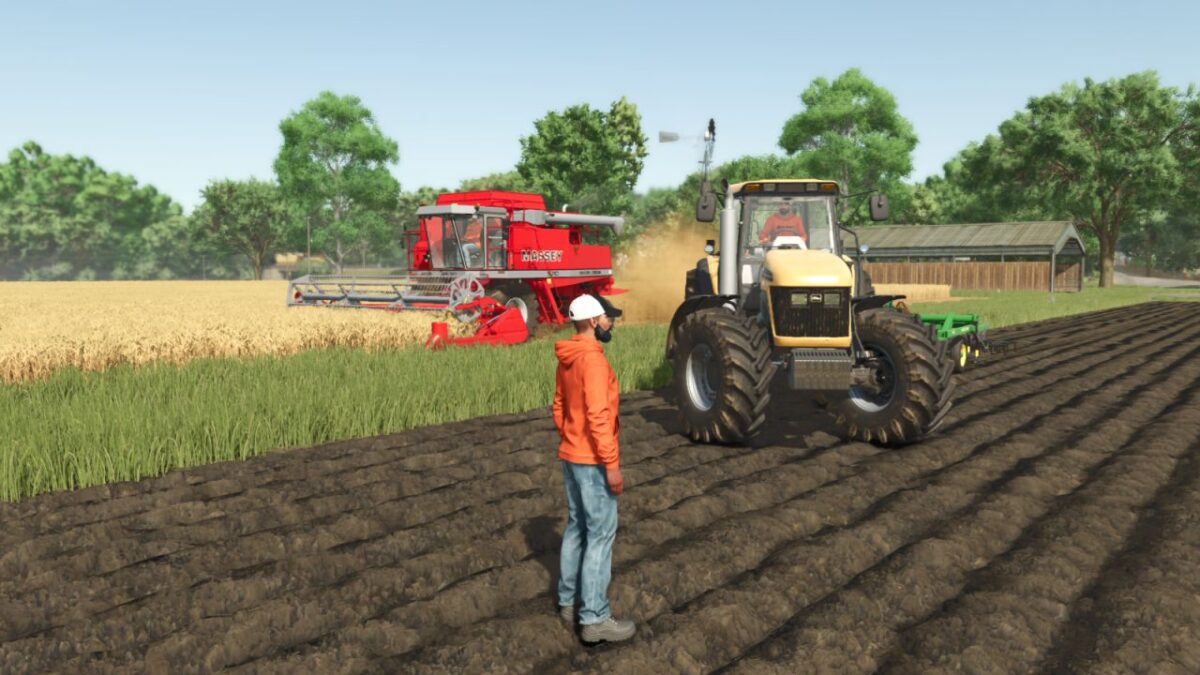
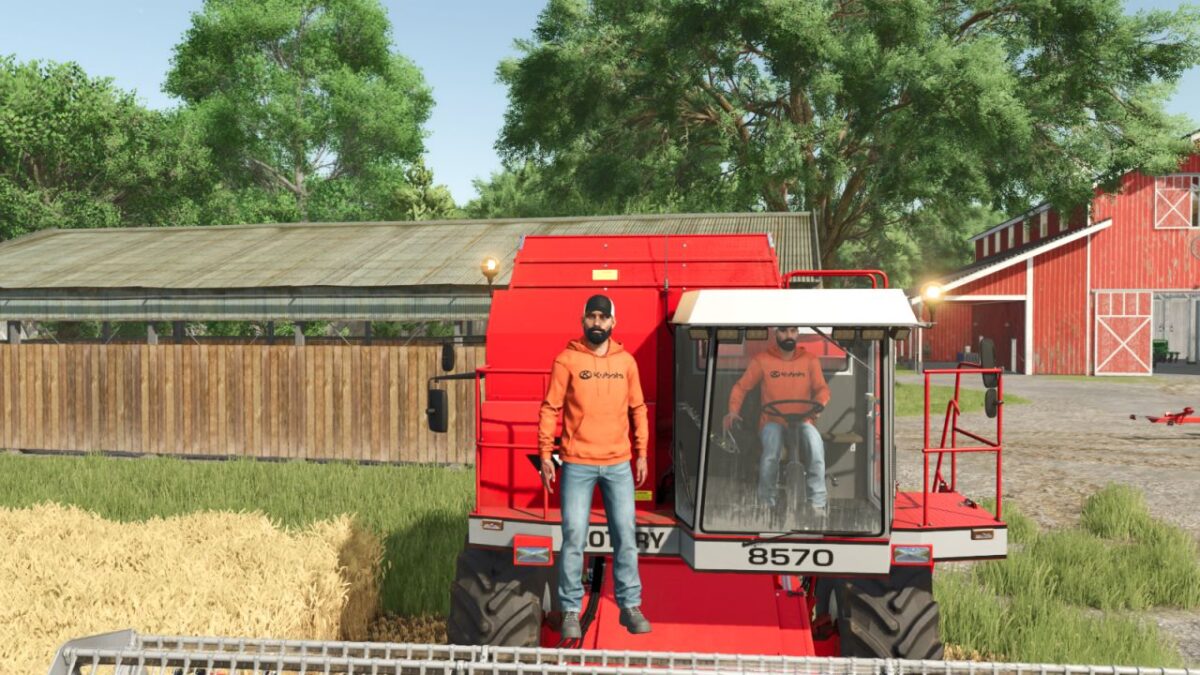
Player Workers is a simple visual immersion mod that makes hired AI workers use the same visible character appearance as your player.
This mod is especially useful for content creators, video editors, roleplay players, and farm story series where visual consistency matters. Instead of random helper characters appearing in your machines, hired workers match your player model to help preserve authenticity in recorded scenes and screenshots.
The mod does not add new clothing, edit base game character files, or change gameplay balance. It only applies your current player appearance to AI worker vehicle characters.
Features:
– AI workers copy the local player’s visible character style
– Helps maintain visual continuity for videos and screenshots
– Great for roleplay farms and story-based series
– No gameplay balance changes
– Lightweight script mod
Credits:
plutogaming91


