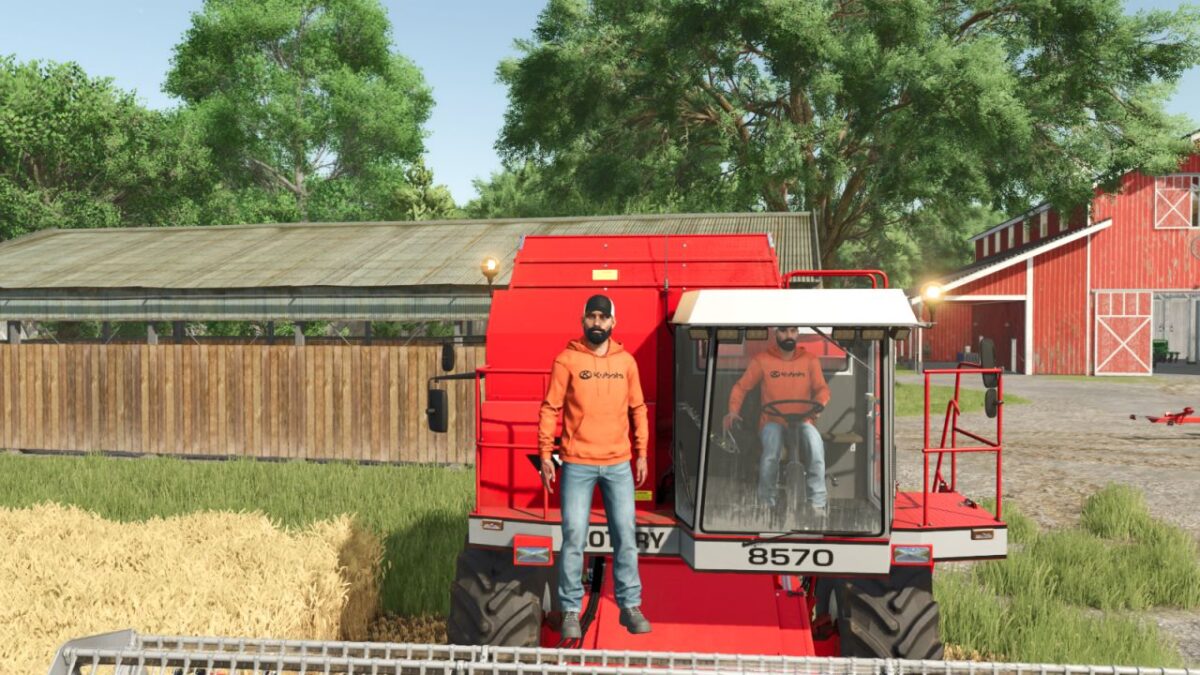
Player Workers v 1.0.0.1


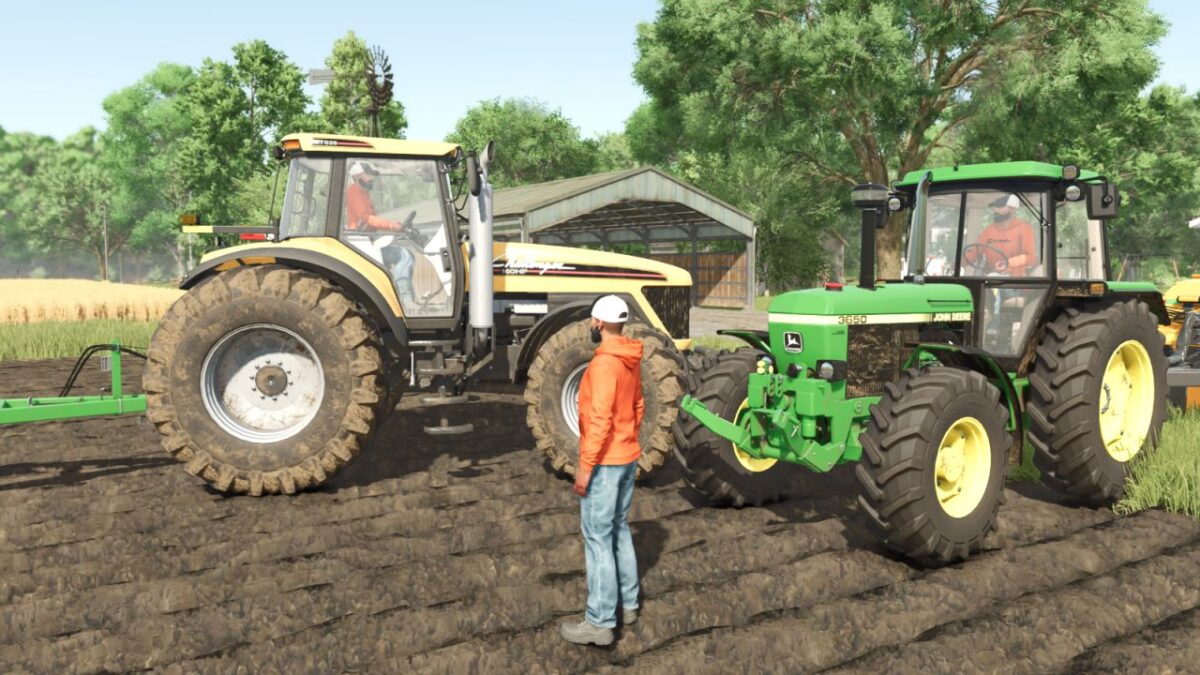
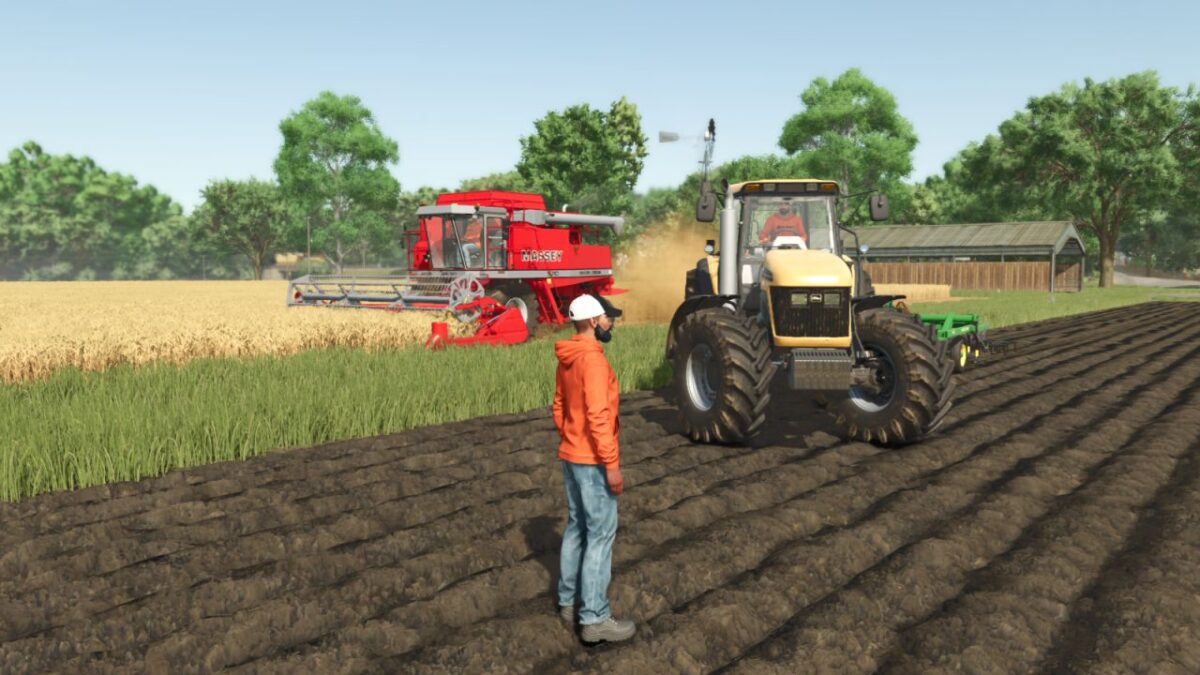
Player Workers makes hired workers use the same visible character style as the local player when a base game helper, AutoDrive driver, or Courseplay driver takes control of a vehicle.
This is intended as a visual authenticity tool for videos, screenshots, roleplay scenes, and farm story content. Workers appear with the player’s selected character style, which keeps recorded farm scenes more consistent.
The mod does not add custom clothing, replace base game character files, alter wages, change routes, change vehicle functions, or adjust gameplay balance. AutoDrive and Courseplay support is handled automatically when those mods are installed.
Hotkeys: None required.
Version 1.0.0.1:
* Fixed AutoDrive driver detection and style application after AutoDrive takes control of a vehicle
* Fixed Courseplay driver detection and style application after Courseplay starts a worker
* Improved compatibility checks for automation mods that do not always create a standard helper first
Credits:
Plutogaming91