

Placeable Tire Tracks v 1.0


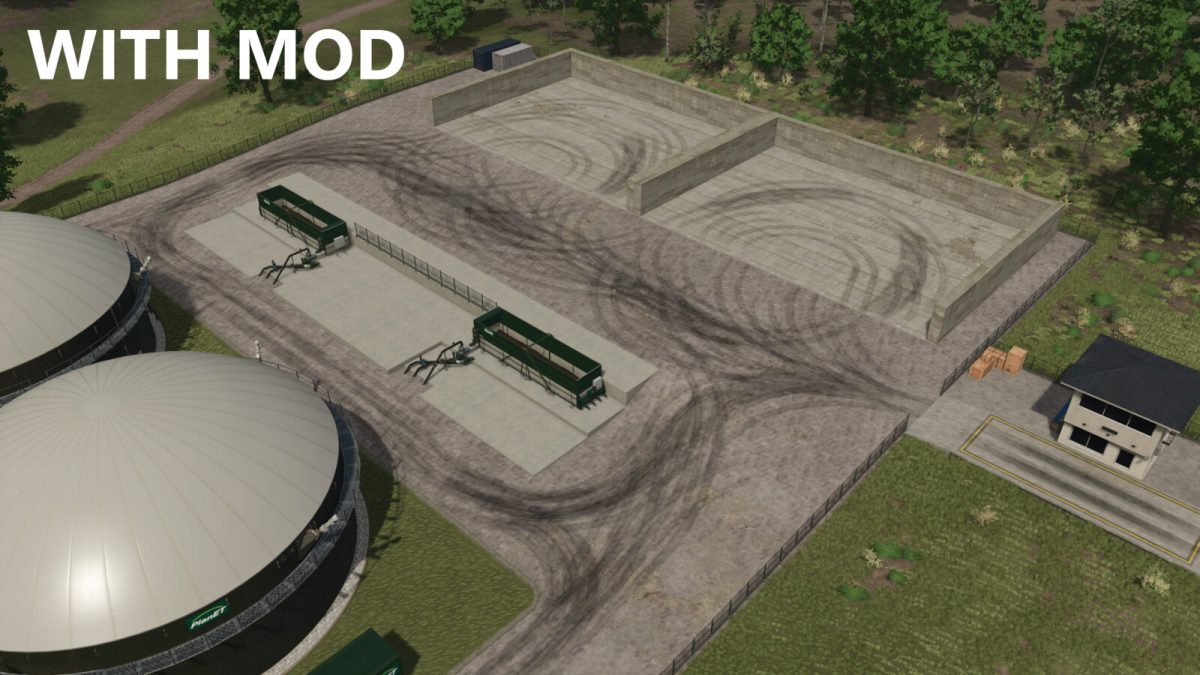
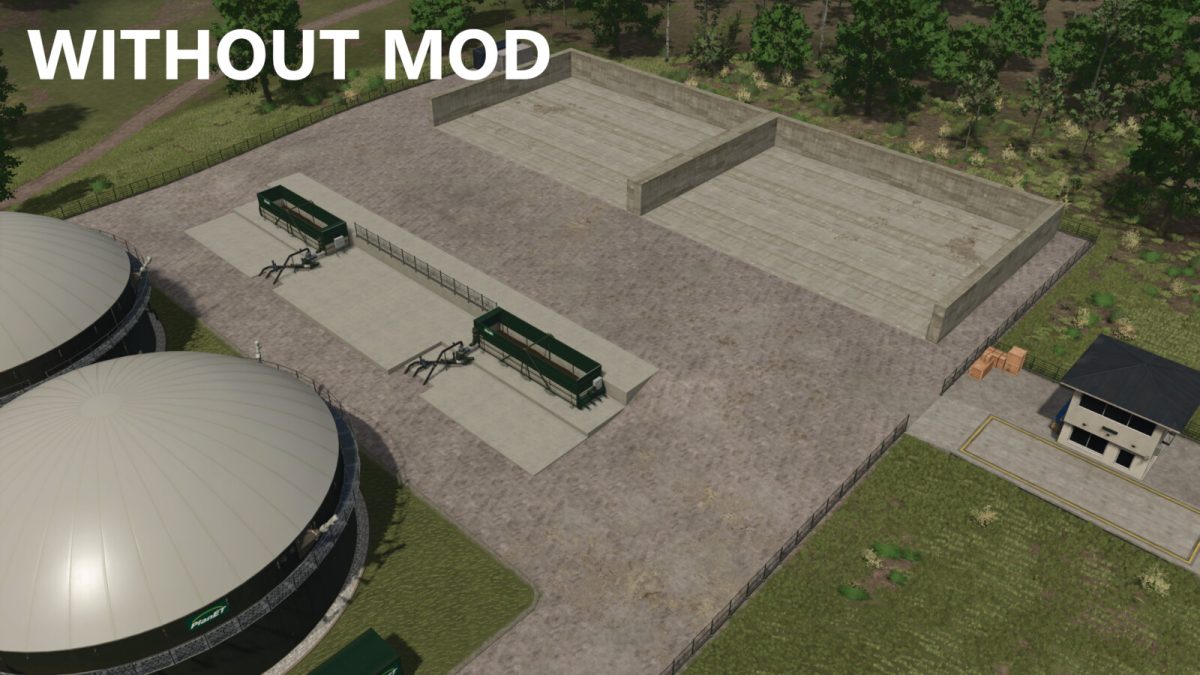
The constant maneuvering of the various equipment and vehicles will leave visible tire tracks on the farm areas over time.
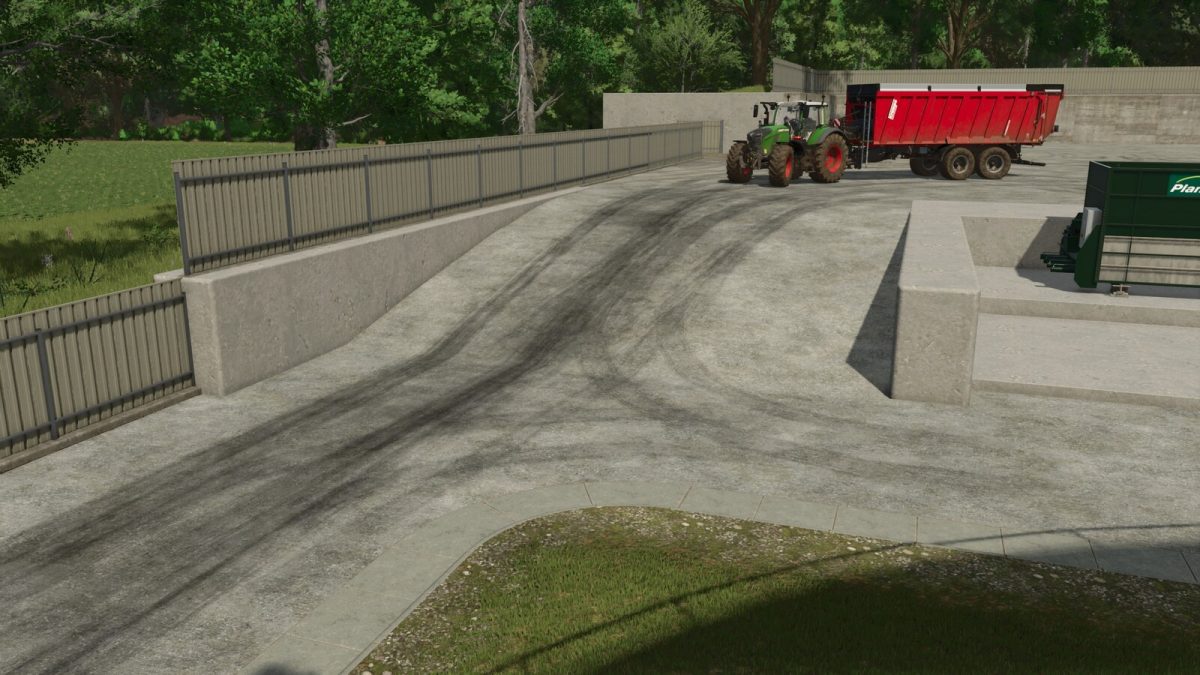
With this pack of placeable tire tracks, you can decorate your farm areas and create an authentic look.
The pack contains different types of tire tracks in straight, curved, narrow and wide variants so that you can adapt them perfectly to your farm.
When placing the tire tracks in the construction menu, you can choose between two modes in the configuration menu (key “F” by default):
– In the first mode, the tire track adapts to the terrain when it is placed. This means that the texture is placed directly on the ground and follows the terrain contour. The terrain can still be edited afterwards (e.g. raised or lowered) and the tire track always aligns itself.
– In the second mode, the tire track is placed horizontally at the height of the mouse cursor so that you can also place the tire tracks inside of buildings and bunker silos.
The tire tracks can also be sold again.
In total, 13 different placeable tire tracks are included.
Tire Tracks (various)
Category: Miscellaneous
Price: $50
Daily upkeep: $0
Credits:
AgrarKadabra


