

Placeable Crossings v 1.0


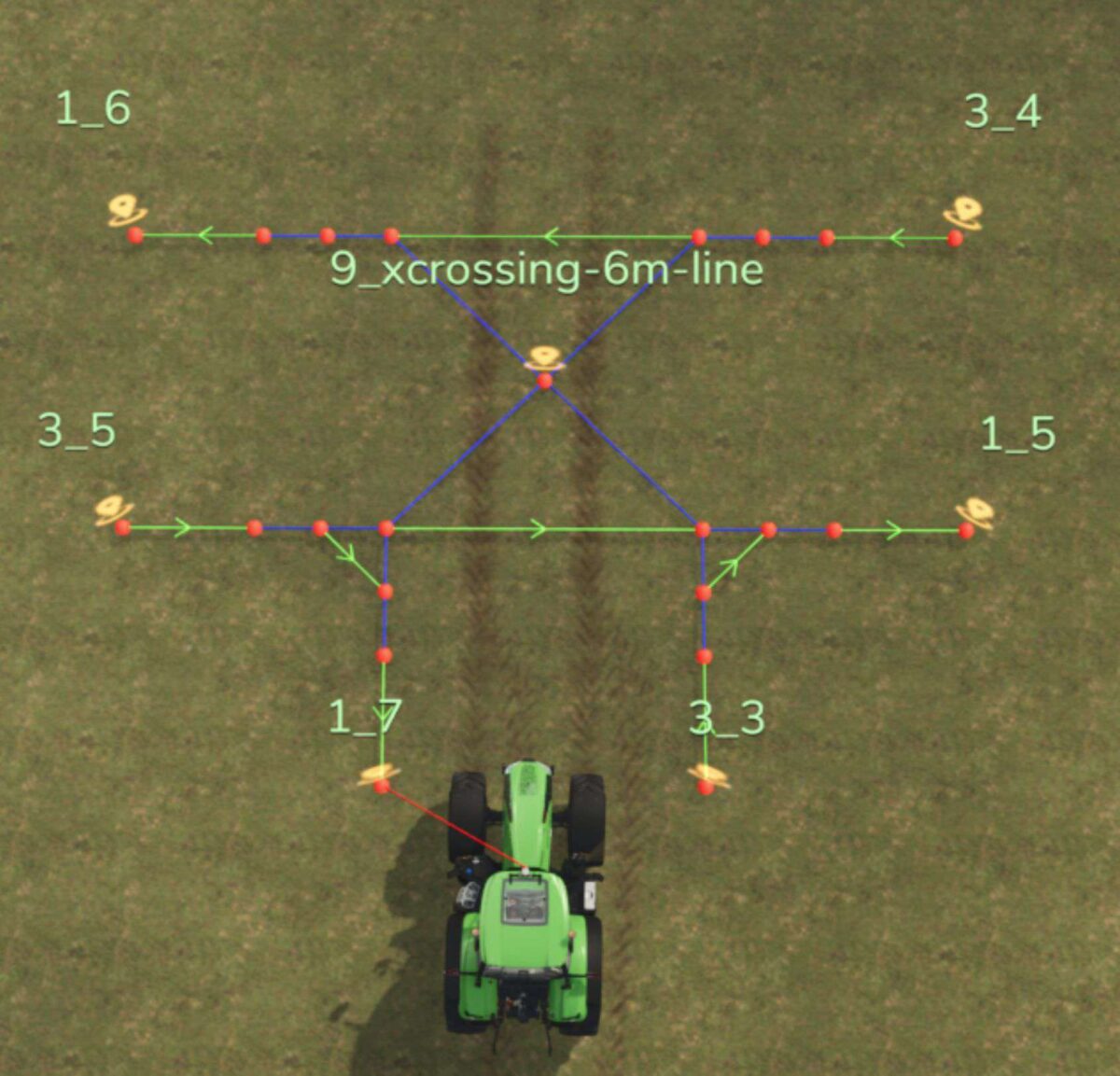
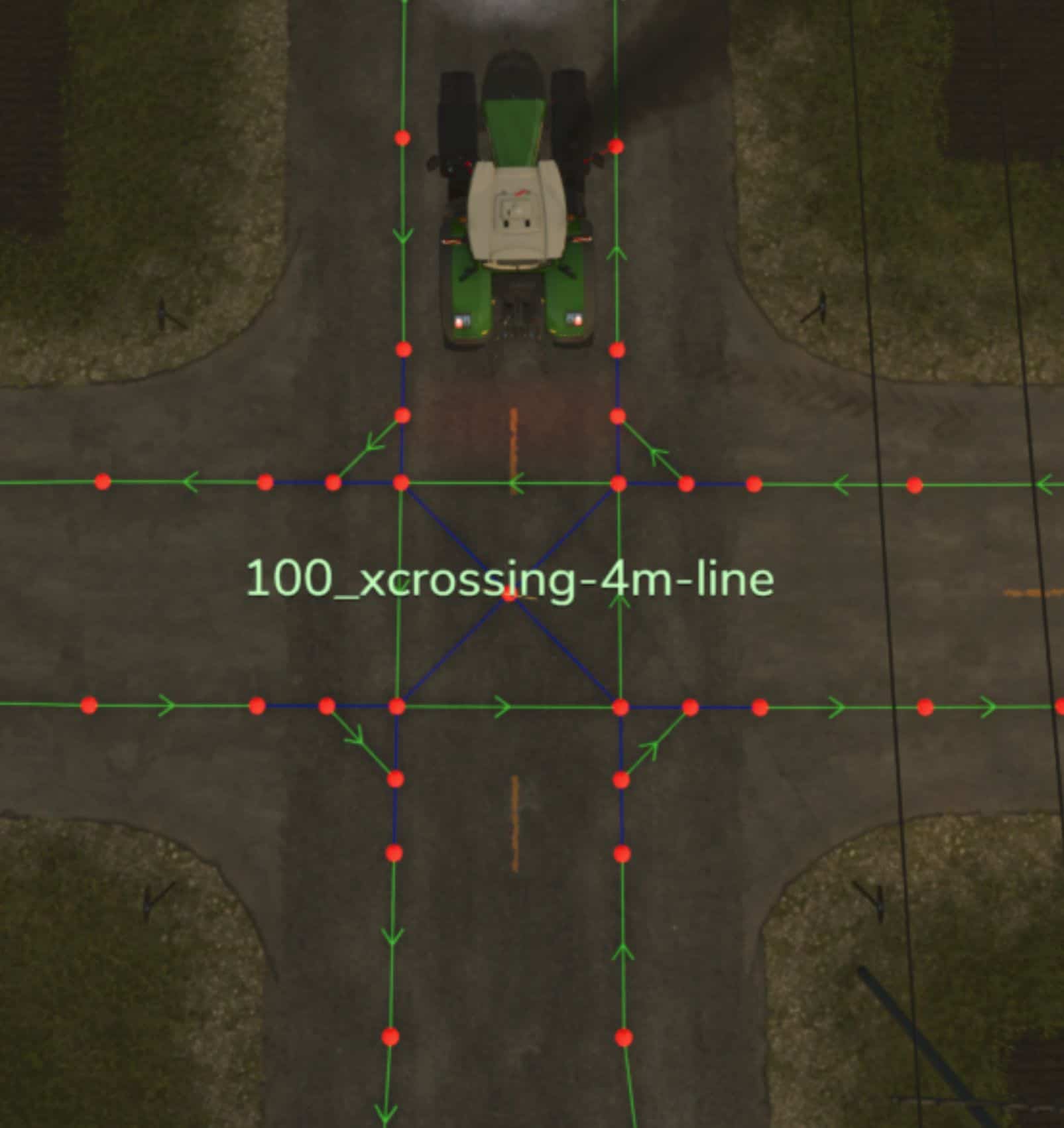
With this mod you can build a finished AD intersection on the map.
In the construction menu under Decorations – Other you will find four intersections with track widths of 3m, 4m, 5m and 6m.
These intersections have a positioning aid (yellow cross) to align them.
If you leave the construction menu after placing them, the waypoints of an AD intersection are created with a destination point in the middle.
You can then connect these to your route network.
The yellow cross can be sold again via the construction menu.
You should delete the destination points of the intersections again after completing the routes, otherwise they will influence the route calculation by AutoDrive.
They are very useful for creating routes, as they allow you to drive directly to every intersection with AutoDrive.
You need a mod that allows placement on land that does not belong to you.
Credits:
Williwillswisse


