

Placeable Construction Signs v 1.0.0.1


Category: decoration
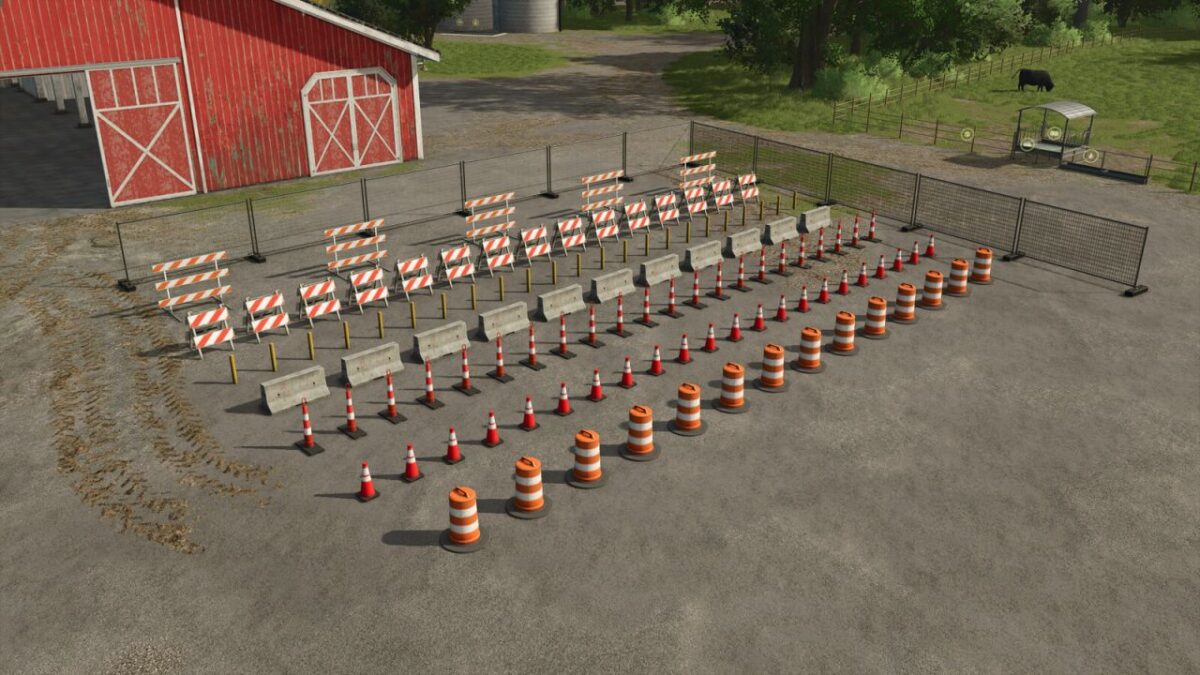
Construction barricade
$50
Daily cost: $2
Small construction barricade
$25
Daily cost: $2
Steel post
$20
Daily cost: $2
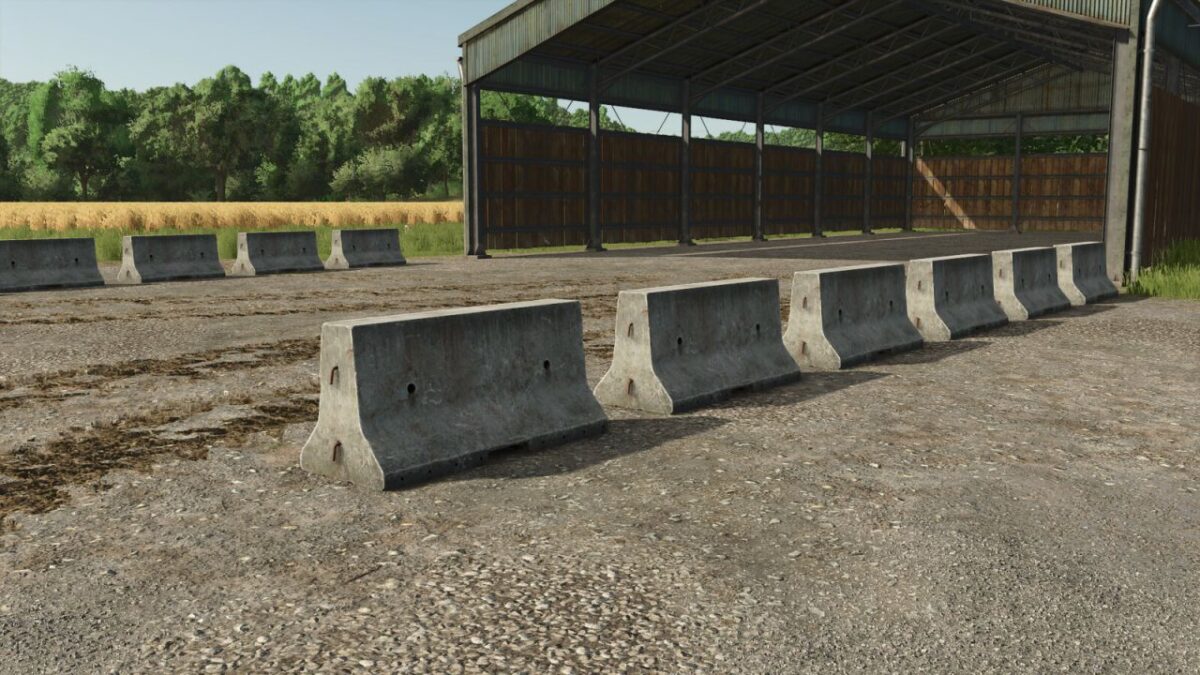
Concrete road block
$15
Daily cost: $2
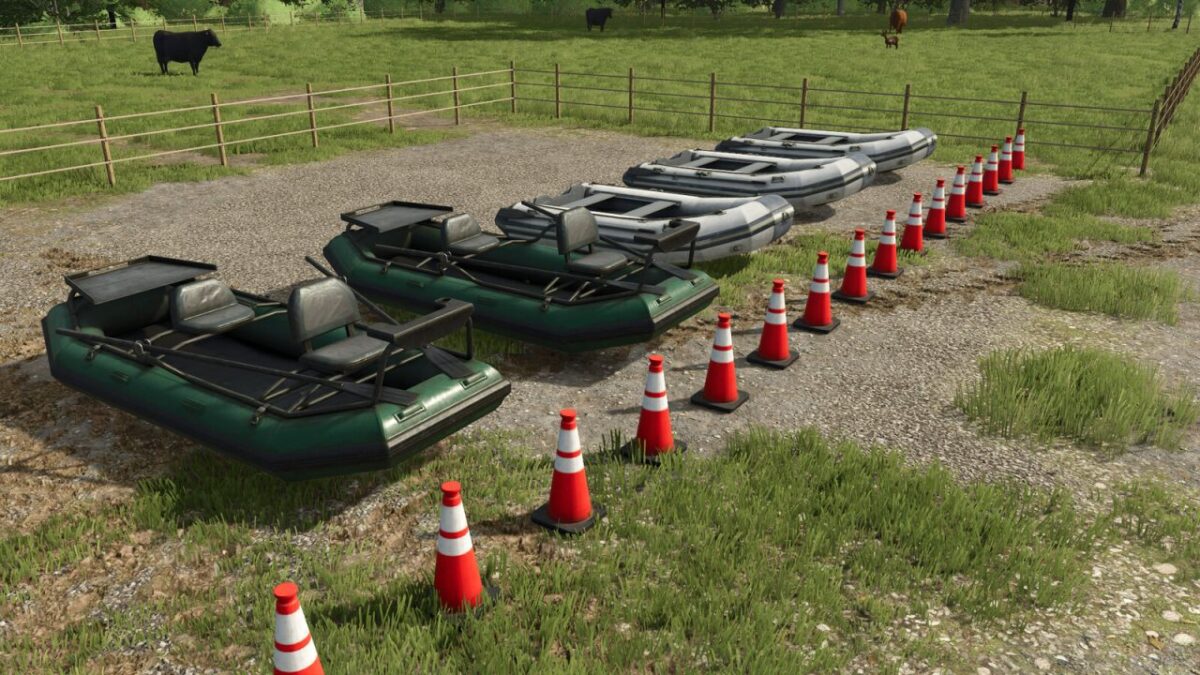
Traffic cone
$15
Daily cost: $2
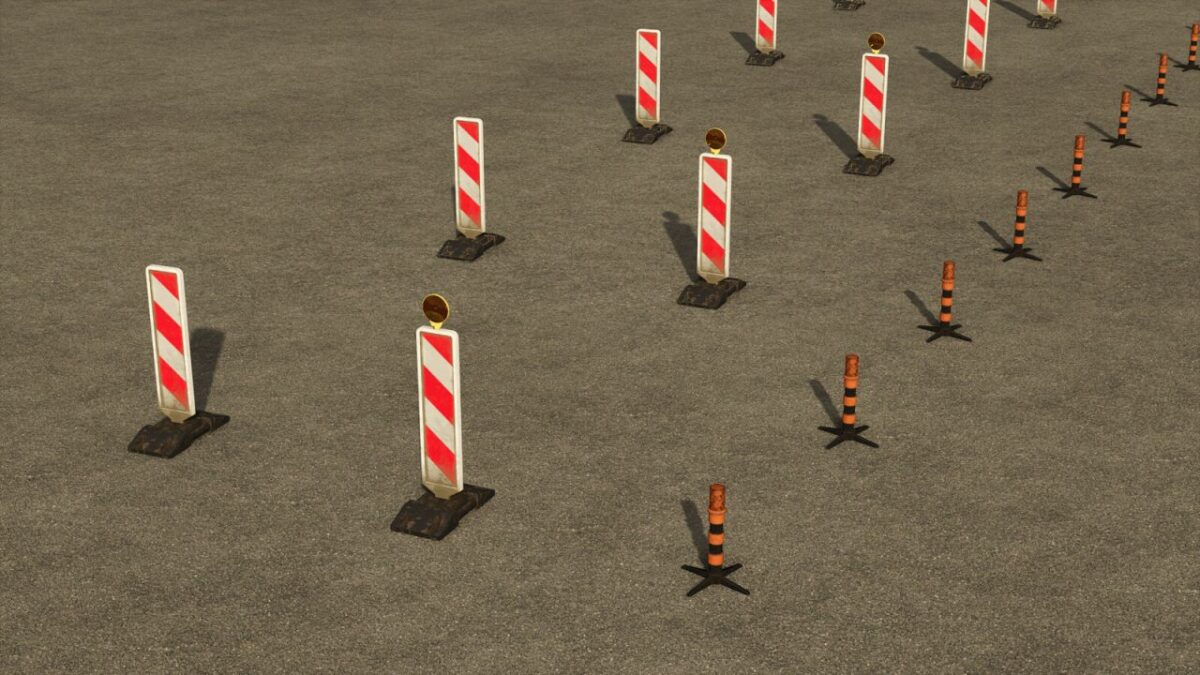
Boundary post
$10
Daily cost: $2
Traffic drum
$10
Daily cost: $2
Metal barrier
$70
Daily cost: $5
The rock pile automatically regenerates every hour, offering 30,000 liters to recover. Come and help yourself!
Price: $1,000
Daily cost: $5
A set of signs for your construction sites or work on the farm. For use with the Construction tool. The placement uses the system of fences. Click to define a starting point, then an ending point, the game takes care of placing the signs in a linear fashion.
The pack contains: Signaling cone, Construction fence, Marking post, Circulation drum, Barricades of construction site, Steel post, Concrete barrier.
Version 1.0.0.1:
* Added K5C beacons
* Modification of the gravel pile
* Added orange luminous candle
Credits:
AgriKevolution


