

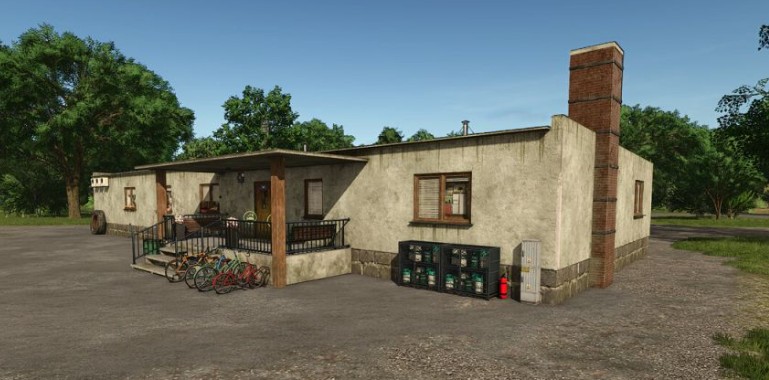
PGR Office v 1.0


The PGR Office v 1.0 introduces a realistic office building that reflects the infrastructure seen on Polish state-owned farms.
This mod serves as a functional addition for players looking to enhance their farming experience with a dedicated space for managing farm operations.
The office is designed to accommodate various aspects of farm management and includes a sleeping function for in-game convenience.
Suitable for players who prefer a more immersive farming simulation, the PGR Office complements the aesthetic of a state-owned farm while providing practical features.
This mod is categorized under farmhouses and can be purchased for $55,000.
Players should note that there is a monthly upkeep cost of $5 associated with maintaining the office.
– Realistic office building design
– Sleeping function included
– Reflects infrastructure of Polish state-owned farms
– Price: $55,000
– Monthly upkeep: $5
– Category: Farmhouses
Credits:
Raider


