

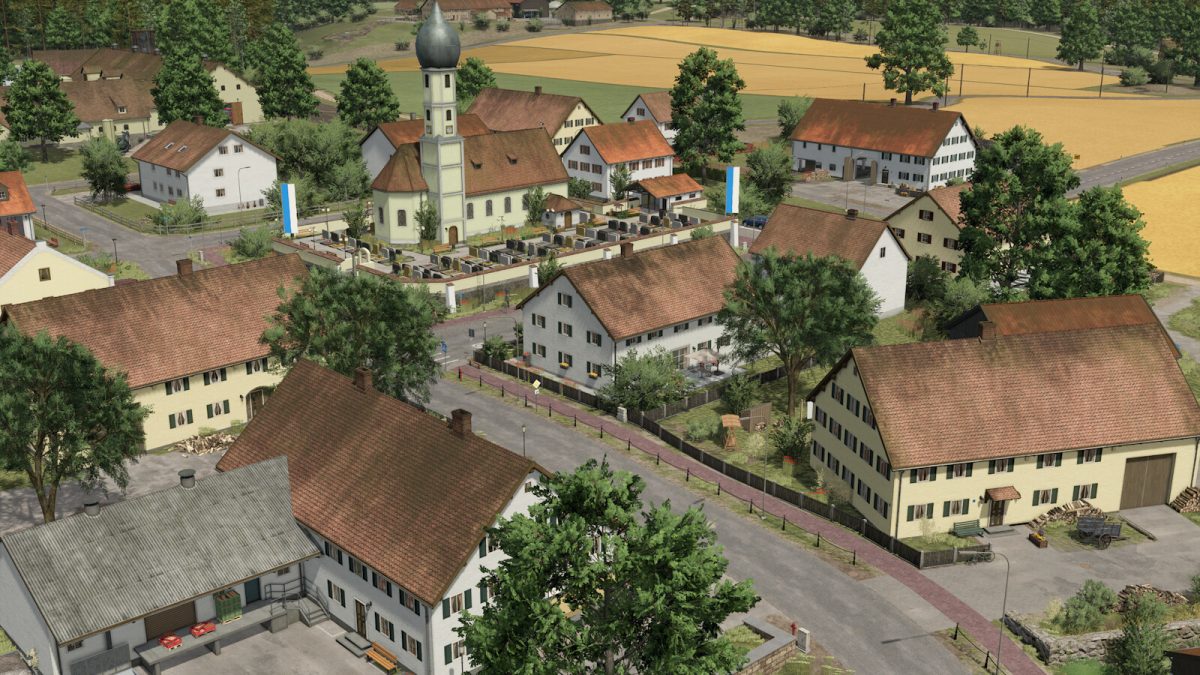
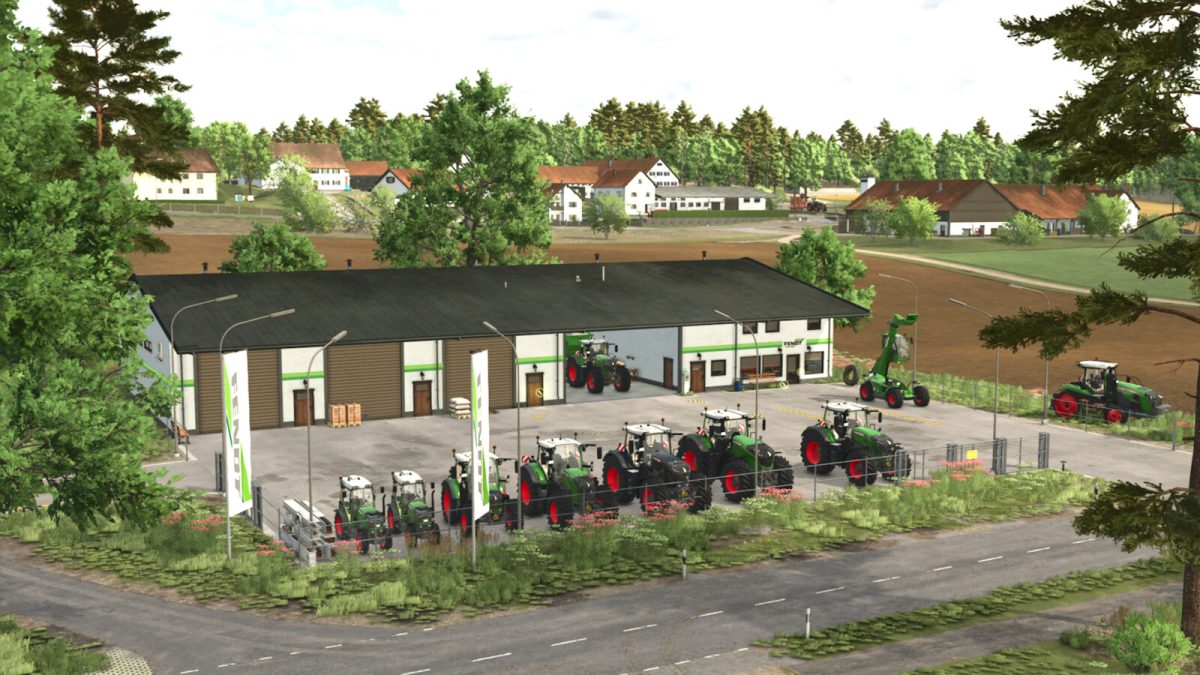
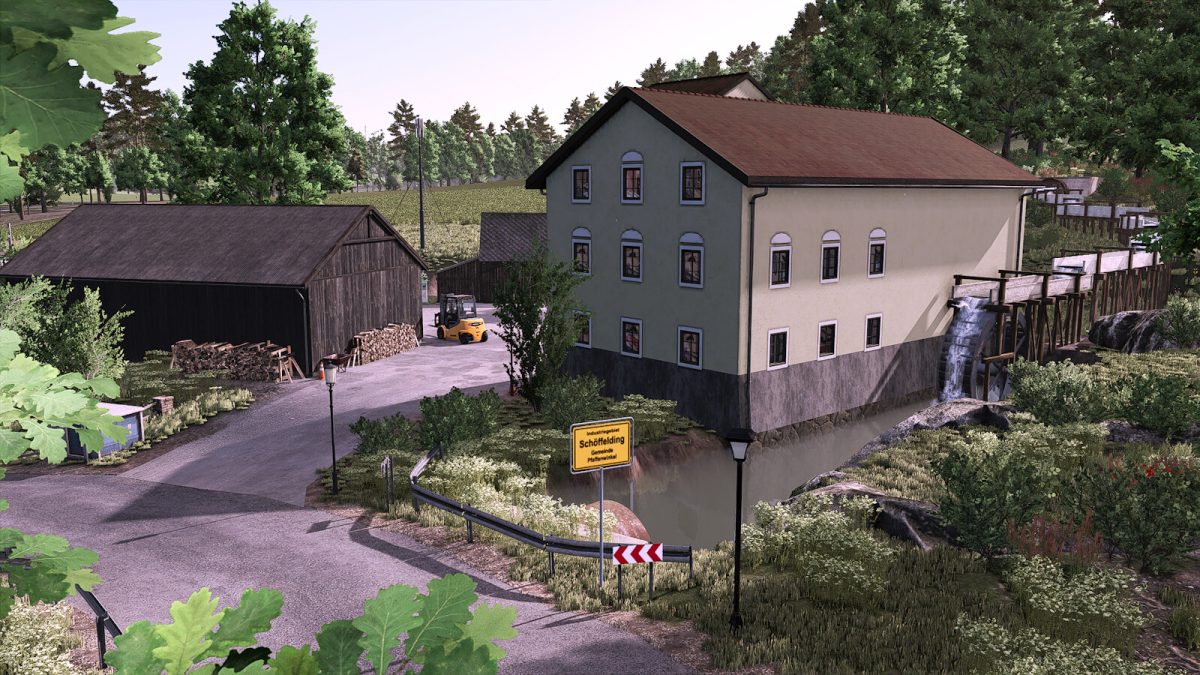
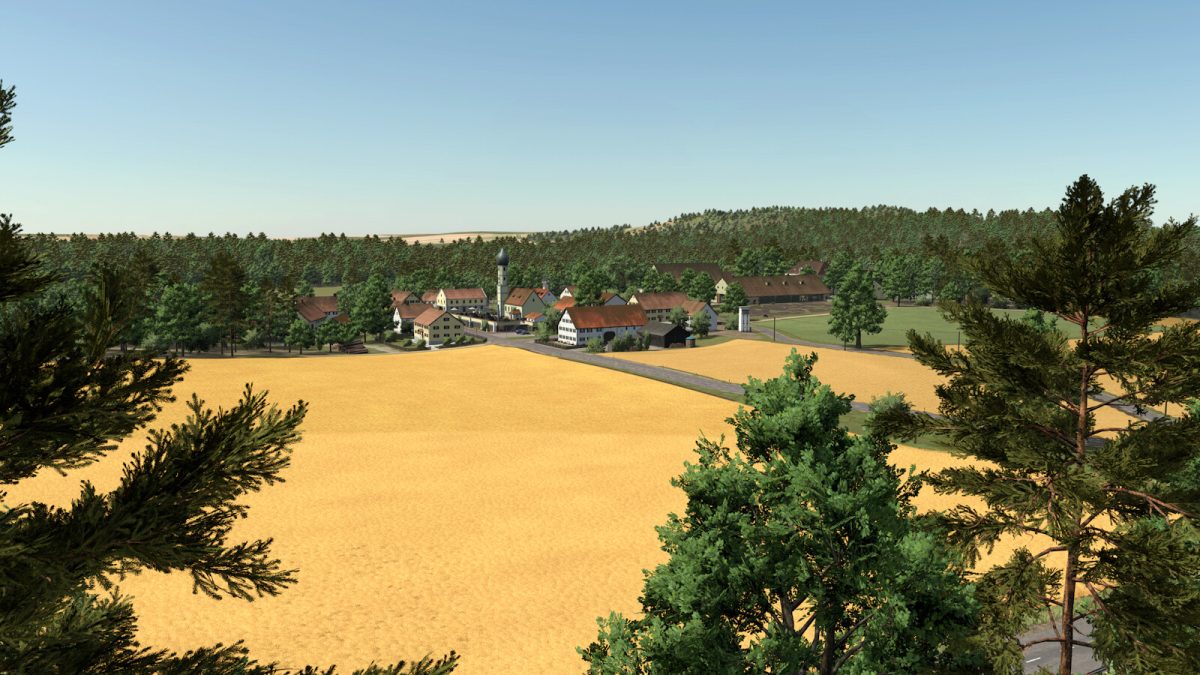
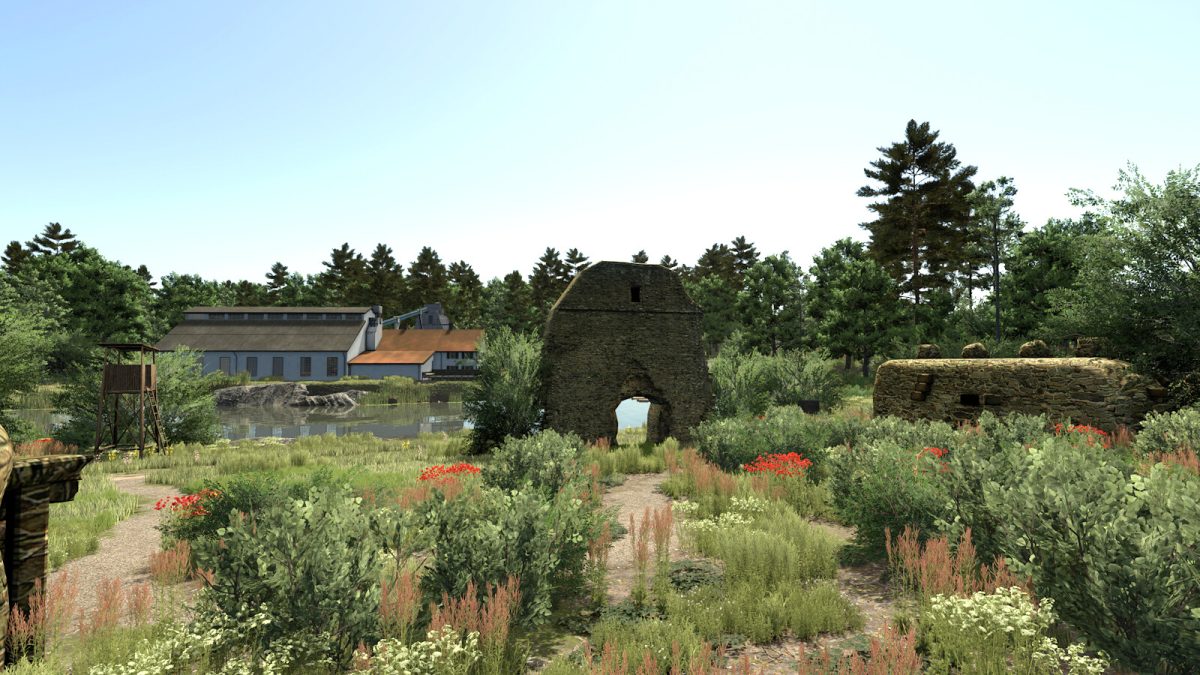
Pfaffenwinkel Map v 1.0


Starting farm in the village:
– Walk-in farmhouse
– Cowshed for 80 cows
– Farm silo
– Object storage
– Diesel tank
– Manure heap
– Driving silo near field 13
– Mixer for a total mixed ration
Farm above the village:
– Walk-in manor house
– Cowshed
– Manure heap
– Diesel tank
– Farm shop
– Silage fermenter
– Farm silo
– Hay drying
– Seed silo
– Fertiliser silo
Sheep farm in the village:
– Non-accessible farmhouse
– Sheep barn with pasture
– Small shelter
– Small manual pallet store
Engelmeierhof:
– Non-accessible farmhouse
– Cow barn with lift
– Farm silo
– Object store
– Small farm BGA with 3 large mobile silos
– Pigsty
The map also has:
– 36 fields in different sizes
– All 3 standard missions
– Livestock trade with grass, silage and total ration sale
– A farm shop and a farmer’s market
– A carpentry
– An oil mill
– A combined heat and power plant
– A potato factory
– A sawmill
Credits:
BernieSCS


