

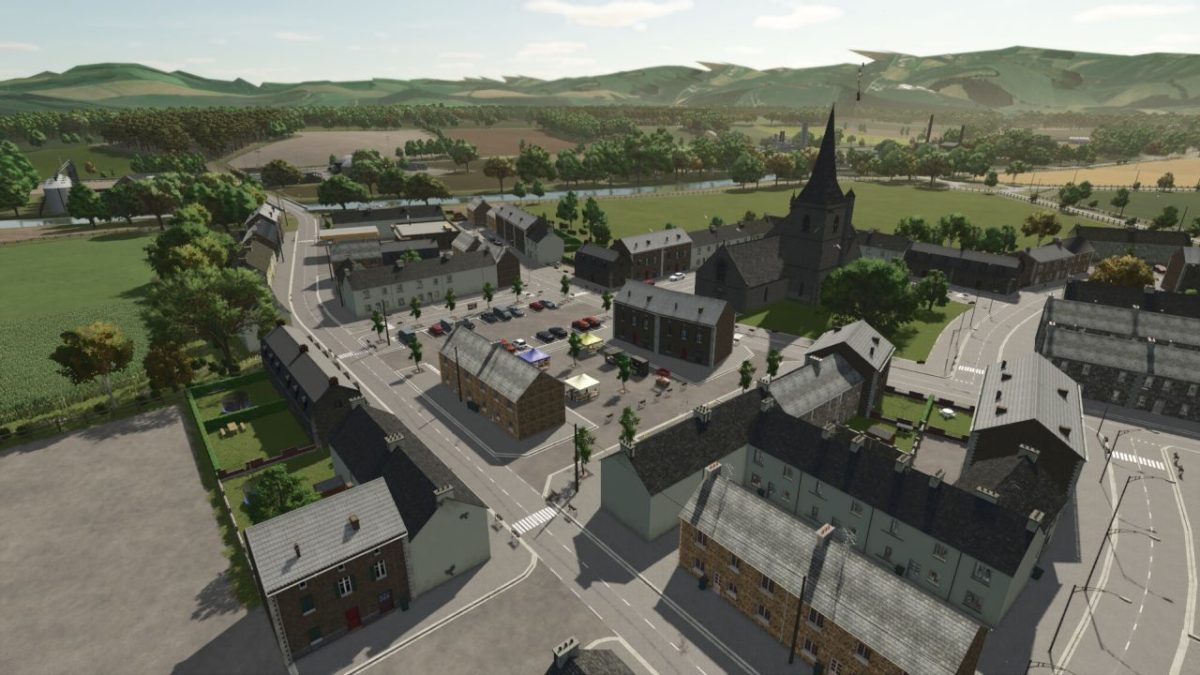
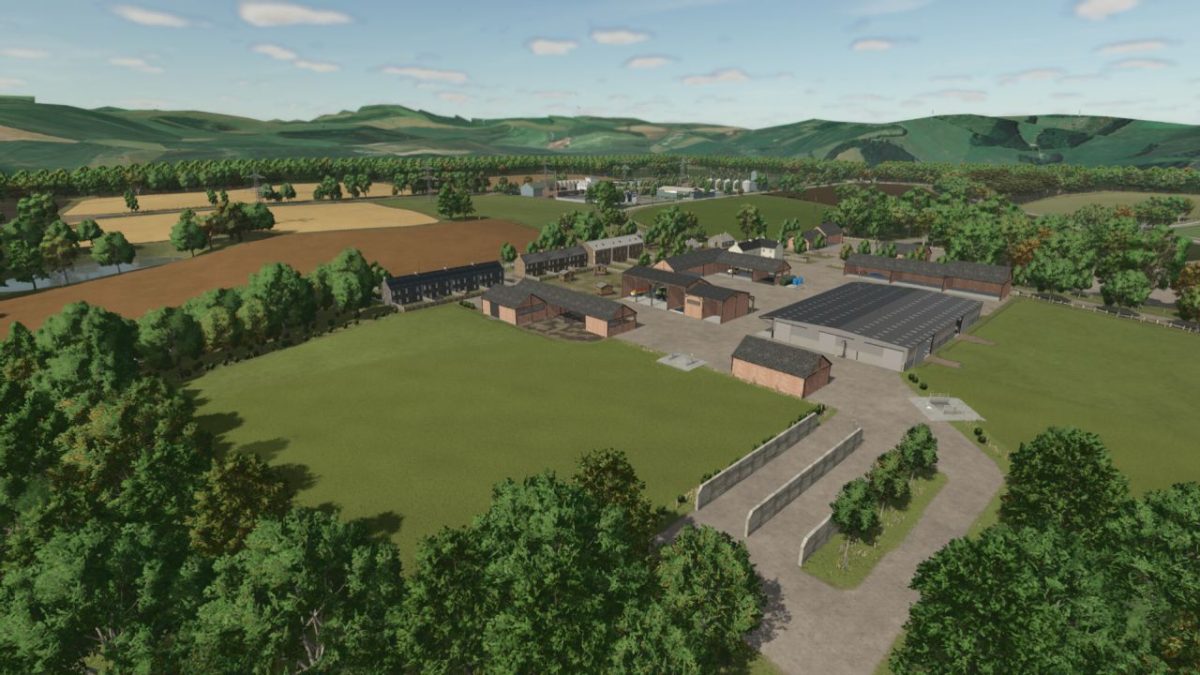
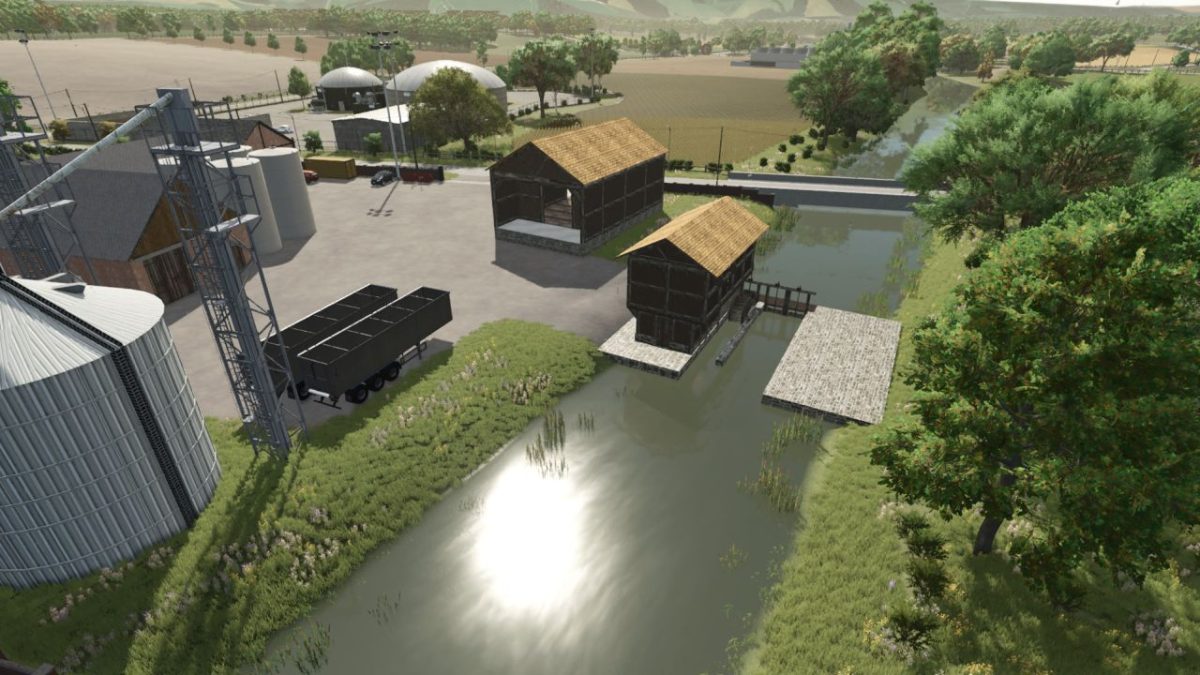
Pays de Caux Revisitee Map v 1.0


– Access to the fields is only by the expected entries indicated on the PDA by a red and white point. We can group several fields and their size varies from 1.80ha to 5.71ha
89 fields to be cultivated, 8 for grass missions
– 10 forests for forestry and other forest activities
– Purchasing and sales point
– 1 cooperative, 1 dealer, 1 market, 1 service station, 1 animal merchant as well as straw, fertilizer, manure, silage, 1 Laiterie, 1 cannery, 1 sale of various products, 1 mill, 1 sawmill, 1 oil mill, 1 bga
– Several plots to create your farms or place your factories (9 in total)
– 1 Main farm with stall, a pigsty, a chicken coop and a silo is hangars
– 1 Annex to the farm with a goat farm
– You can delete all stalls and buildings as well as adjoining pastures if you do not want to use them or if you want to install them yourself or even create fields instead
– 1 free water point
– Creations also concerning 3D with various stallions, the concessionaire, the cooperative, the oil factory and the cannery, village houses and several decorations and accessories such as Canadian passages for example
– Integration of the placeanyWhere and the installation of 64 breeding buildings
Credits:
Screeds76, Alaindu80, rsca41


