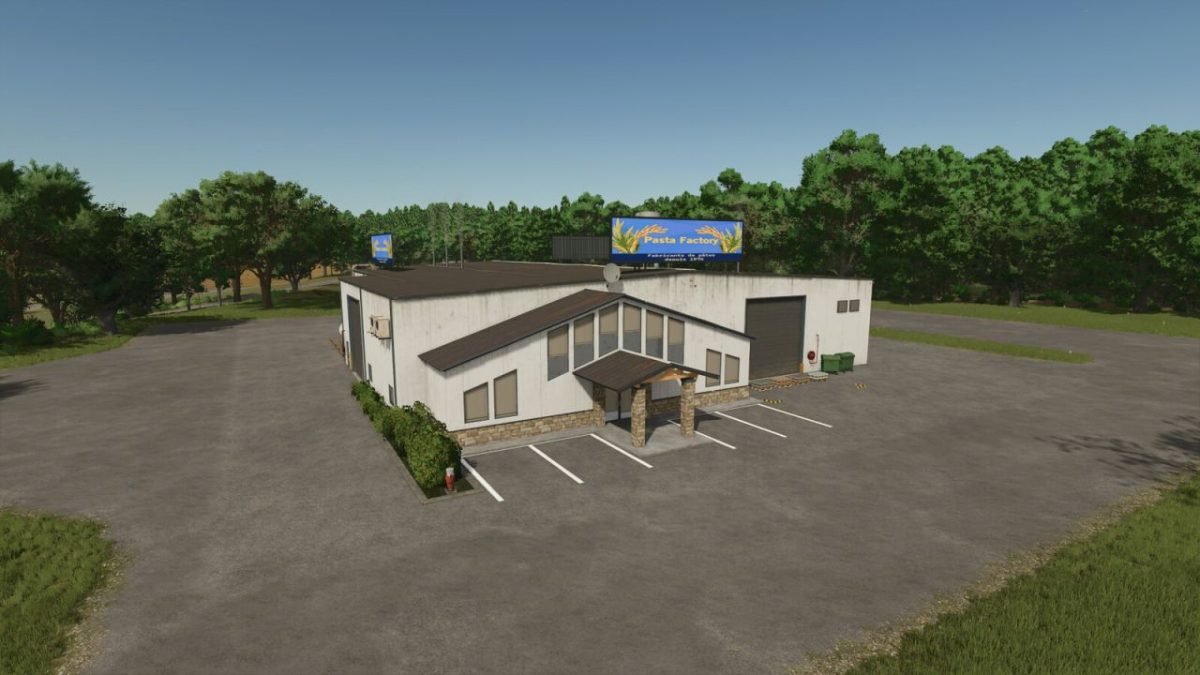
Pasta Factory v 1.0


Production of wheat & rice pasta.
You will find in this Mod:
A factory:
Price: $105,000
input and storage capacity
WHEAT capacity= 75000
RICE capacity= 75000
LONG GRAIN RICE capacity= 75000
RICE FLOUR capacity= 25000
FLOUR capacity= 25000
EGGS capacity= 25000
PASTA capacity= 50000
RICE PASTA capacity= 50000
WHOLE WHEAT PASTA capacity= 50000
GLUTEN_FREE DOUGH capacity= 50000
production costs/month: $36
PASTA:
Cycles/month: 240
Input: FLOUR + 55, EGGS + 10 Output: PASTA 45
WHOLE WHEAT PASTA:
Cycles/month: 240
Input: WHEAT + 100 Output: WHOLE WHEAT PASTA 45
GLUTEN-FREE PASTA:
Cycles/month: 240
Input: CORN FLOUR + 25, RICE FLOUR + 25 Output: GLUTEN-FREE PASTA 45
RICE PASTA:
Cycles/month: 240
Input: RICE + 100 Output: RICE PASTA 45
Starter: LONG GRAIN RICE + 100 Output: RICE PASTA 45
Starter: RICE FLOUR + 65 Output: RICE PASTA 45
Credits:
Oncle-Sly