
FS25 Maps

Papenburger Map 4K v 2.2.7 Papenburger Map 4K v 2.2.7 Papenburger Map 4K v 2.2.7 Papenburger Map 4K v 2.2.7 Papenburger Map 4K v 2.2.7 Papenburger Map 4K v 2.2.7 Papenburger Map 4K v 2.2.7 Papenburger Map 4K v 2.2.7 Papenburger Map 4K v 2.2.7

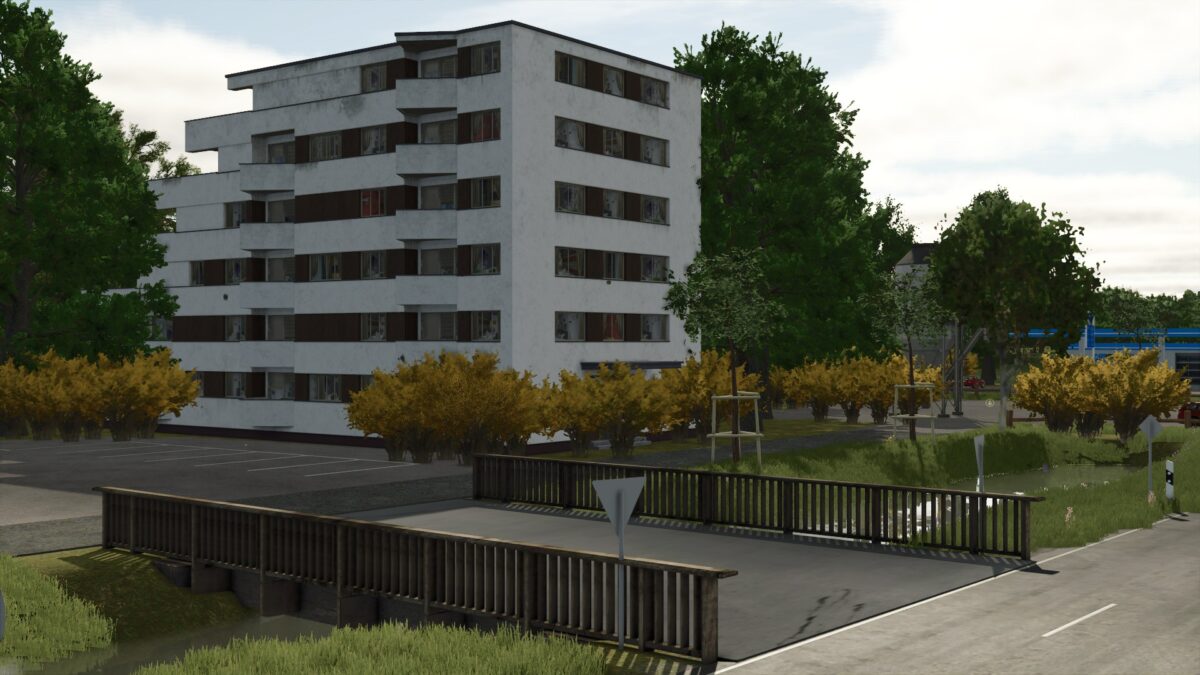
Papenburger Map 4K v 2.2.7

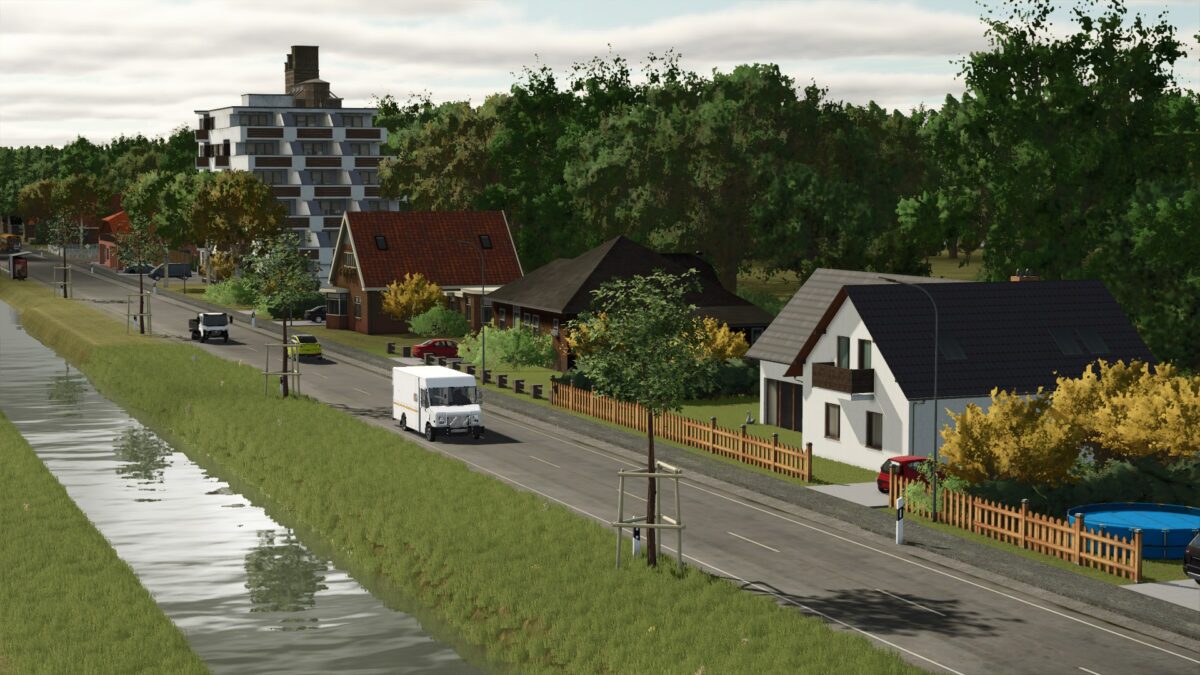
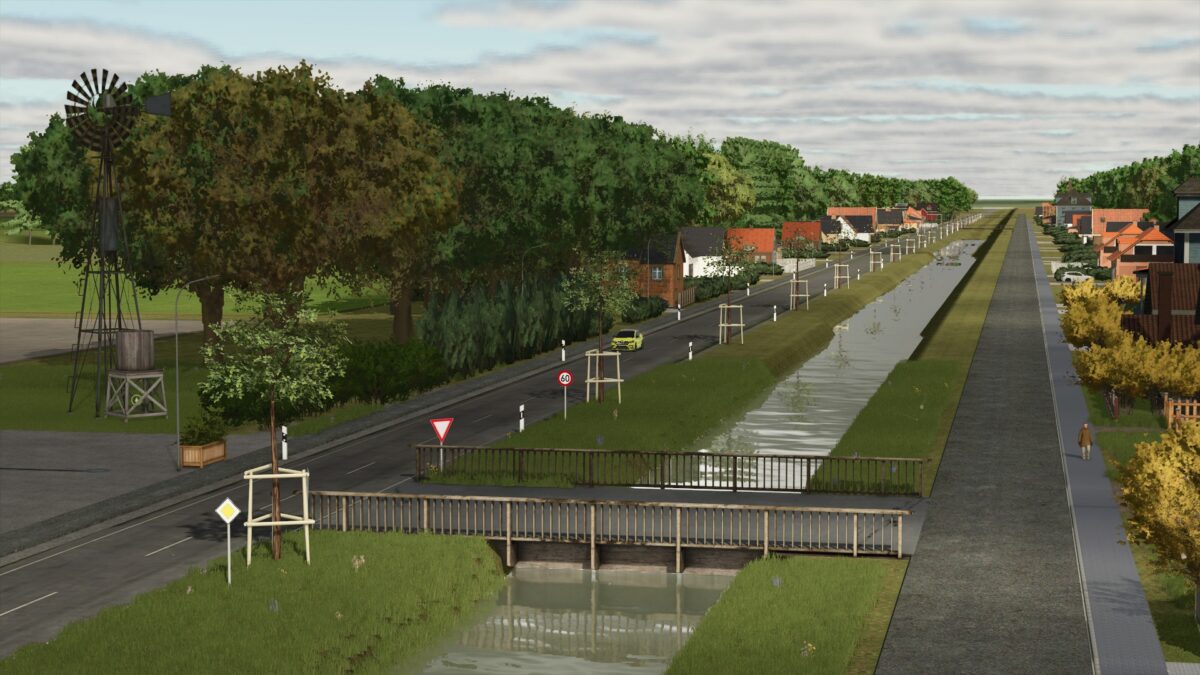
– 105 fields with a total of 1042.9 hectares
– 44855 trees
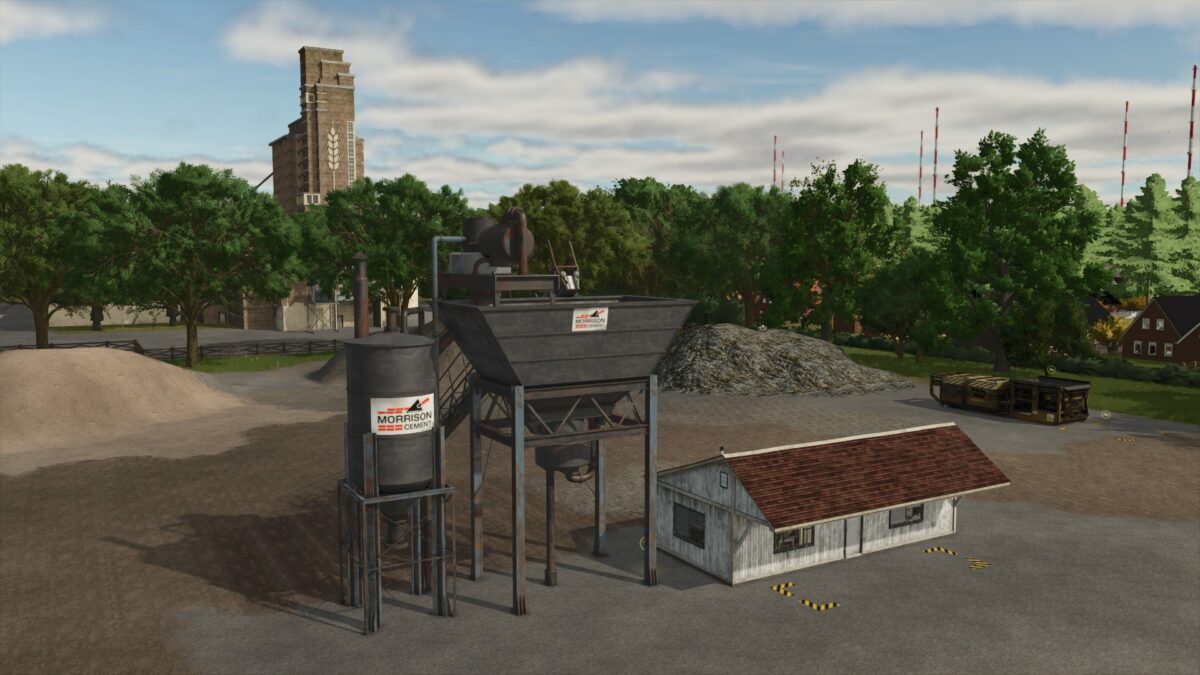
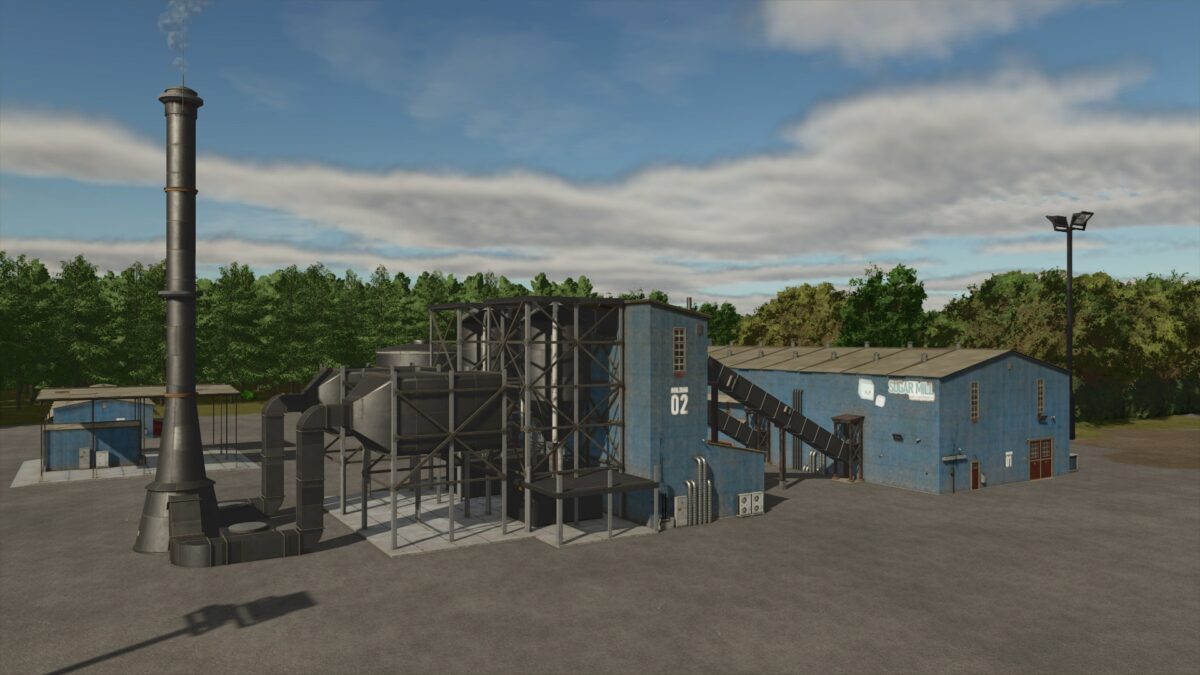
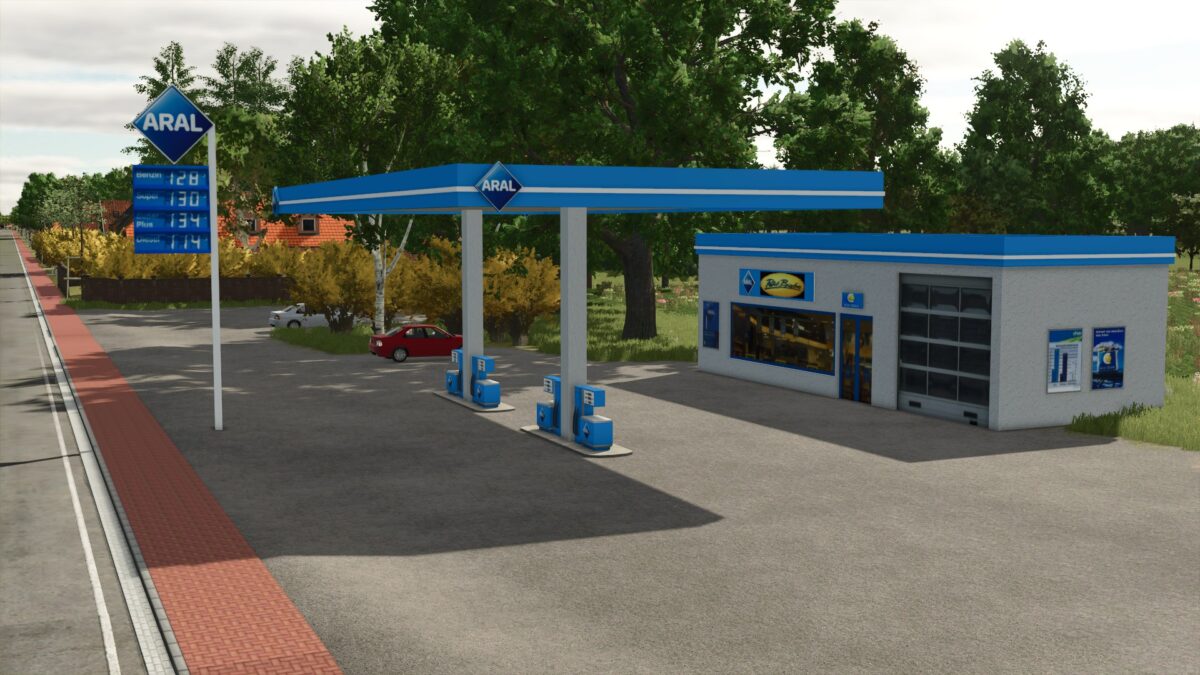
– Several sales outlets and productions
– There is traffic but be careful at the big intersection, they only drive straight ahead
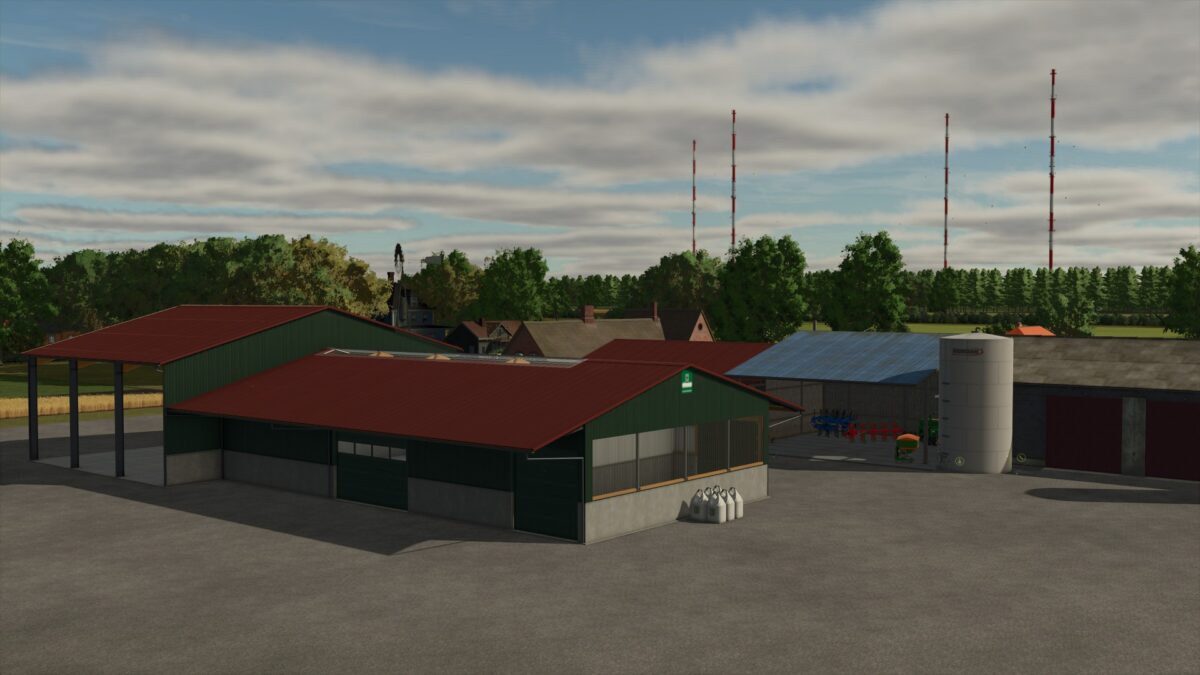
– There is a small starting yard with a few machines. Only the bare essentials for now
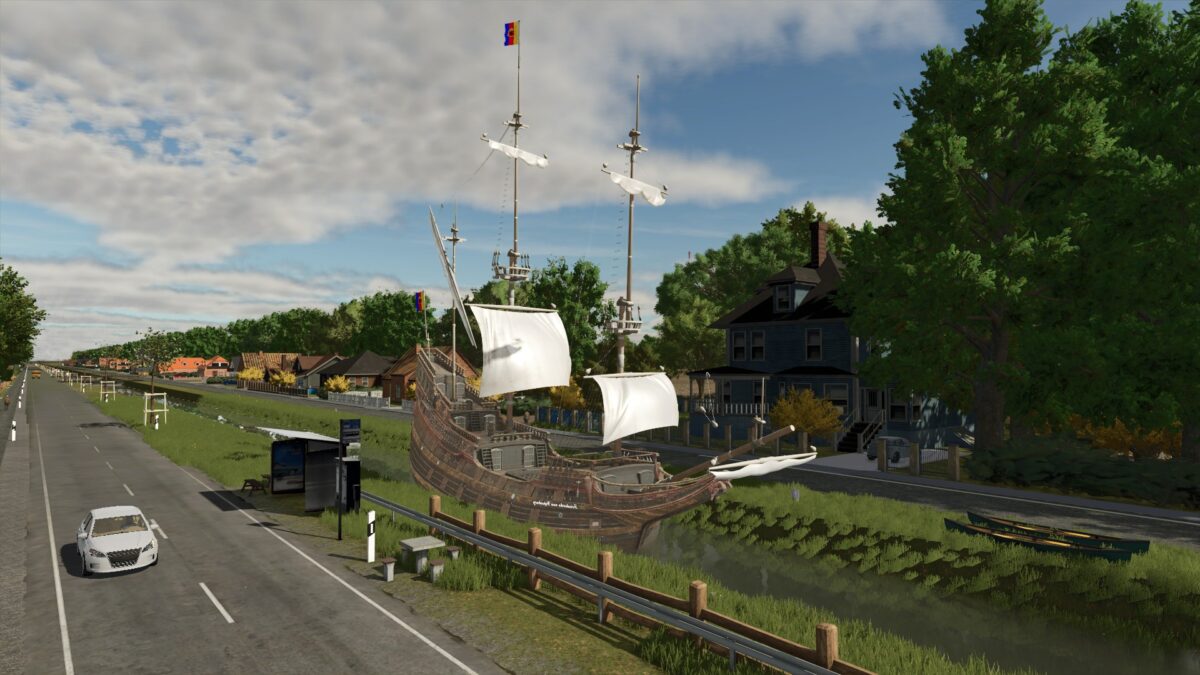
– The decoration is not yet complete

Version 2.2.7:
* Unnecessary farmlands are hidden. And others are moved
* Farmlands assigned to the right NPCs (oops) so you can no longer get the order to plow a forest
* You can only buy the BGA at 109 (the farmland is automatically bought with it)
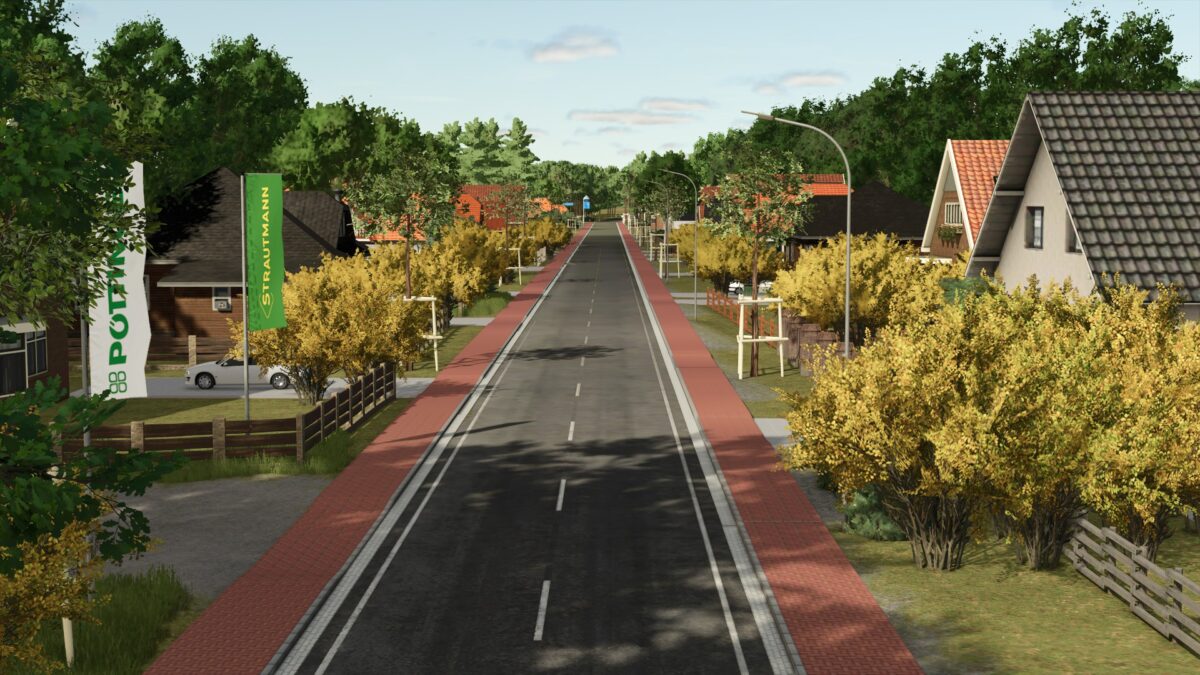
* Brighter street lanterns
* Wood deadwood/transport/stone missions fixed
* Field 89 separated (corner made into a new field) but now lies together with 89
* BGA silos deleted from map (can cause an error when loading the savegame that they cannot be loaded)
* BGA silo added as a mod to place yourself

Credits:

Jimkerk

How to install FS25 Maps?
Firstly find a mod which you like and want to download. Then download a mod to your PC. Mods are usually in .zip format file. But sometimes it can be in .rar. If a mod file is a .zip format no needed additional actions. If a file is in .rar, then you must unarchive mod with software like WinRar or Zip7. Windows 10 users no need to use software for archives, Win10 itself has a feature to unarchive files.
The next step is to find mods folder in your PC. Usually, it is in Documents/My Games/Farming Simulator 25/2025. Open the "mods" folder and put downloaded .zip archive or unarchived .rar file to this folder.
Last step. Enjoy of FS25 mods!

Leave a Reply

Your email address will not be published. Required fields are marked *