

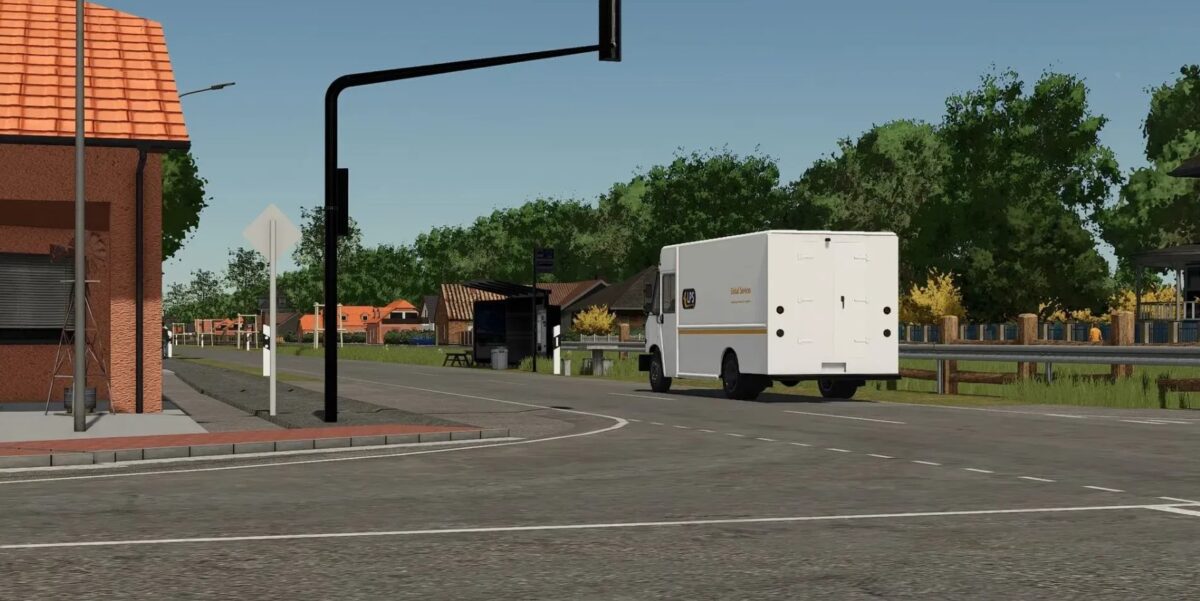
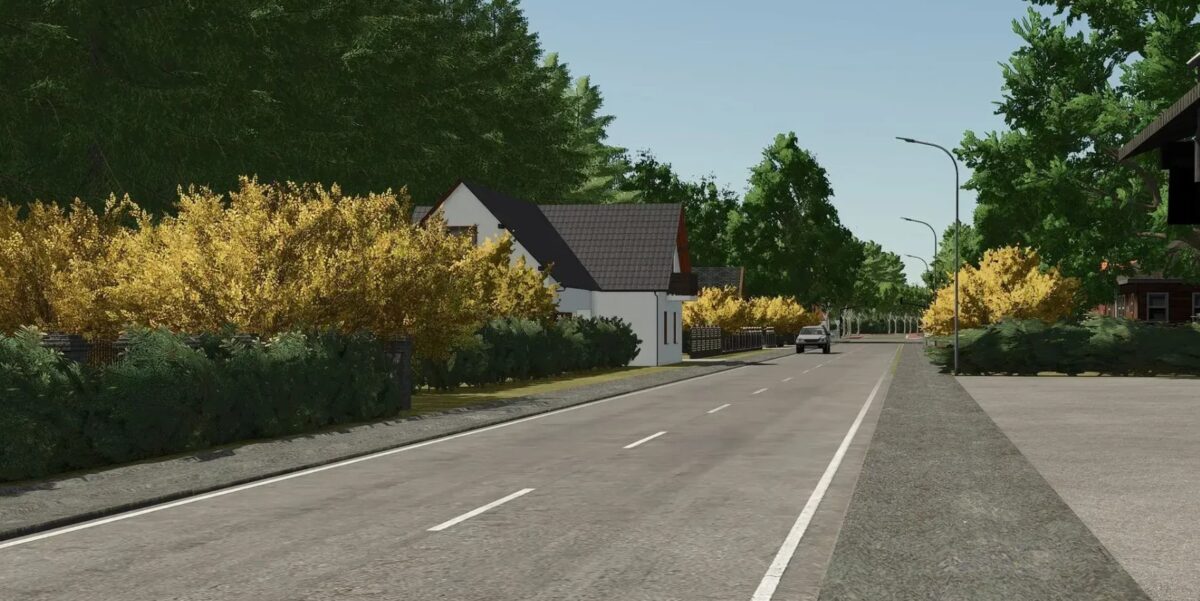
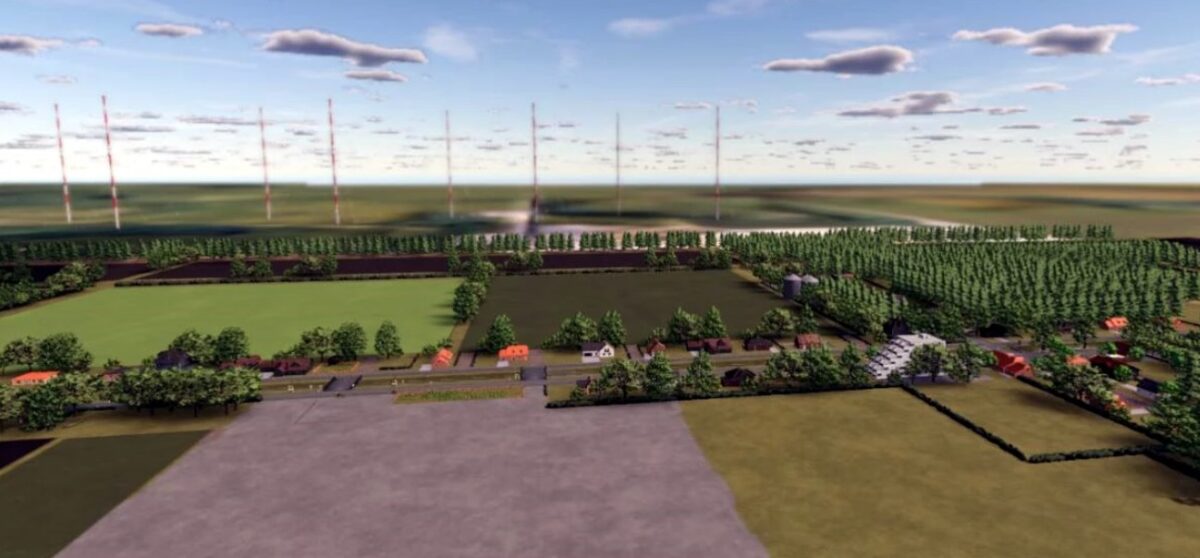
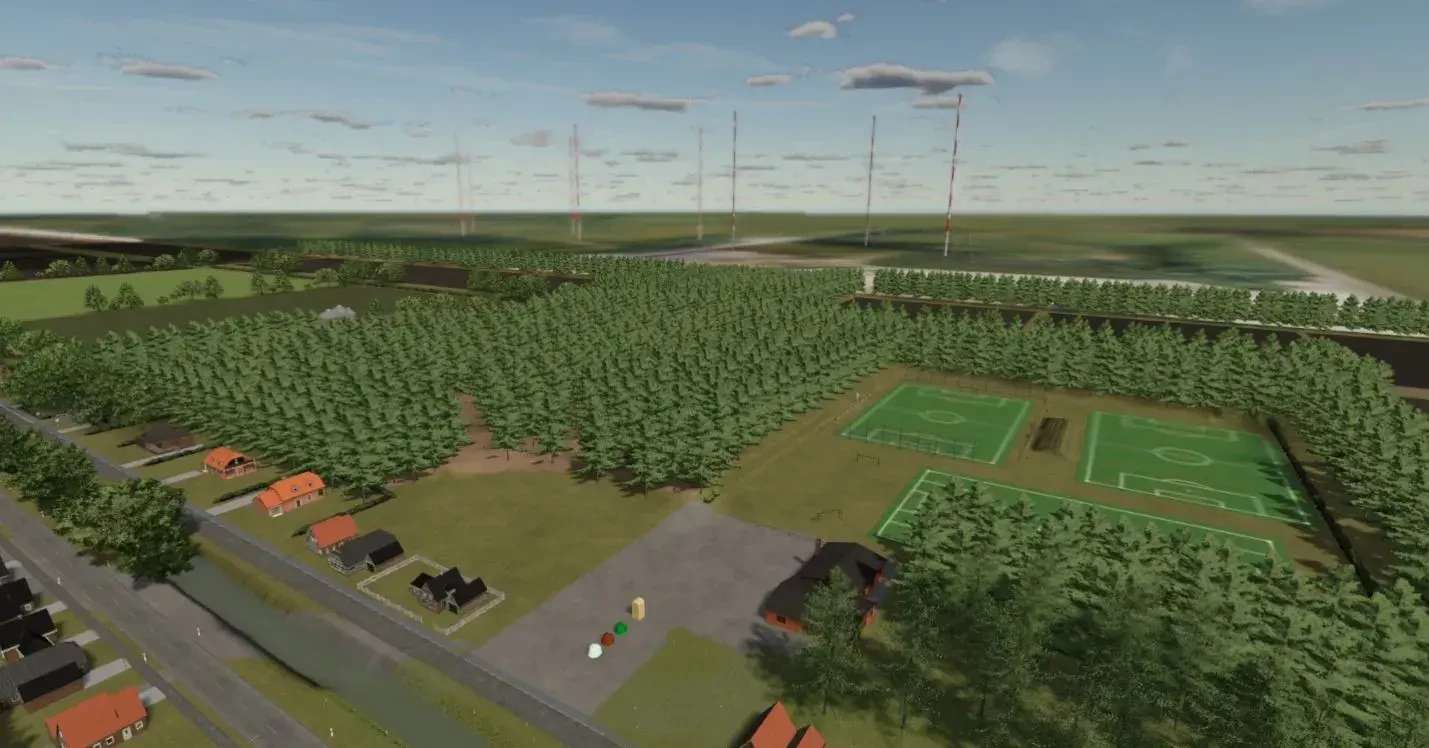
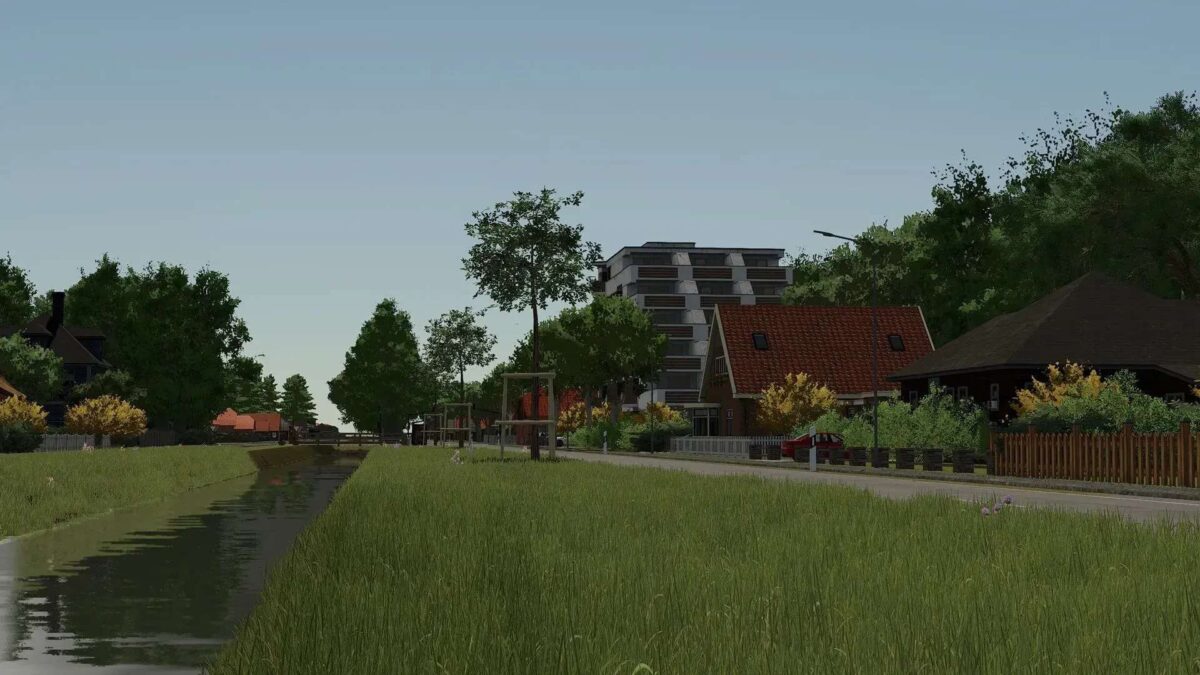
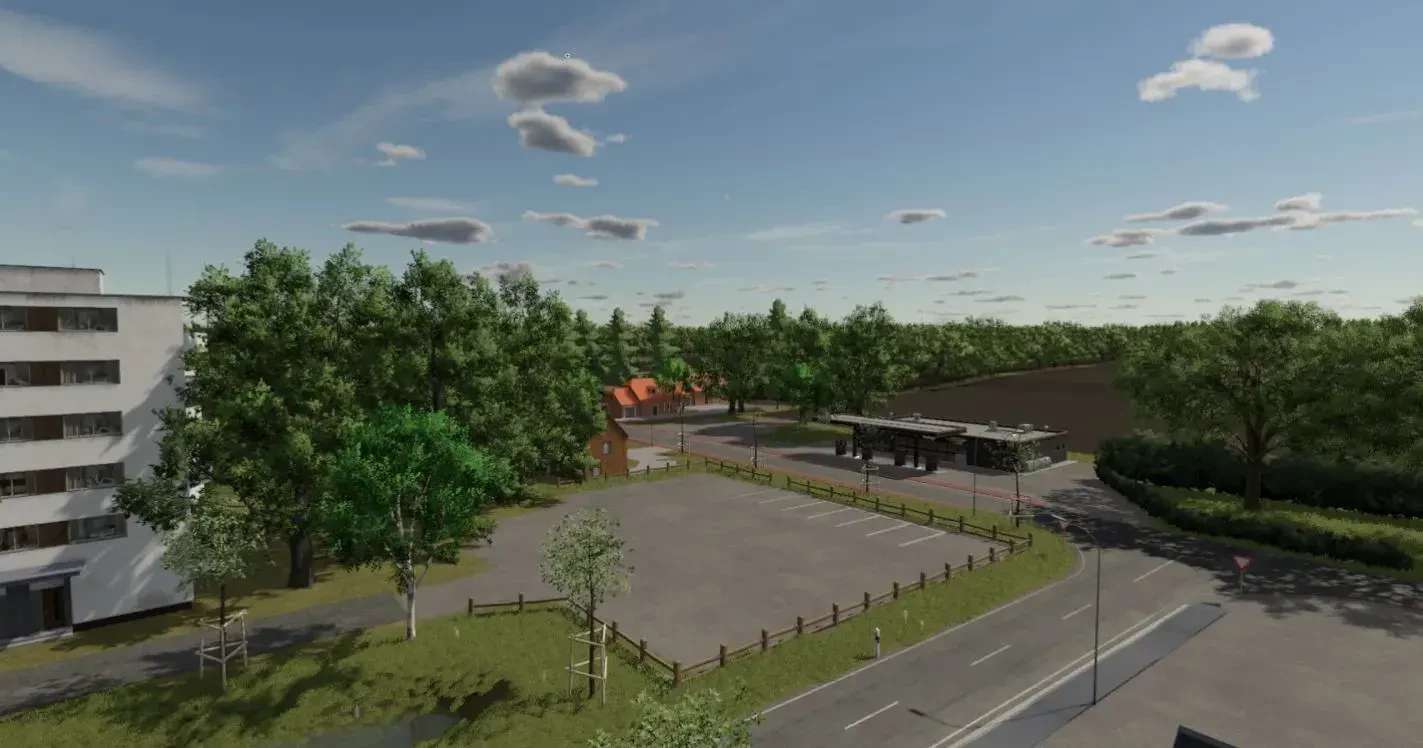
Papenburger Map 4K v 2.2.4


– 105 fields with a total of 1042.9 hectares
– 44855 trees
– Several sales outlets and productions
– There is traffic but be careful at the big intersection, they only drive straight ahead
– There is a small starting yard with a few machines. Only the bare essentials for now
– The decoration is not yet complete
Version 2.2.4:
* Biogas plant installed
* Water plane changed (only where there should be water) so that rice fields can be created
* Fields 40 and 123 straightened (course generator works)
* Traffic rebuilt
* 4 manure storage facilities installed
* Silos installed for BGA
* Optical corrections
* Placeables.xml reduced (shouldn’t give any more warnings on the Dedi now)
* Sugar factory installed
* Biomass power plant installed
* Potato processing plant installed
* Spinning mill installed
* Old gas stations restored
* Tutorial added to supplement how to transfer the old and new data to your new save game. There will always be one now if major changes have been made
Credits:
Jimkerk


