

Panhandle Caprock Map v 1.0


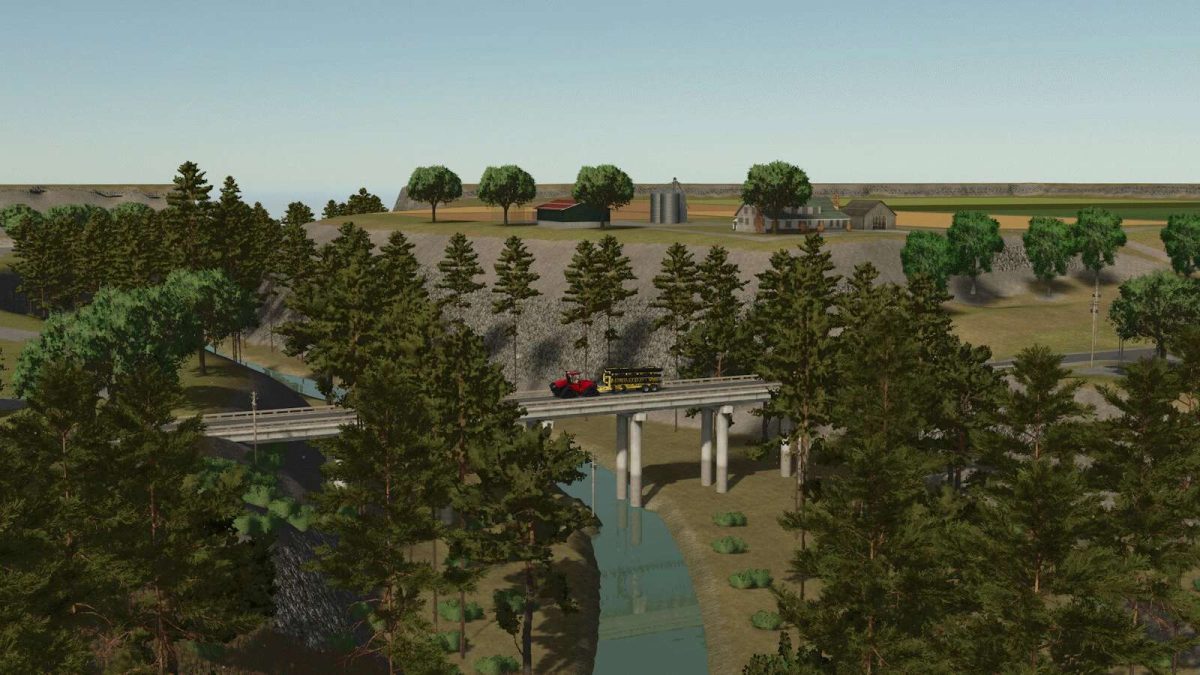
This map is a close reference to life in the panhandle of Texas with the Canadian River flowing through creating plateaus.
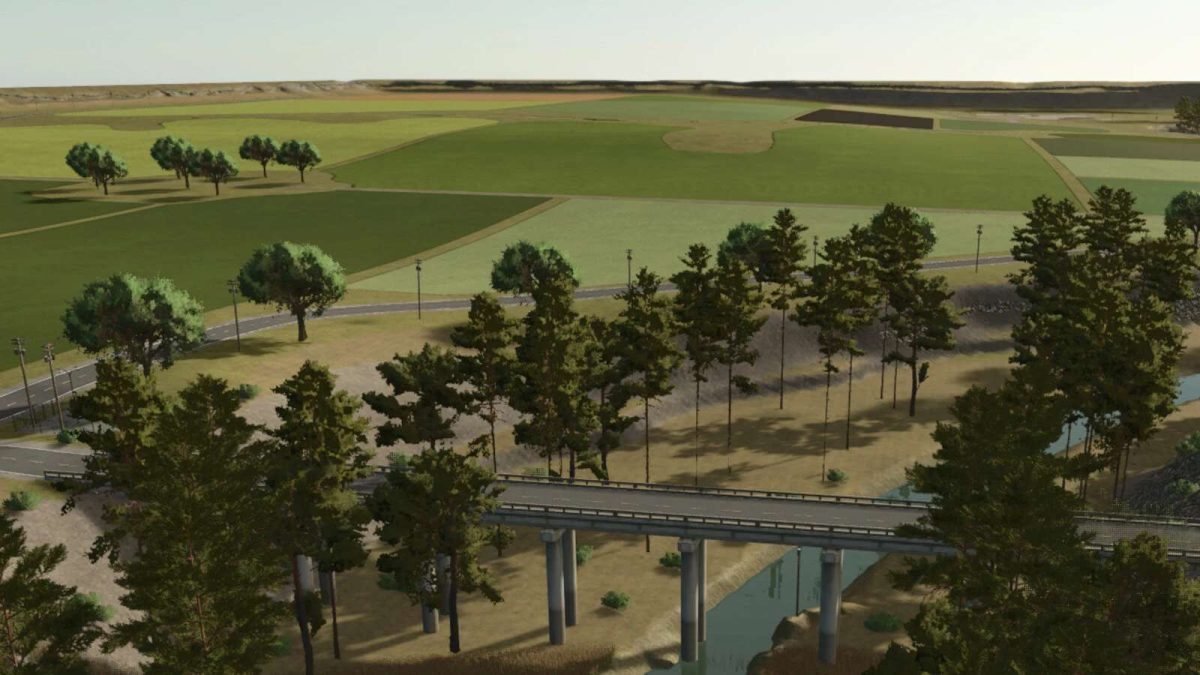
Followed by flat open land where you can see for miles.
The biggest change to this semi fictional map is the trees which have been included to provide forrestry in game. We don’t have trees in real life.
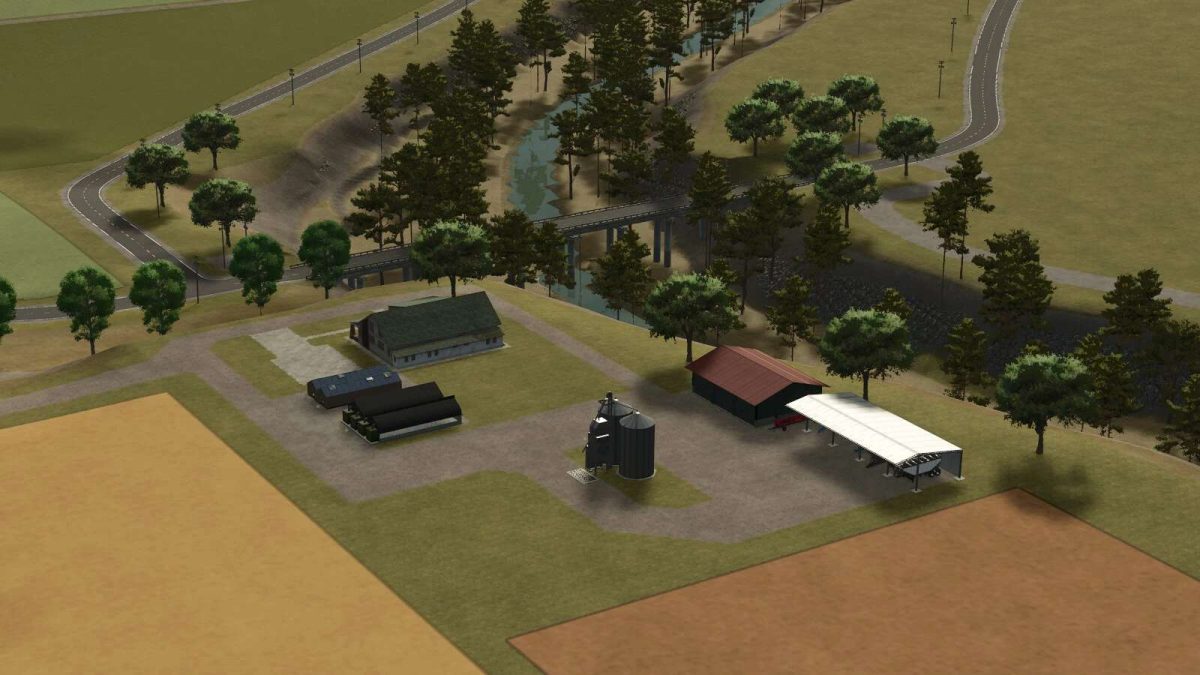
The endless possibilities start here where you can begin as a starting farmer with equipment and fields to start, or you can utilize the open section of the map where there are no fields, just your imagination and trees to start your new farm, ranch, or forrestry life.
There are 80 farmlands available for purchase.
All productions are purchaseable and the farmland is purchased as well.
Productions can be sold leaving the farmland blank, so any player can make the town area their own other than the deco houses
Enjoy beautiful scenery, wide open spaces, medium to large fields, and multiple good sized forrest areas.
Credits:
Taylor Manross


