


Pallet Spawn Store v 1.0


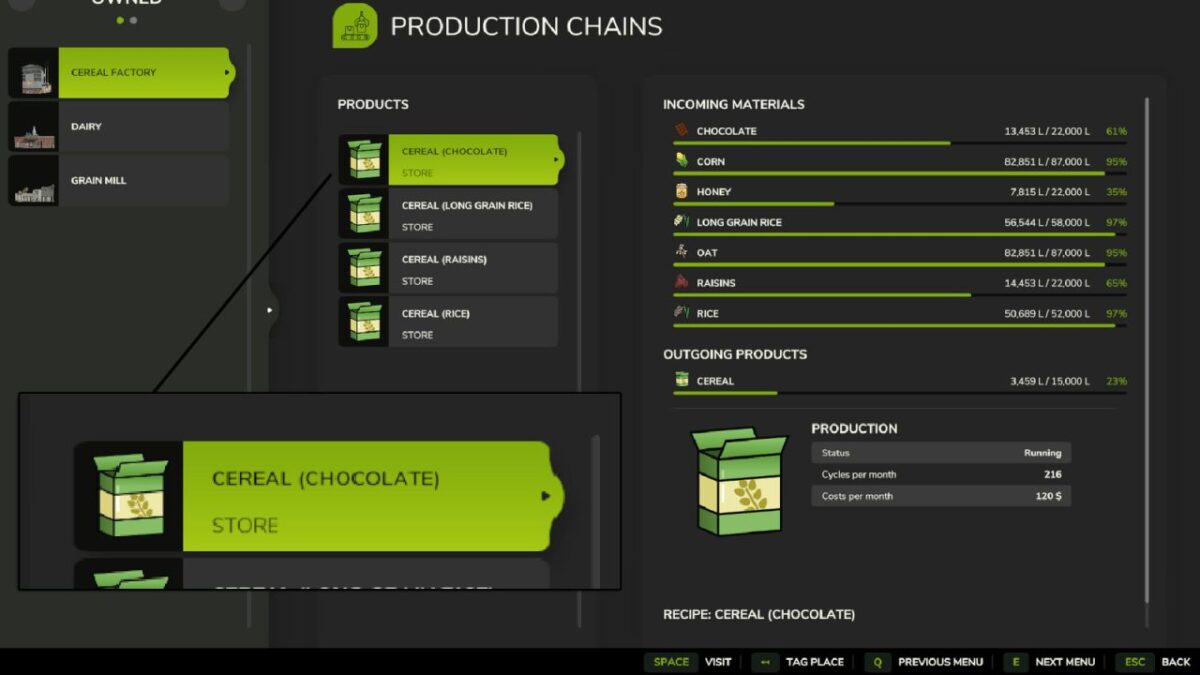
Pallet Spawn Store is a script mod that gives you full control over how each product leaves your productions. The game normally allows Store, Sell, or Distribute. This mod adds a new option and changes how Store works.
There are now four output modes you can cycle through for each product:
– Store (no pallets) – The product stays inside the production and no pallets are ever spawned. This keeps production areas clean and prevents unwanted pallet mess.
– Spawn – Works like the base game. Products are stored and pallets will spawn normally when enough product is available.
– Sell – Same as the base game. Products are automatically sold.
= Distribute – Same as the base game. Products are sent to other productions that can use them.
The output button in the production menu now cycles through: Store (no pallets), Spawn, Sell, and Distribute.
Credits:
FSG Modding - DaVaR


