Palatinate Forest Map v 1.0.0.1


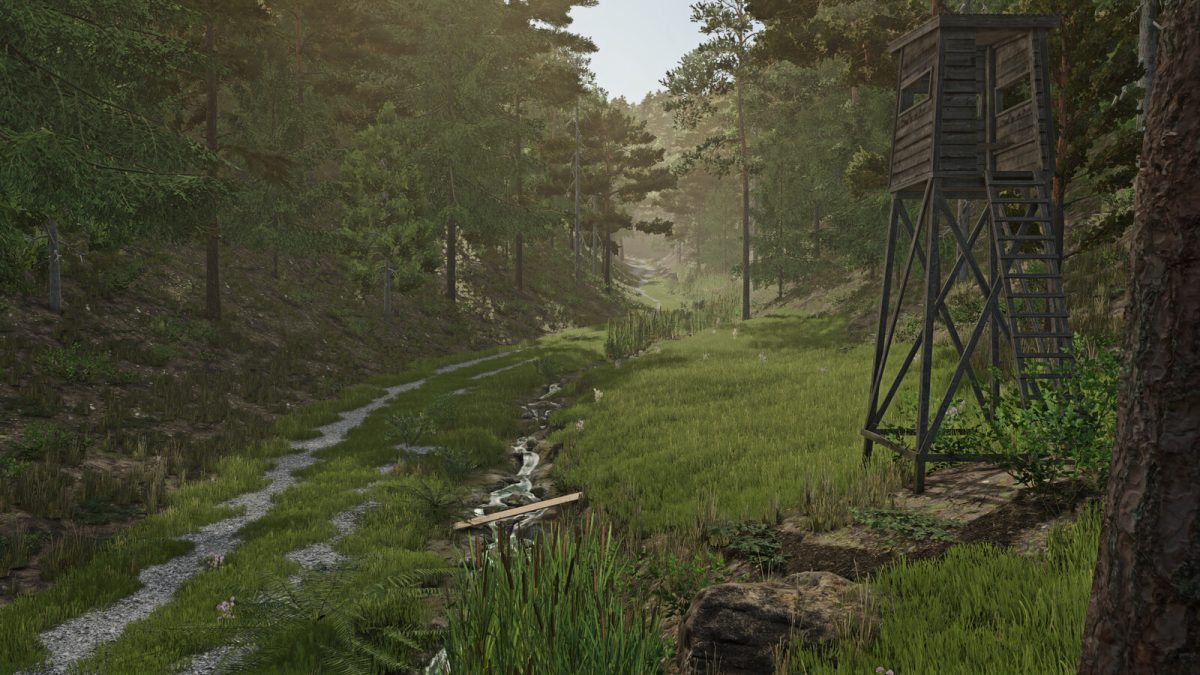
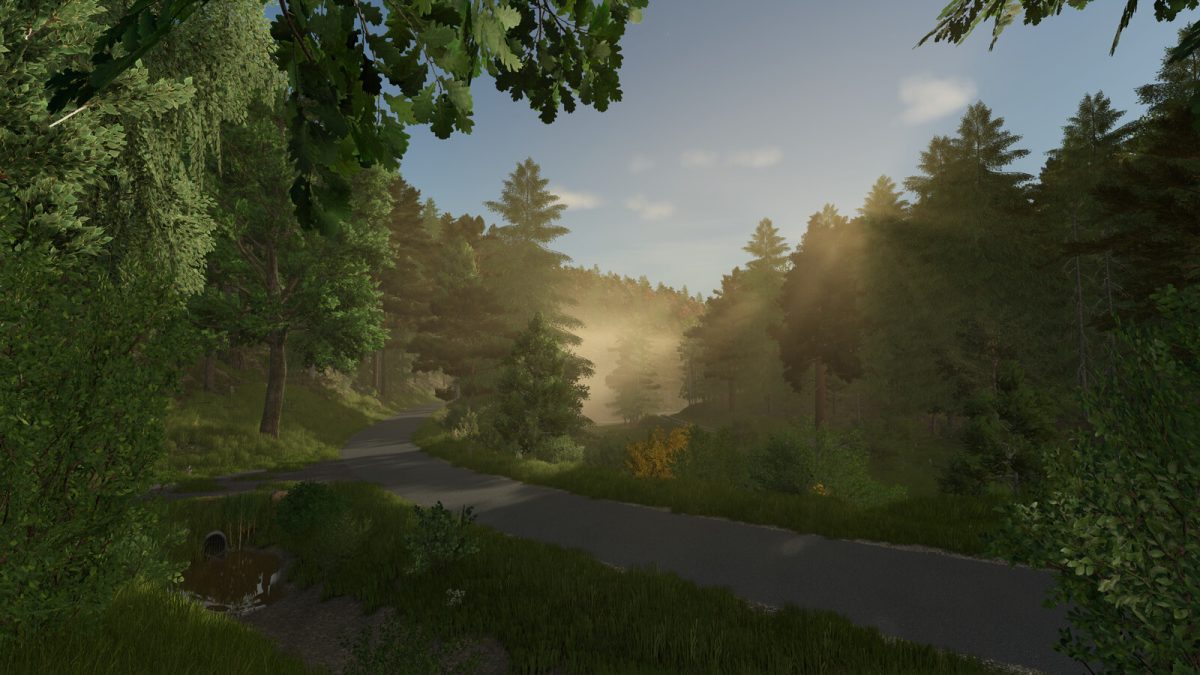
– Real terrain (elevation model)
– Real-life roads and paths
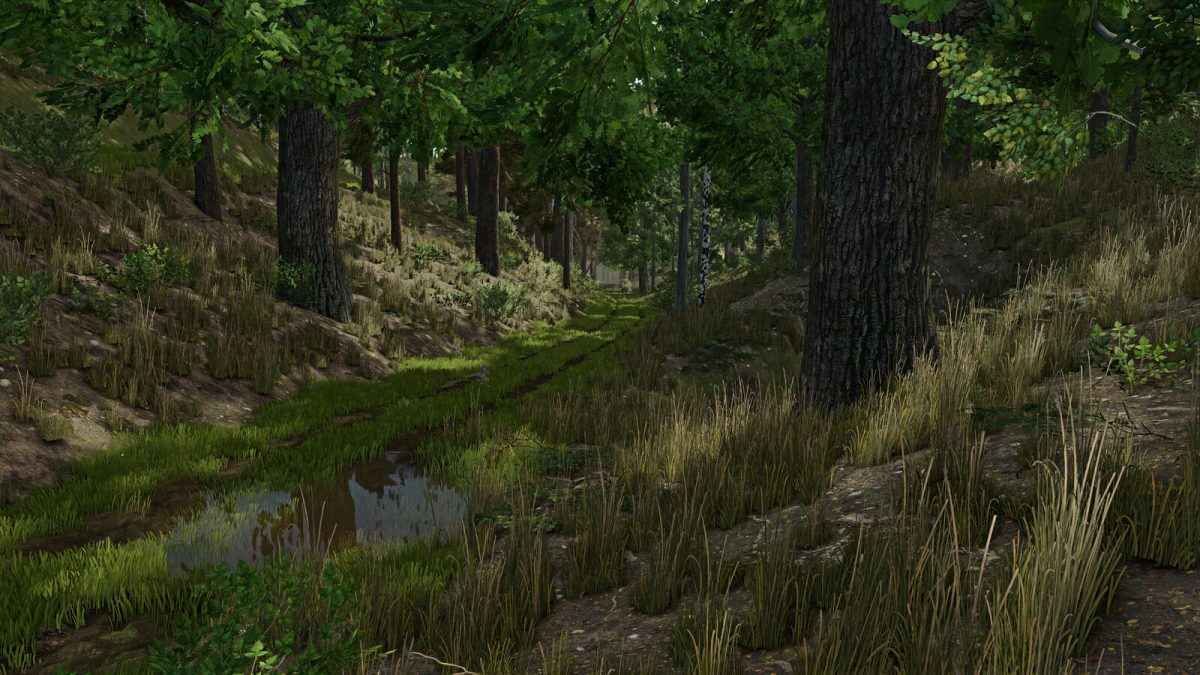
– 82,000 trees
– 52 forest sections with deciduous, coniferous, and mixed forests
– 2 purchasable production areas
– 4 sales outlets
– 2 pre-built farms
– 35 spots for transport missions
– Due to the challenging terrain and narrow, winding paths and roads, no splines for helpers have been installed, otherwise they would constantly get stuck
– Since the map is focused on forestry, no animal dealer was included
– All textures used in the map that are not publicly available may only be used after prior agreement
Version 1.0.0.1:
* Fixed save game bug (console)
* Added animal purchase trigger
* Minor visual bugs fixed
* Removed duplicate trees
* Adjusted LOD distances
* Placeable shelter and decorations on the starting farmland can be sold together
* Decorations are now individual objects and can be removed individually (PC/Mac)
Credits:
Westpfalz Modding