

Ostbeck Map v 1.0.1.0


– 19 fields, including 3 picturesque meadows, for farming adventures
– Dense forests and majestic trees for exciting forestry experiences
– 1 large wooded area
– 1 medium forest area on the villa hill
– 1 small forest by the river or the island
– Challenges as a firefighter or police officer to ensure public safety
– Production facilities for processing agricultural products
– Sawmill
– 5 greenhouses
– Spinning mill
– Grape processing
– Muesli factory
– Dairy
– Sugar factory
– Grain mill
– Several building sites waiting for your work
– The opportunity to take a bus tour of the island and discover the beauty of Ostbeck
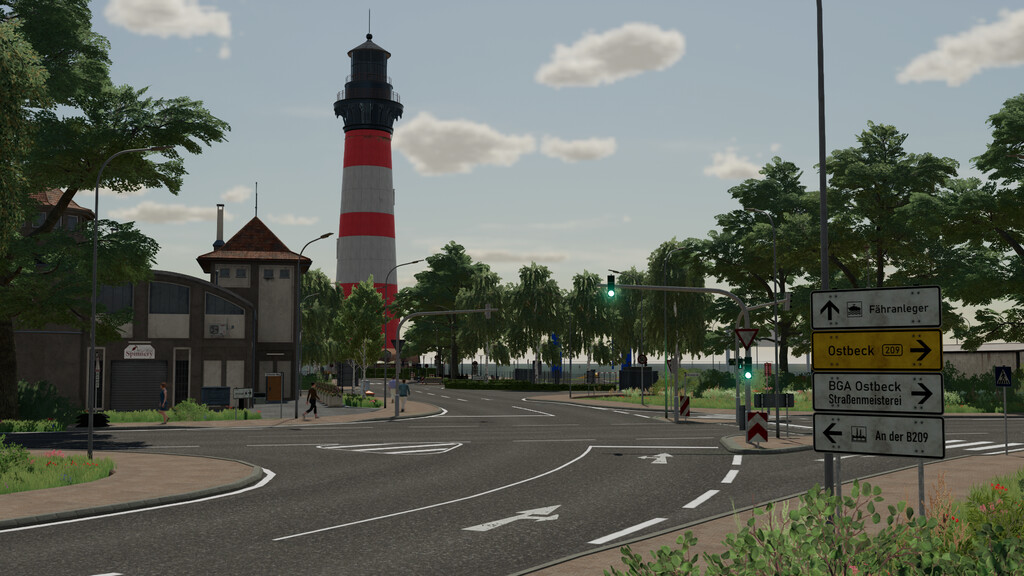
– A functioning traffic light system for a realistic road traffic experience
– The option to sit down at certain benches and enjoy the surroundings (in multiplayer with several players. The official Kubota Pack DLC is required)
– A farm with a biogas plant, two mobile silos, a large vehicle shed, two shelters and a farmhouse
– A large cowshed and a pigsty for livestock farming
– Various sales outlets on the island, including
– Supermarket
– Pizzeria
– Restaurant
– Farmers’market
– A fire station with 6 parking spaces for the fire engines
– A playground where you can use the swings to take a break from the hustle and bustle and enjoy the island atmosphere
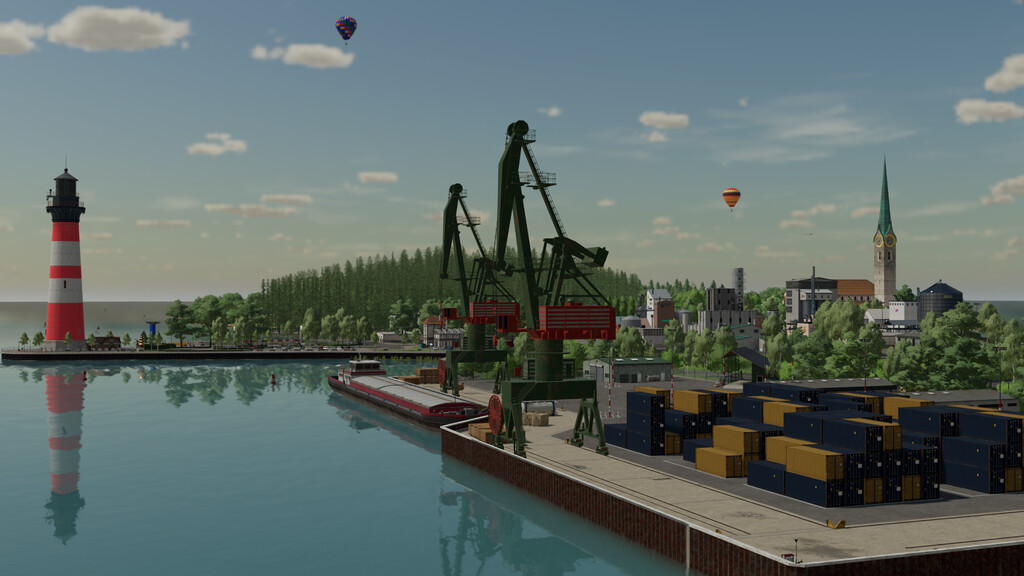
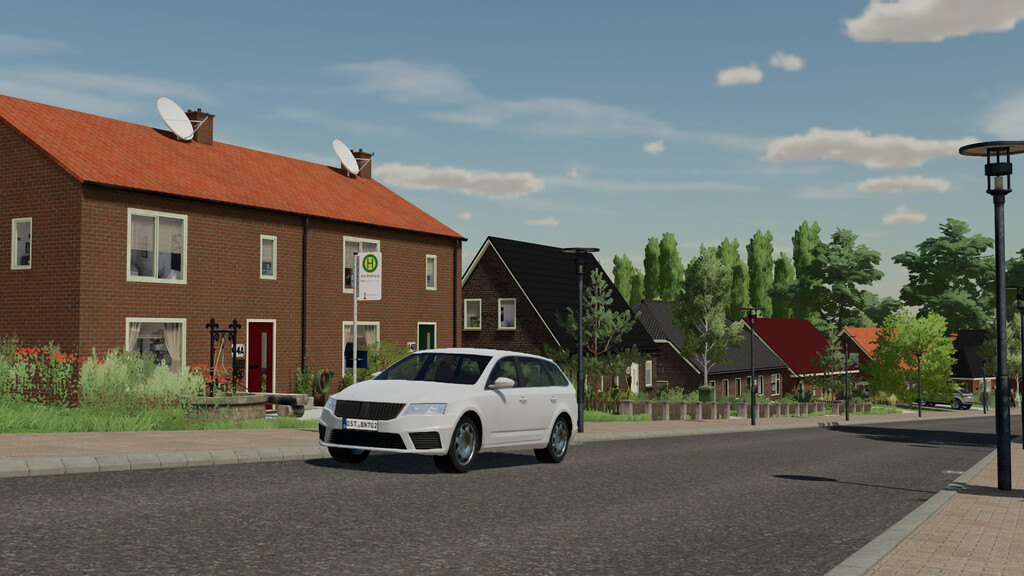
– An extremely detailed map that shows every corner of the island with attention to detail and places worth exploring
– A road maintenance depot with vehicle sheds, workshop and bulk materials such as earth, sand and gravel to keep the island’s roads and paths in perfect condition
Version 1.0.1.0:
* Fixed collisions: Various objects at the harbour, police, village street and fire brigade
* Bug fixes: Opening hours at the shop, collisions at the sheet pile wall and villa, floating lamps at the courtyard building
* Textures and cameras: Fixed flickering texture at the harbour and camera in the construction site toilet
* Object adjustments: Benches at the beach promenade stop, fields 5, 12, 14 removed/adjusted
* Triggers and texts: Information text and “closed” for gates removed
* Field adjustments: Added corn to field 1 and wheat to field 2
* Mission correction: “Triggered fire alarms” in the villa fixed
* Added Cobblestone texture
* Added More decoration in the shop
* Added Collisions at the lighthouse and ship at the harbour
Credits:
Dusty


