

Open Sheds v 1.0


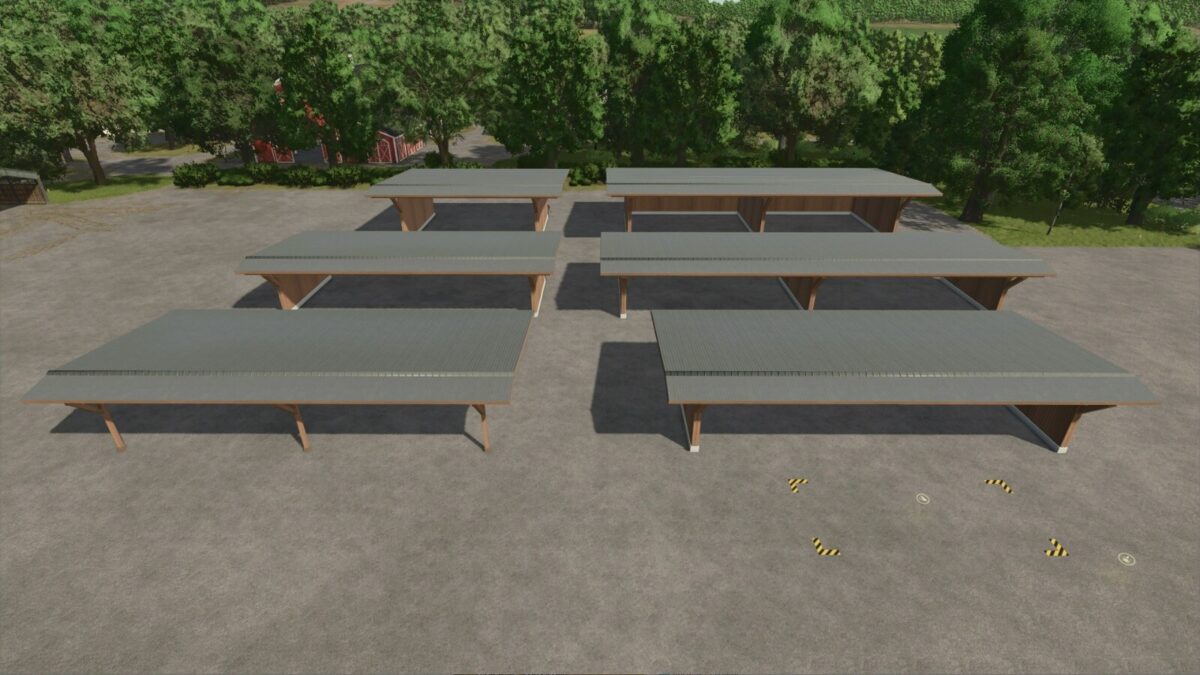
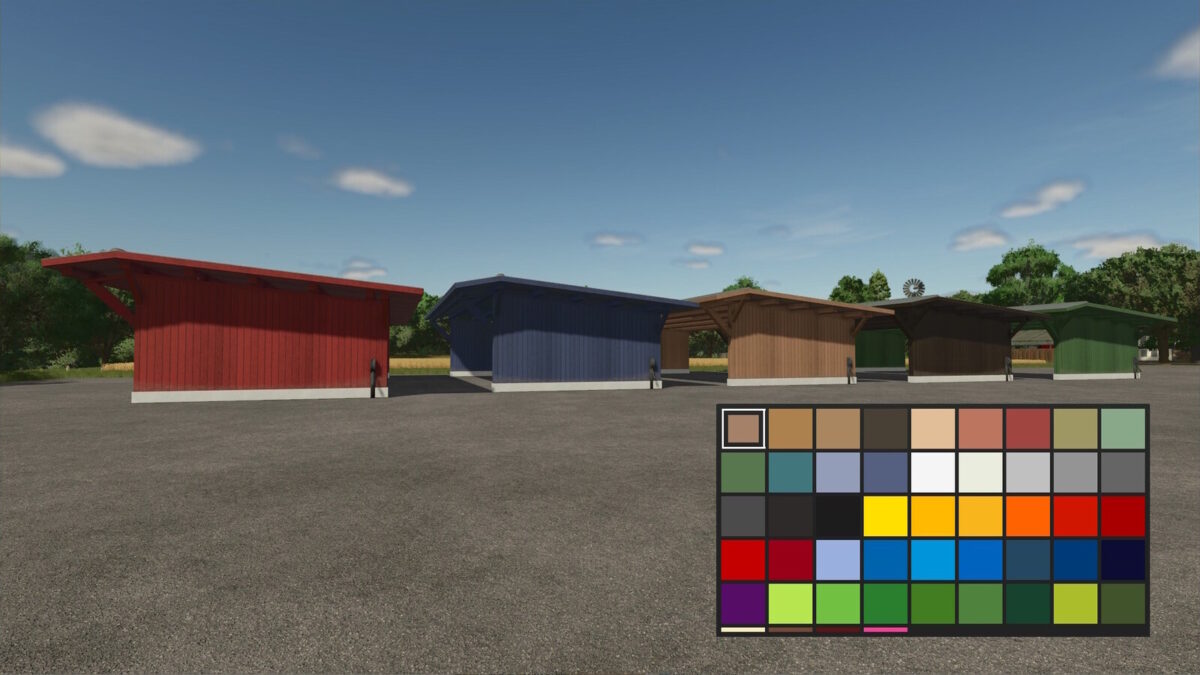
Here you find a variety of open shed with color choice.
The back wall of the sheds can be lowered or raised.
This means you always have the choice between a drive-through hall or a shed with a back wall.
The largest of these sheds is also available with solar panels to generate passive income.
There is also a shed with bale and pallet storage.
You can lower both the rear wall and the bale storage collision if you want to use the shed for vehicles.
Large Shed
Category: Sheds
Price: $8,000
Monthly upkeep: $5
Configurations: Color selection
Narrow Shed
Category: Sheds
Price: $5,000
Monthly upkeep: $5
Configurations: Color selection
Shed, medium
Category: Sheds
Price: $5,000
Monthly upkeep: $5
Configurations: Color selection
Small Shed
Category: Sheds
Price: $3,000
Monthly upkeep: $5
Configurations: Color selection
Small Shed
Category: Sheds
Price: $1,000
Monthly upkeep: $5
Configurations: Color selection
Bale and Pallet Storage
Category: Silos
Price: $5,000
Monthly upkeep: $5
Configurations: Color selection
Credits:
OmaTana


