Open Sheds Pack v 1.0


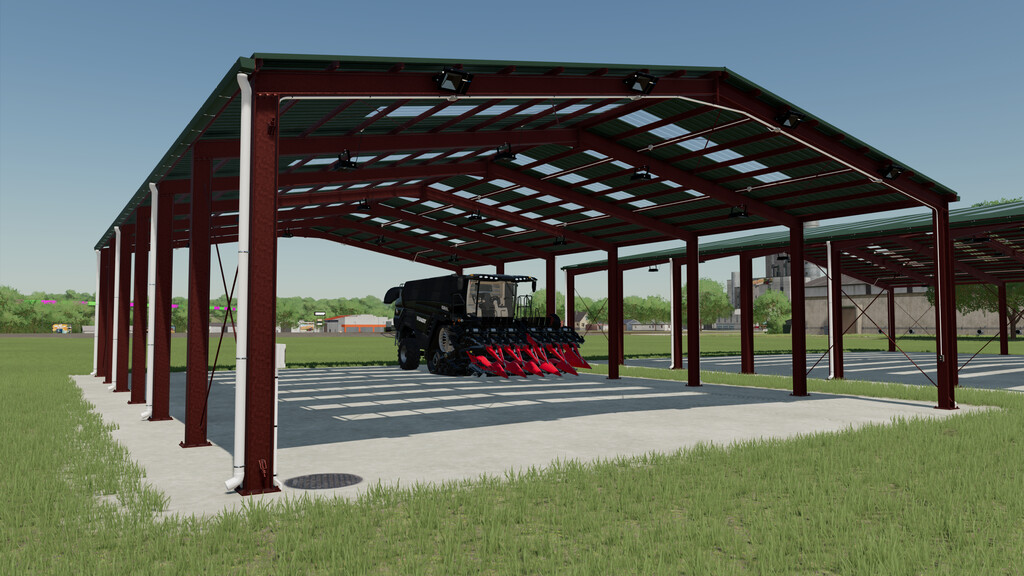
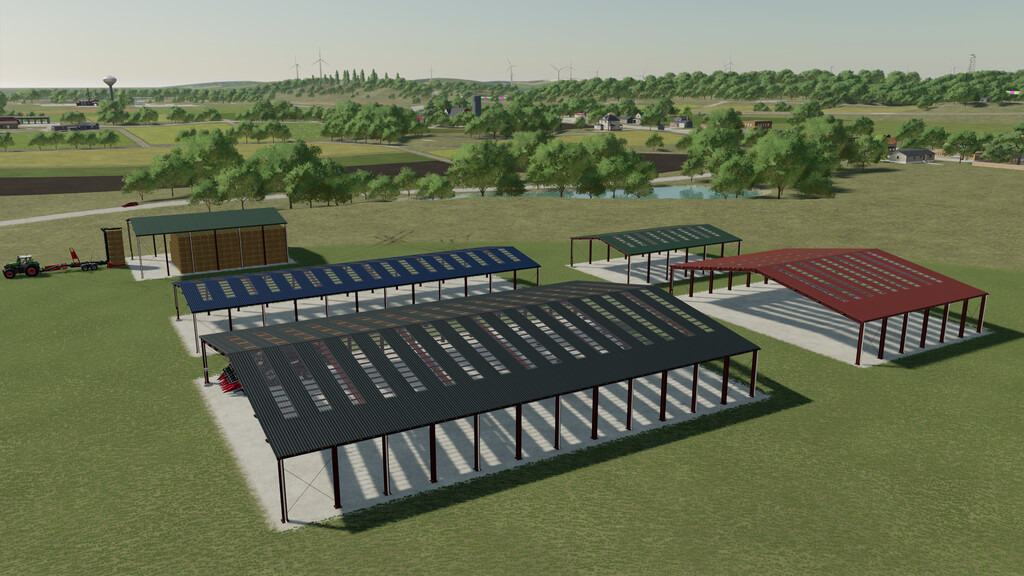
4 Open sheds to store machinery.
1 Open shed for storing bales of all types.
The open sheds for machinery have 3 independent light points (Interior, front and rear).
The shed for storing bales has only one light point (Front).
All sheds have color selection (roofs).All sheds have color selection (roofs).
Shed 01 (Machinery)
Price: 35.000 $
Dimensions: 24 meters long x 16 meters wide x 4.7 meters minimum height.
Shed 02 (Machinery)
Price: 70.000 $
Dimensions: 24 meters long x 33 meters wide x 4.7 meters minimum height
Shed 01 (Machinery)
Price: 70.000 $
Dimensions: 48 meters long x 16 meters wide x 4.7 meters minimum height
Shed 01 (Machinery)
Price: 140.000 $
Dimensions: 48 meters long x 33 meters wide x 4.7 meters minimum height
Bales Storage Shed
Price: 40.000 $
Capacity: 980 Bales
Credits:
Hispano