

Old Timer’s 4x Map v 1.0.0.1


Old Timer’s 4x Map v 1.0.0.1 offers players a nostalgic farming experience, carrying over well-loved features from FS22 to FS25.
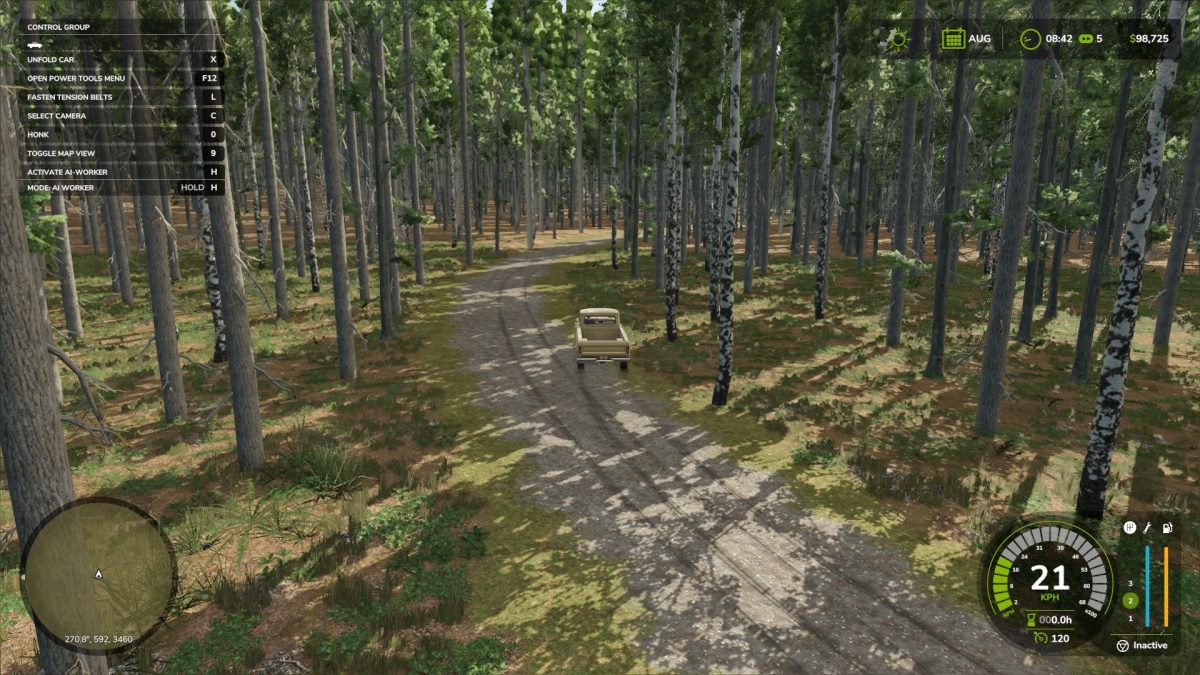
The map showcases a rural landscape characterized by its vintage aesthetics, reflecting the charm of bygone eras.
Players can expect a well-designed layout of fields, roads, and varied terrain that enhances the immersion into the farming world.
The map incorporates essential gameplay elements, ensuring compatibility with FS25 mechanics while maintaining the original map’s essence.
The roadsides are particularly noteworthy, as they contribute to the nostalgic vibe, making this map a perfect choice for those who appreciate a traditional farming atmosphere.
– Nostalgic rural aesthetic
– Compatibility with FS25 features
– Varied terrain and field layouts
– Roadsides designed to evoke an old-time feel
– Comprehensive gameplay integration
Version 1.0.0.1:
* Have fixed bales showing up with no textures on it and added linseed oil factory productions
Credits:
Cazz64, OAG


