

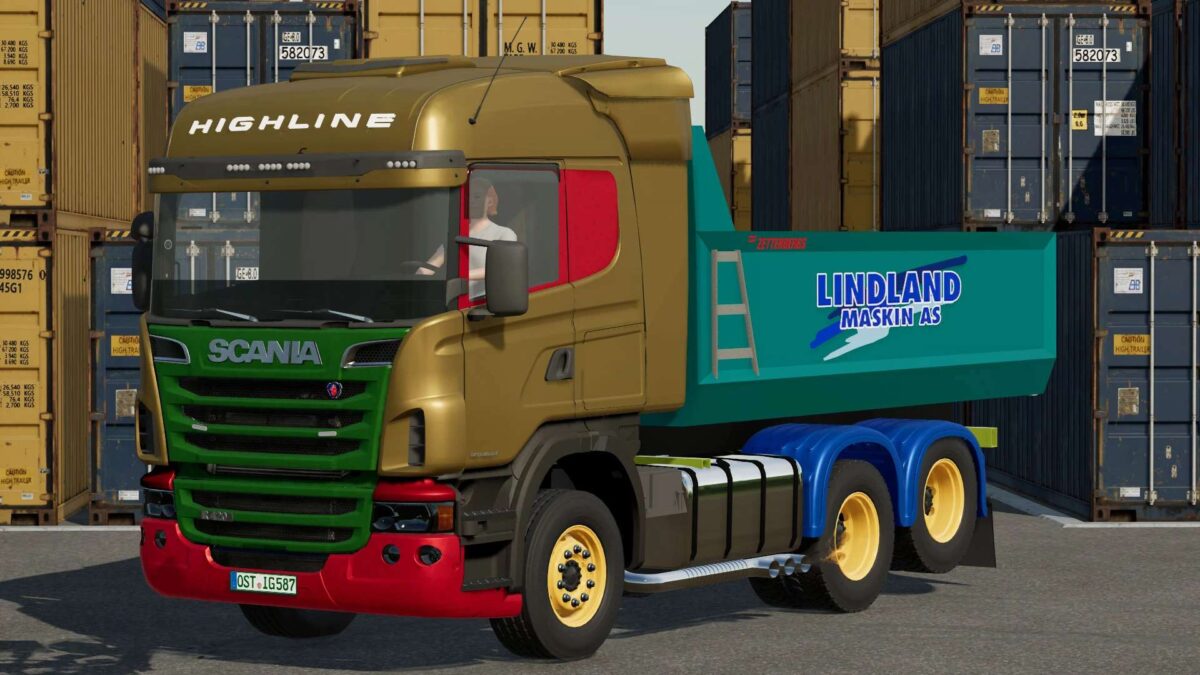
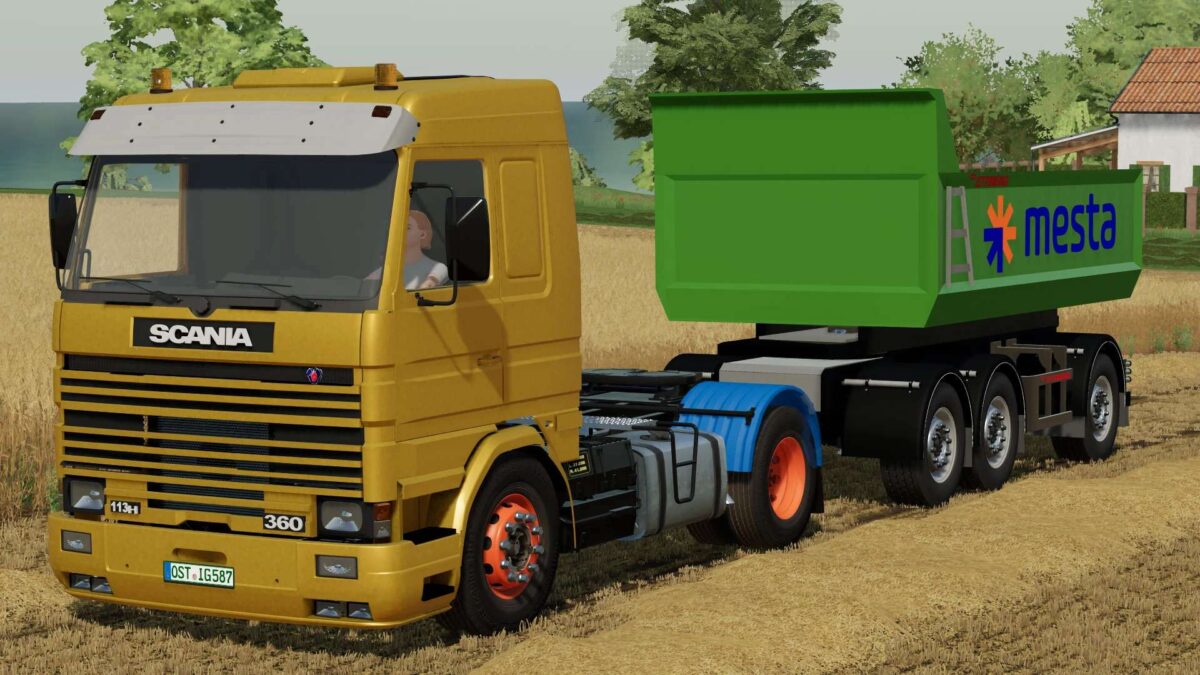
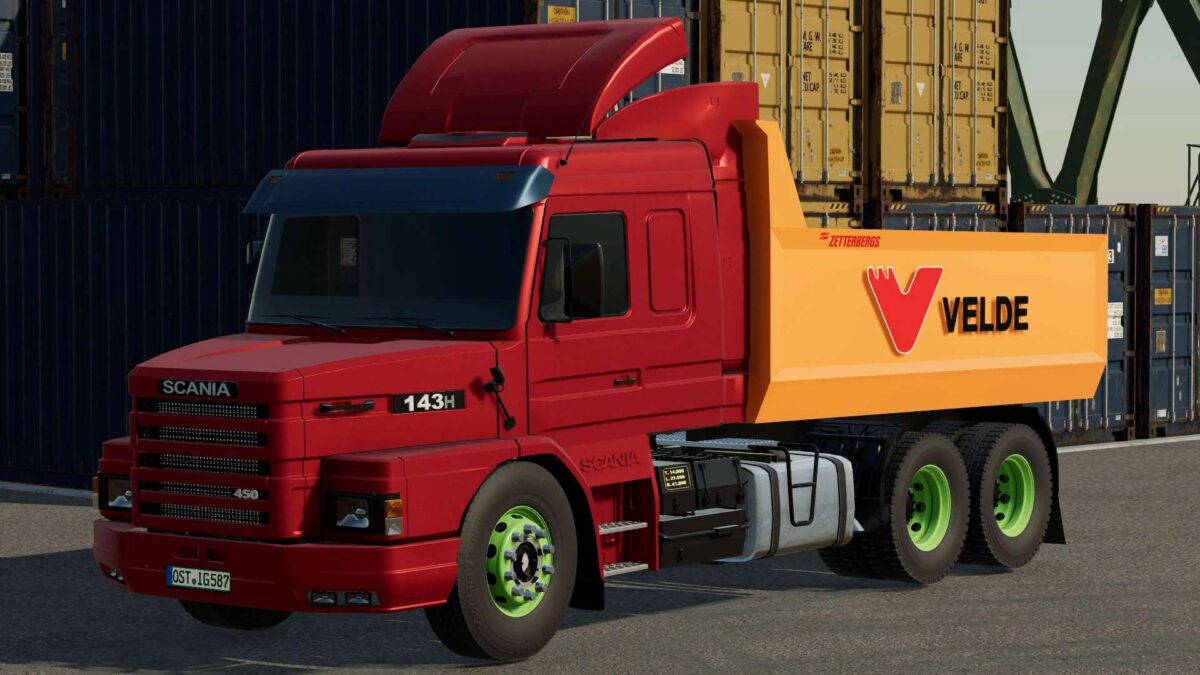
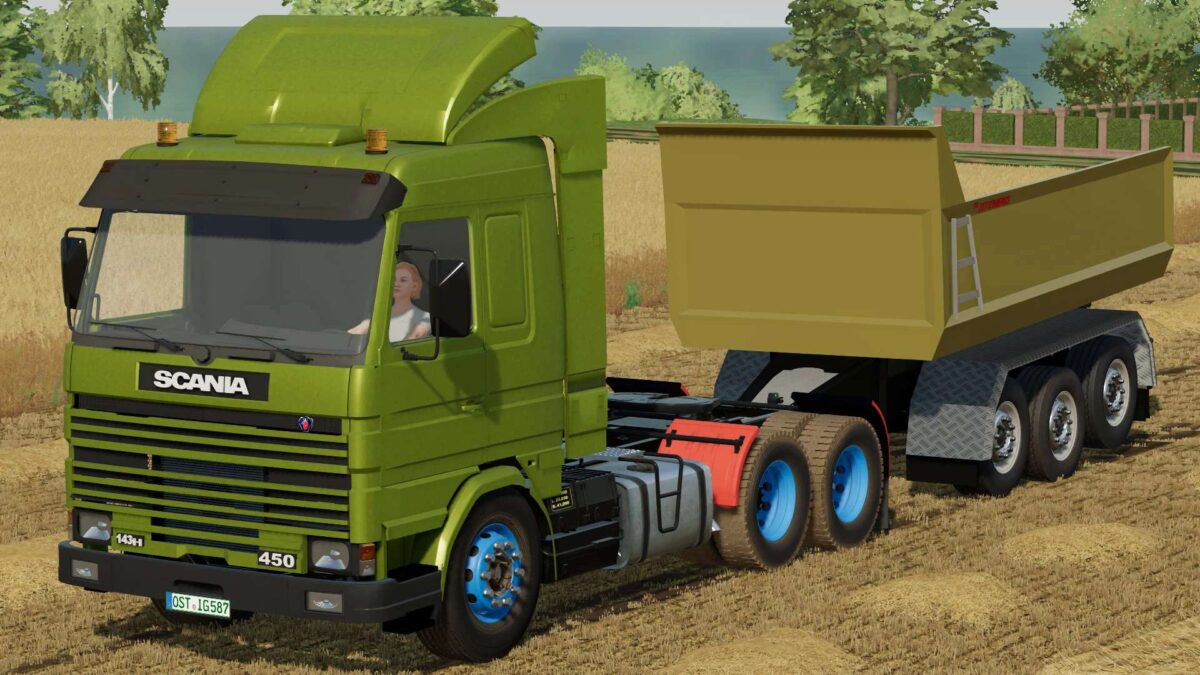
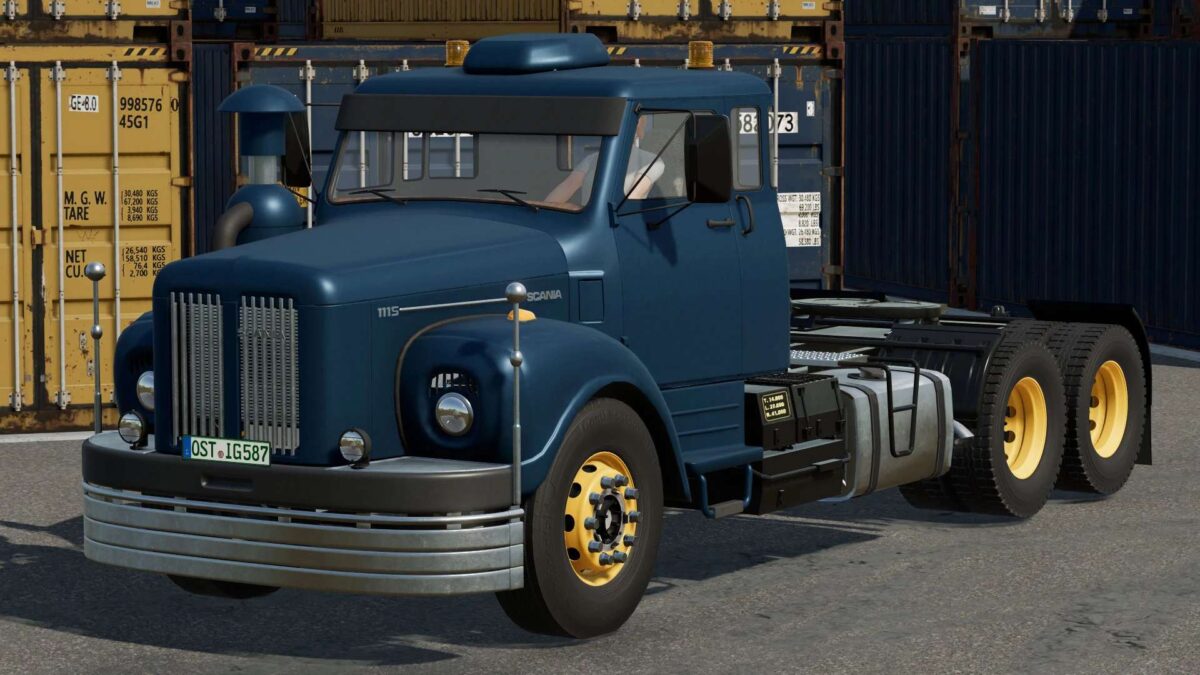
Old Generation Scania Pack v 1.2.0.03


The Pack consist of:
– Scania L111 Series Truck
– Scania R Series Truck
– Scania T143H 450 V8 Truck
– Scania R113H 360 Truck
– Scania R143H 450 V8 Truck
– Zetterbergs ZD4 Dump Trailer
– Zetterbergs ZD4 Short Dump Trailer
– Zetterbergs 3 Axle Tipper Trailer
– Zetterbergs 3 Axle Dolly Tipper Trailer
Version 1.2.0.03:
* Reworked wheels on every model
* Working boogies and new wheel covers – new suspension and weight fixes – careful not to overfill
* Now R113 and R143 are separate models, with the R113 as a Semi configuration
* Same for the L110S and L111S – with the L111S as a Semi configuration
* Reworked all textures and added alot more details and configuration options for lights and cab options
* New exhaust pipe option
* Automatic gearbox option on all models
* Light fixes
* Reworked exhaust effects on all trucks
* DirtMapping on more parts
* New Mahlers frame mount
* General cleanup
Credits:
TheAshladzz, Farm Centro Sul, KN Modding


