Old Cowshed v 1.0


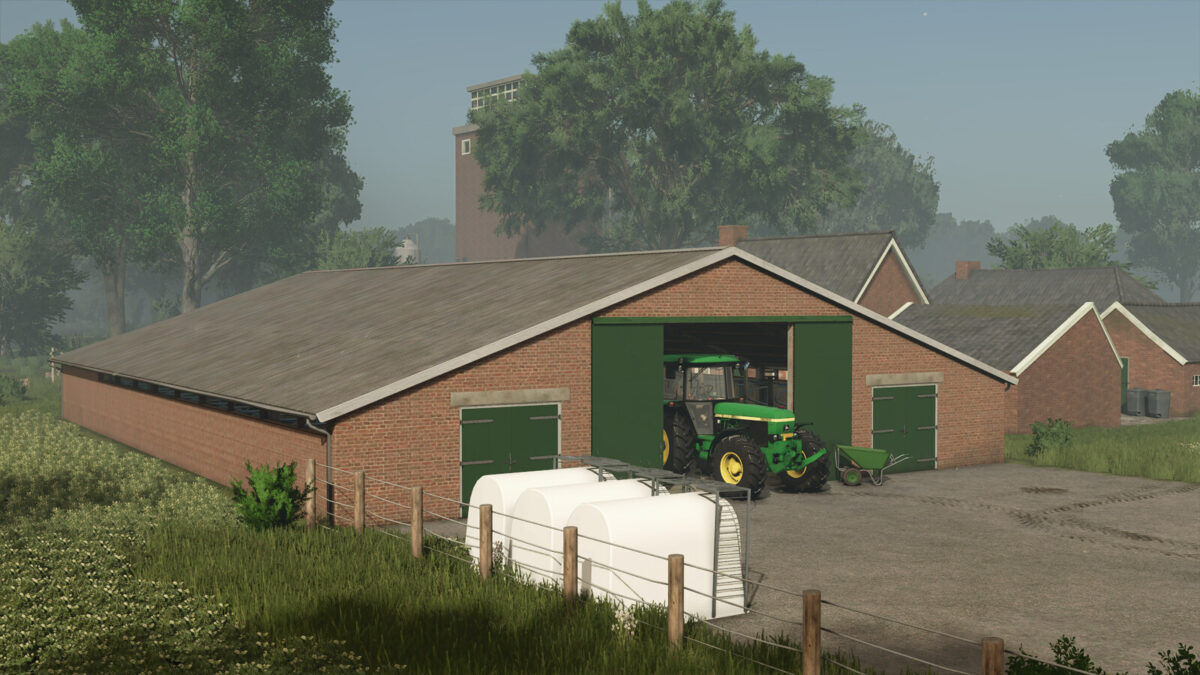
This mod introduces an old cowshed that has been crafted to resemble structures built around 1980. Designed for players looking to enhance their farming experience, the cowshed offers a capacity for up to 35 cows. Feed and straw can conveniently be added in the middle section of the building, allowing for efficient management of livestock.
Milk collection is streamlined through the front of the shed, while the milking area is not accessible for entry, focusing on the functional aspects of dairy farming without compromising realism. Although there is no designated manure storage included with this mod, players can spread straw to simulate filling the boxes, even though it does not appear visually in the game. For operations related to slurry, players can access this resource from the back of the sheds.
Overall, the old cowshed provides a nostalgic addition to your farm, ideal for adding variation to your livestock management routine.
– Capacity: 35 cows
– Price: $70,000
– Monthly upkeep: $70
– Feeding and straw addition: Middle section
– Milk pickup: Front
– Non-enterable milking area
– No manure storage
– Slurry access: Back
Credits:
[DMI]20mmNormandy