Old Cowshed v 1.0


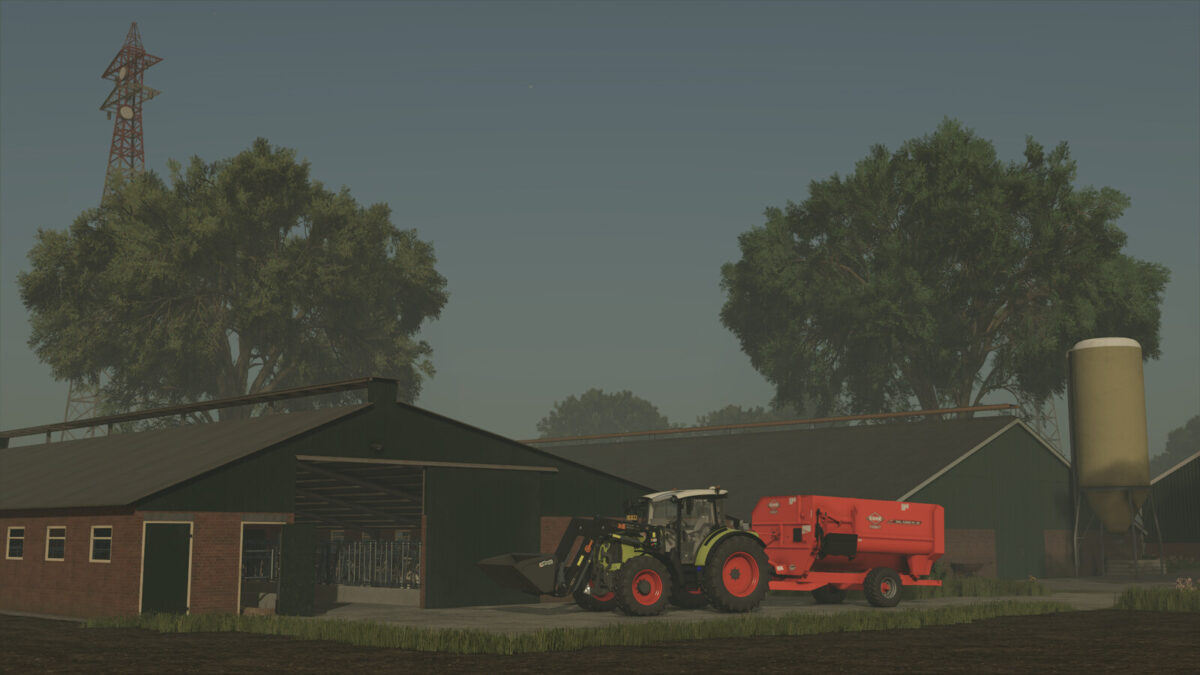
The Old Cowshed v 1.0 mod offers players the chance to manage a vintage-style cowshed that represents agricultural practices from around the 1980s. Designed to enhance the realism of cattle farming, this cowshed allows for a unique experience within the game.
Players can feed their cows and add straw conveniently from the center of the structure. Milk collection is straightforward, with access from the front of the shed. It’s worth noting that there is no dedicated manure storage within this mod, which may impact how players manage their farm waste. Additionally, while straw can be spread to simulate the filling of boxes for the cows, there will be no visual representation of this action, which may affect immersion for some users. Slurry can be accessed at the back of the cowshed, providing another layer of utility for farm management.
– Capacity for 40 cows
– Pricing set at $50,000
– Monthly upkeep cost of $70
– Feeding and straw addition from the center
– Milk collection point at the front
– No manure storage included
– Slurry access at the back
– Straw spreading feature (no visual representation)
Credits:
[DMI]20mmNormandy