

Oedberg At The Tegernsee v1.0.0.0


Oedberg at Tegernsee
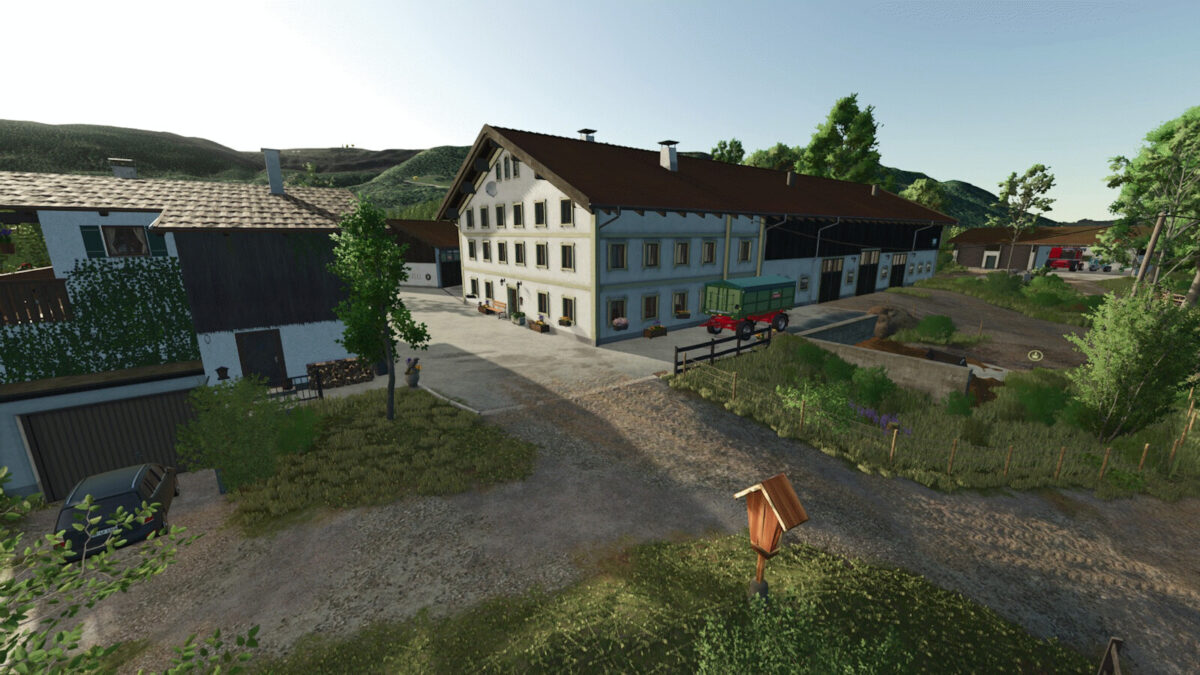
Welcome to Oedberg—an idyllic Bavarian landscape in the Miesbach district, within the municipality of Gmund am Tegernsee.
The map blends traditional farming with the characteristic scenery surrounding Lake Tegernsee.
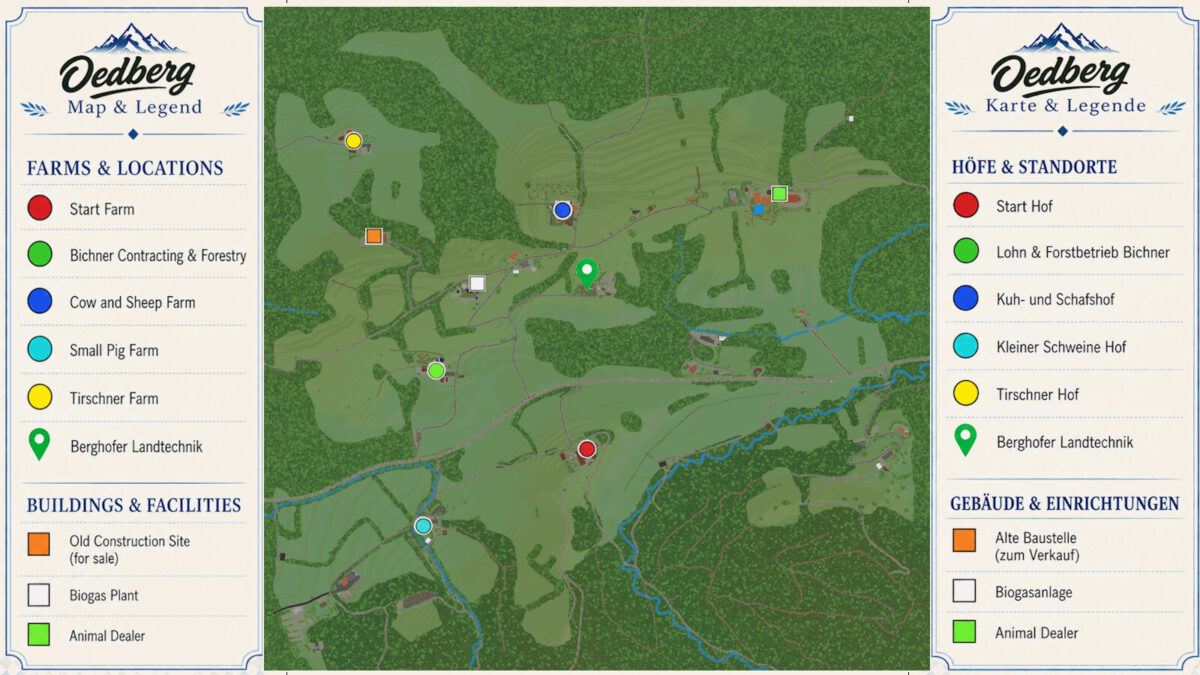
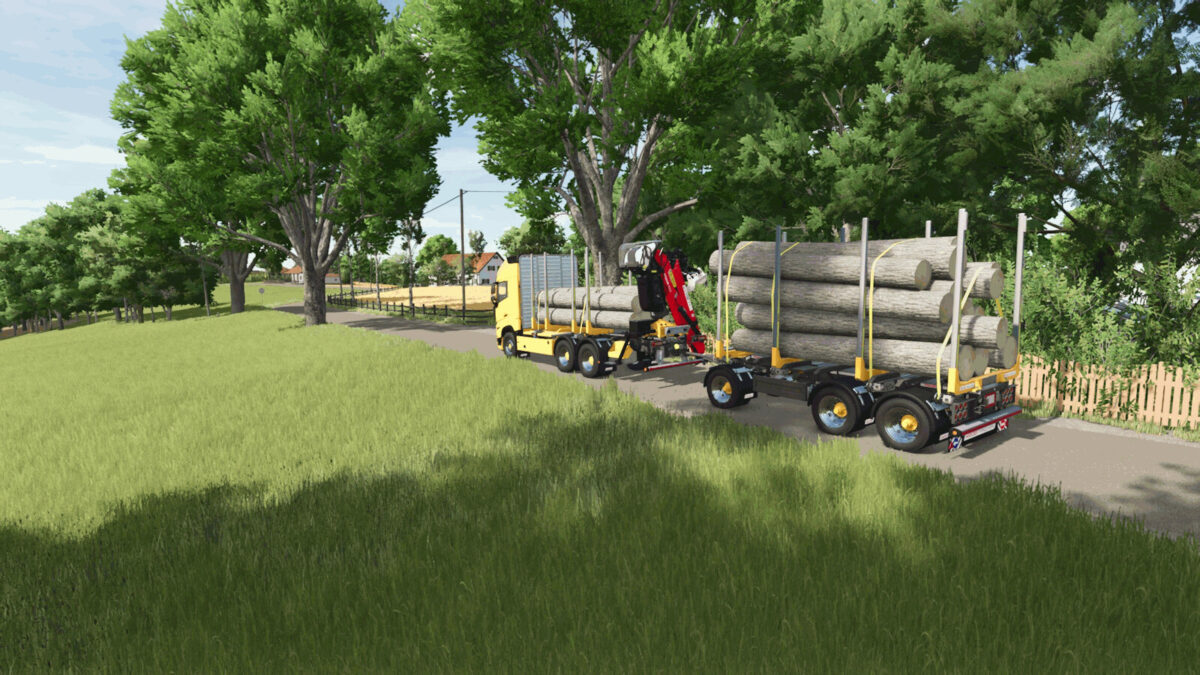
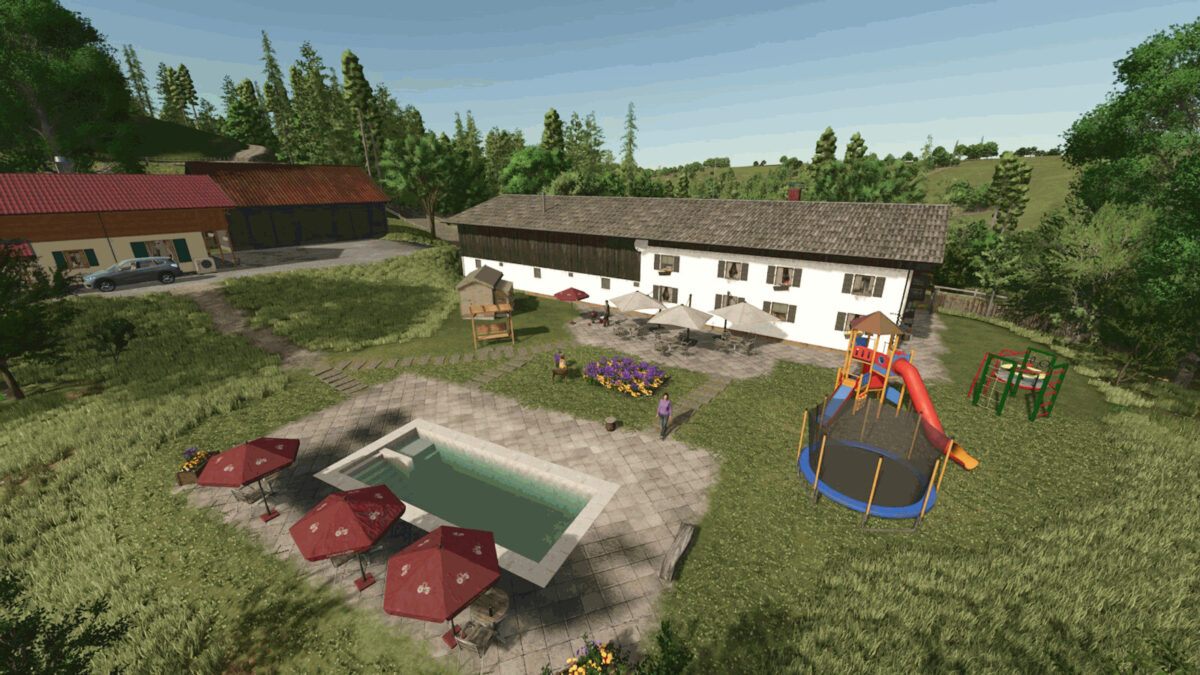
A mix of small farmsteads, larger operations, forestry, and various regional production facilities offers a diverse range of agricultural activities.
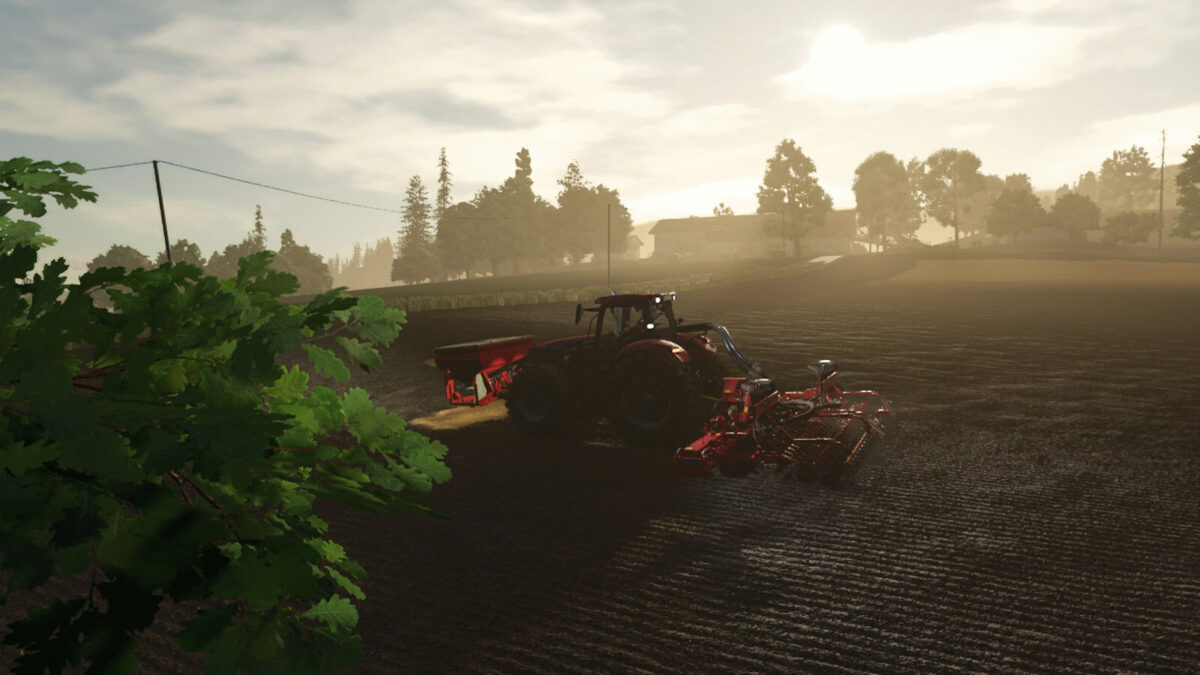
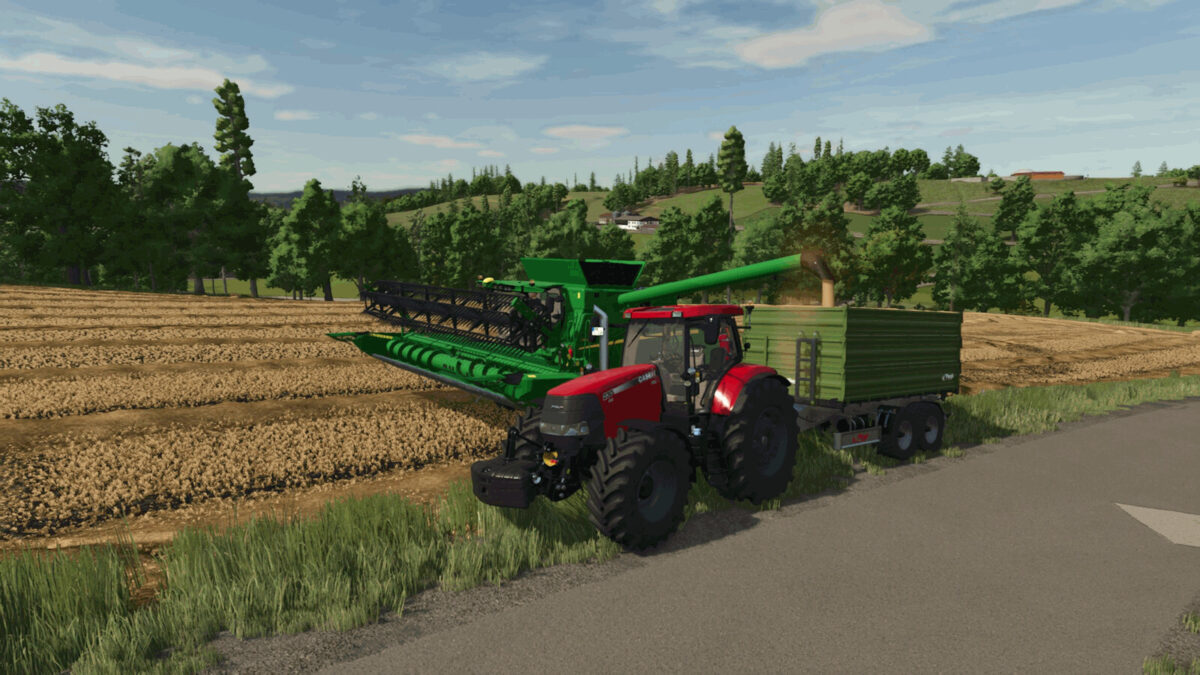
Whether you run a small family farm, a modern contracting business, or a large-scale agricultural operation, there is a place for everyone at Oedberg.
Features:
– Custom-designed farmsteads based on real-life references
– Multi-fruit support: Biogas plant, bunker silos, production facilities
– Around 100 fields, meadows, and grassland areas
– Varied field sizes and plots to suit different farm scales
– Agriculture, livestock farming, forestry, biogas production, and contracting services
– Numerous regional sales points and production facilities
– Authentic road, field, and path network
– Fields: 1-69, Land: 100-139, Farms and production sites: 200-215, Rest of the map: 254
– Abundant details and custom-designed areas throughout the map
– Regional businesses and economic cycles
– Custom map objects, decorations, and adapted buildings
– Plus whatever else you might discover 😉
Have fun playing, and welcome to Oedberg!
– For the console release, parts of the painted foliage in the forest and along the map edges had to be removed—better that than console players missing out on the map entirely.
Special thanks to “Modding Keller” for the construction crane, “[BG] Patti” for testing, and “Jogi” for showcasing it.
Feel free to get in touch with any questions, requests, or suggestions. Constructive criticism is highly welcome—preferably via the usual platforms.
Credits:
Da Andy


