
FS25 Buildings

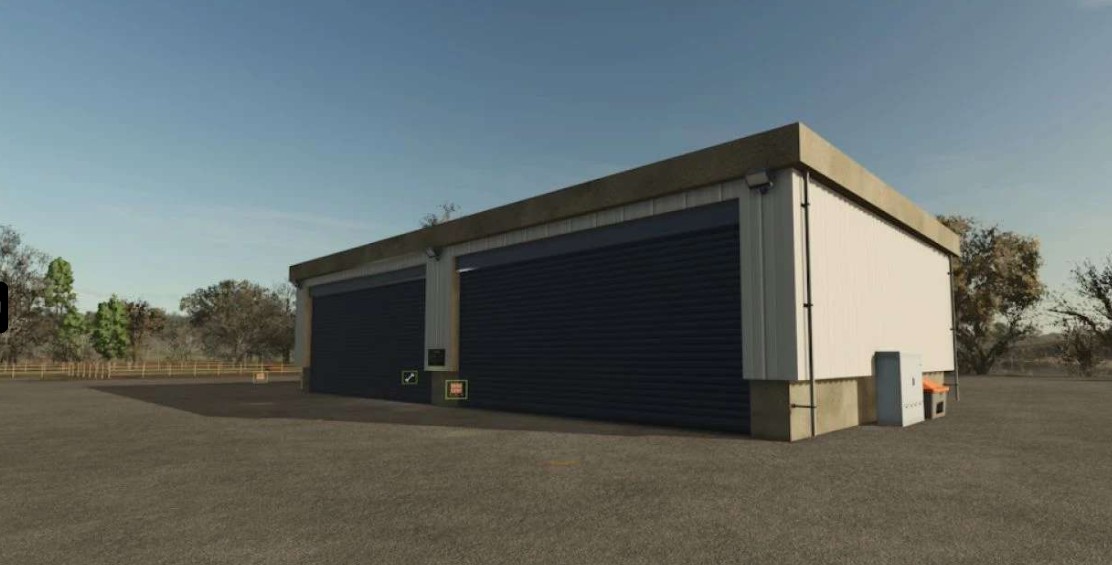
Object Storage Pack v 1.0.0.1

Object Storage Pack v 1.0.0.1

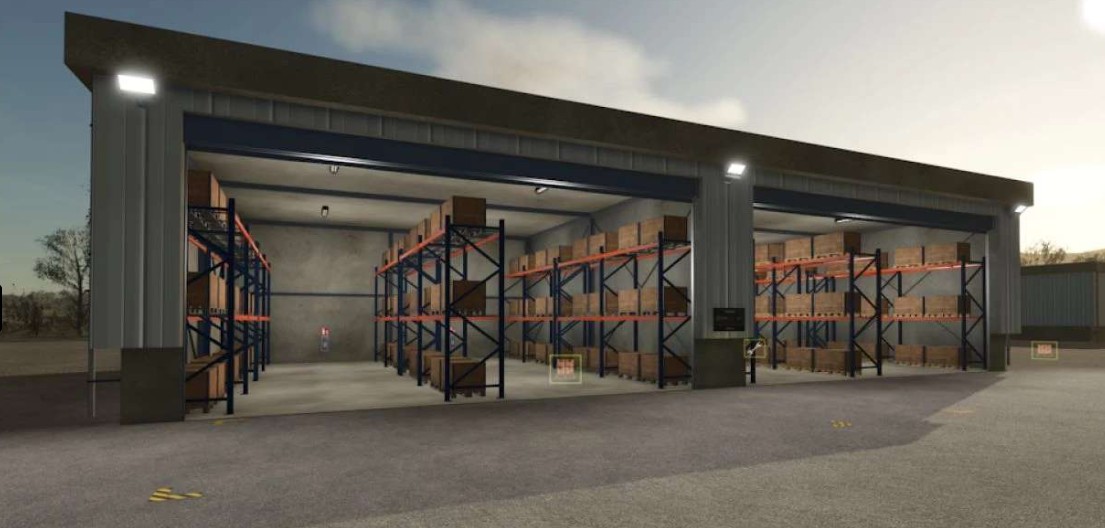
Pallet Storage Shelves
Construction costs €46,000
Costs €40 per month
Cost of the solar panels €53750
Income from solar panels 187€ per hour.
Configuration Selectable between no solar panels or solar panels
Storage (144 pcs.) pallets

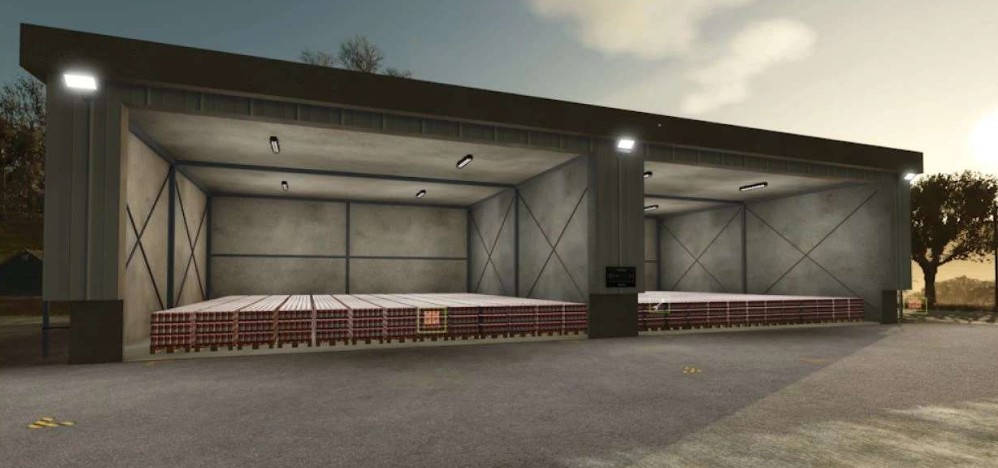
BaleStorage396
Construction costs €36,000
Costs €40 per month
Cost of the solar panels €53750
Income from solar panels €187 per hour.
Configuration Selectable between no solar panels or solar panels
Storage (396 pcs.) Round or square bales

Version 1.0.0.1:
* Duplicate L10N Entry Action_Opendgate fixed
* Duplicate L10N Entry Action_Closegate fixed

Credits:

SBModding
How to install FS25 Buildings?
Firstly find a mod which you like and want to download. Then download a mod to your PC. Mods are usually in .zip format file. But sometimes it can be in .rar. If a mod file is a .zip format no needed additional actions. If a file is in .rar, then you must unarchive mod with software like WinRar or Zip7. Windows 10 users no need to use software for archives, Win10 itself has a feature to unarchive files.
The next step is to find mods folder in your PC. Usually, it is in Documents/My Games/Farming Simulator 25/2025. Open the "mods" folder and put downloaded .zip archive or unarchived .rar file to this folder.
Last step. Enjoy of FS25 mods!

Leave a Reply

Your email address will not be published. Required fields are marked *