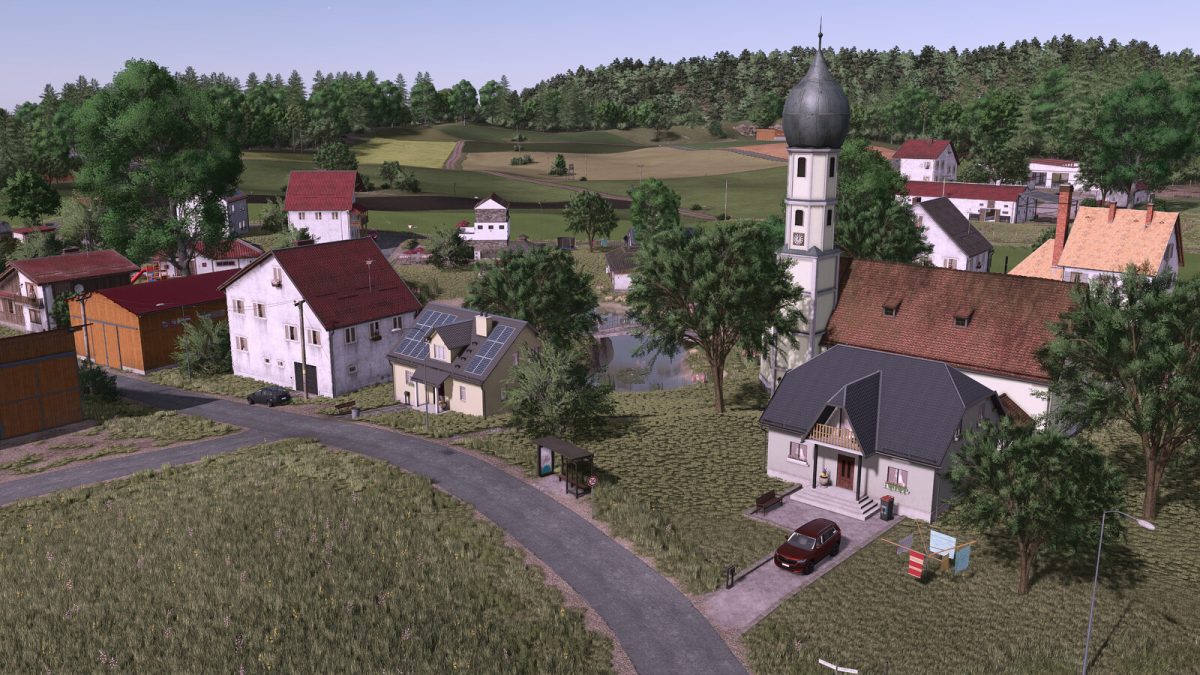
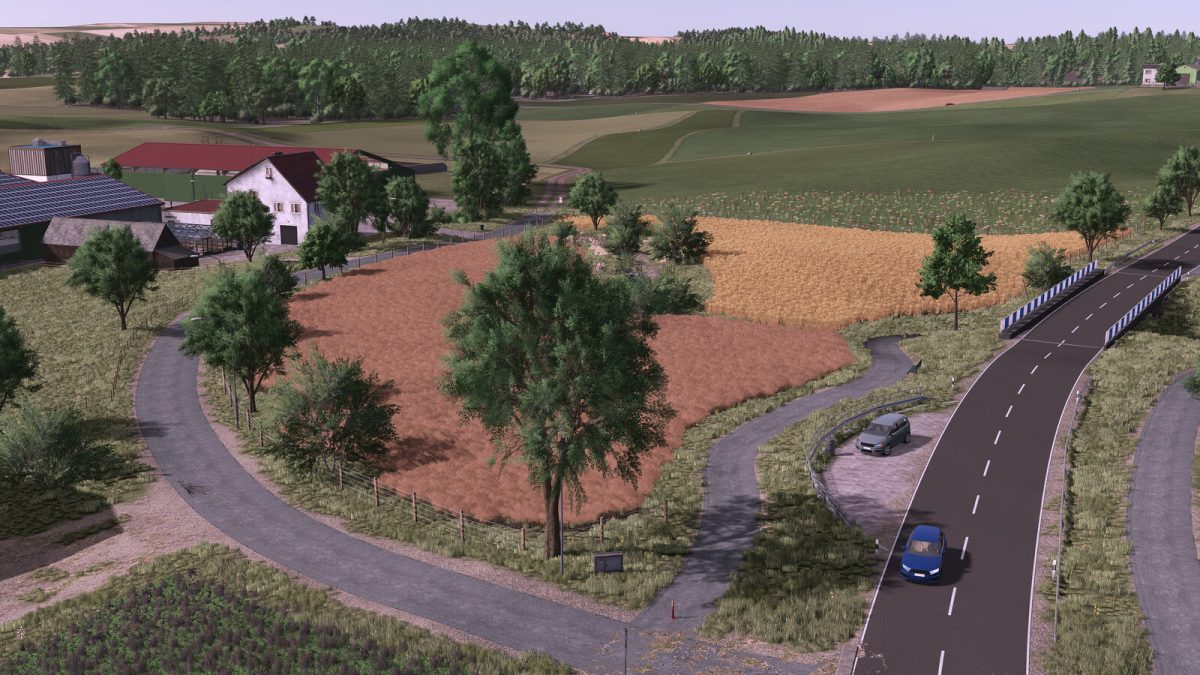
Oberschwaben Map v 1.0


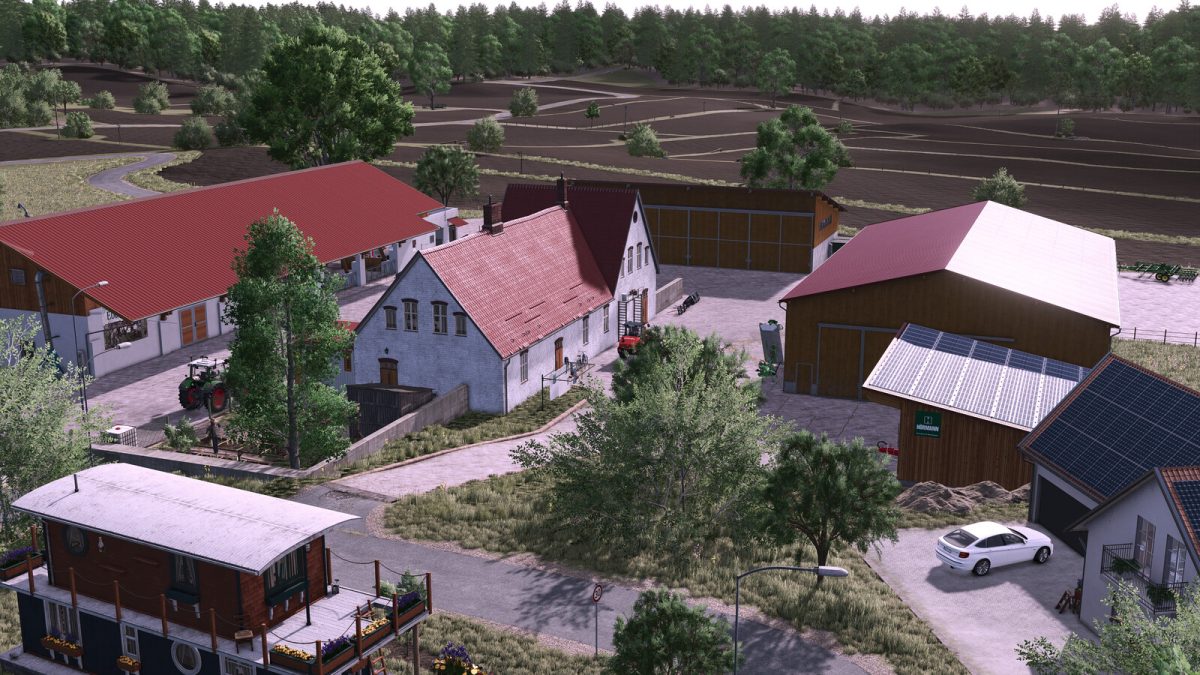
– 3 different courtyards that vary in their structure and size
– Fully developed AI splines for helpers, up to the fields
– Various buying and selling stations
– Real license plates installed
– 1 small old courtyard
– 1 large modern yard for medium and large tractors
– 1 resettler farm with cows and pigs that can be breathed back into life
– 1 municipal building yard, for community maintenance and winter service
– 1 area for small wage companies with an attached recycling center
– 1 sewage treatment plant with slurry purchase option
– 1 large biogas plant
– Various outdoor halls that can be purchased
– Carpentry with production/sales of wood
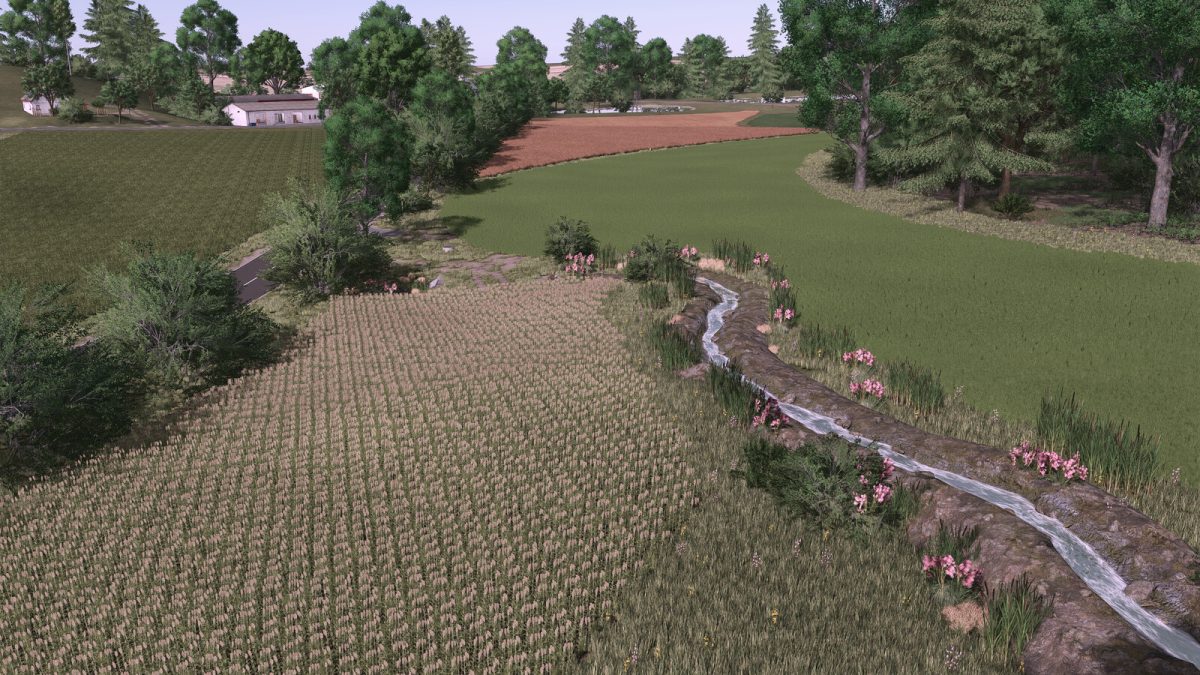
– 130 fields, meadows and forest areas from 1ha to 6ha,
– Various sales outlets such as a country store,
– You can take water from the ponds or rivers,
– There are plenty of forests for the tree poopers among you
Credits:
Jogi