
FS25 Maps

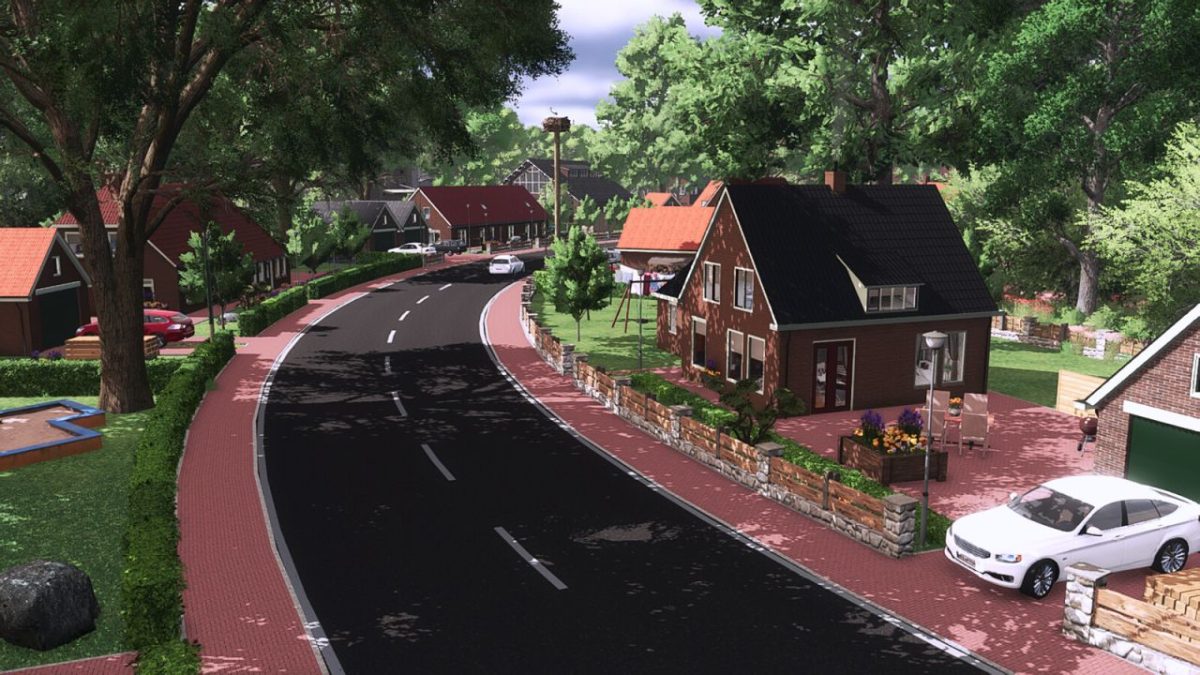
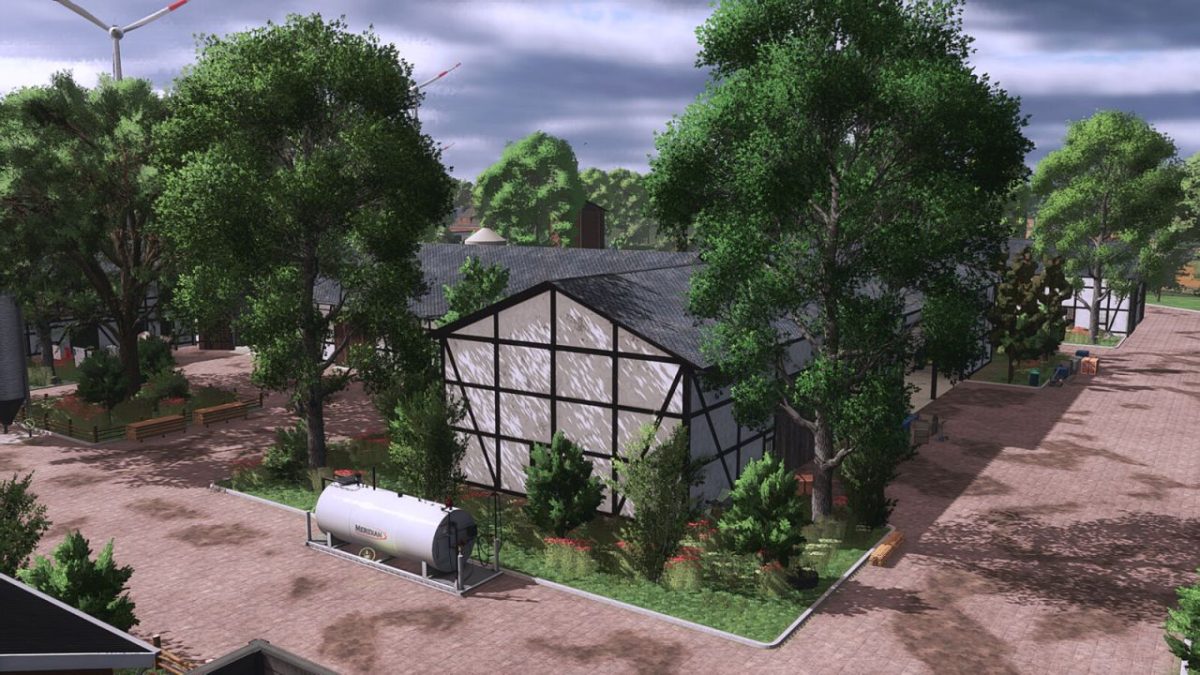
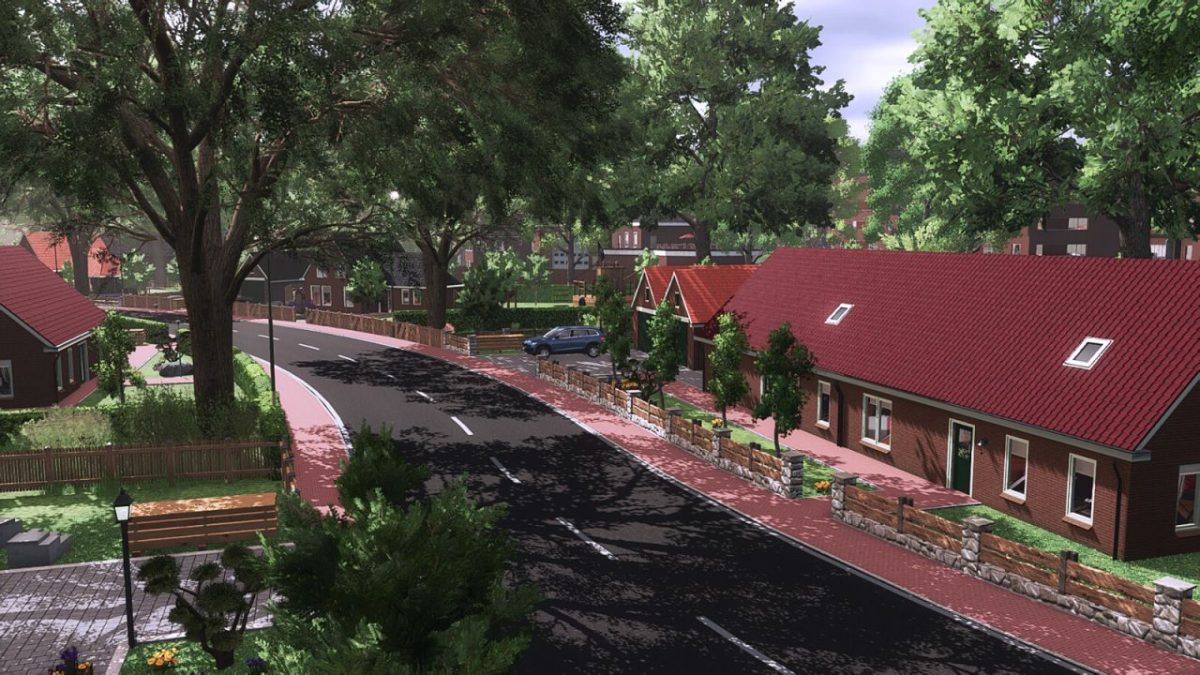
North March Reloaded Map v 1.1.0.1

North March Reloaded Map v 1.1.0.1

– 125 fields
– Number of purchasable forest areas: 2
– 3 farms
– LU farm
– BGA
– Vehicle dealers
– 8 sales points
– 13 productions
– Livestock dealers
– Animals on the map: chickens, pigs, and cows
– Seeds and fertilizer are available
– 50 collectibles
– Shop is open from 9:00 a.m. to 5:00 p.m.
– Garden center is open from 7:00 a.m. to 7:00 p.m.
– Average field size: 6.53 ha (0.67 ha – 7.04 ha)
– Water can be drawn from the large pond or smaller streams.
– New crops installed by PfalzAgrar.
– Rye, triticale, spelt, green rye, and field grass.

Version 1.1.0.1:
* The map location at field 109 was moved too close to the field edge
* Approximately 1,000 trees were removed
* Walls in the village have received new textures
* Minor bugs fixed

Credits:

LS Schleswig Holstein
How to install FS25 Maps?
Firstly find a mod which you like and want to download. Then download a mod to your PC. Mods are usually in .zip format file. But sometimes it can be in .rar. If a mod file is a .zip format no needed additional actions. If a file is in .rar, then you must unarchive mod with software like WinRar or Zip7. Windows 10 users no need to use software for archives, Win10 itself has a feature to unarchive files.
The next step is to find mods folder in your PC. Usually, it is in Documents/My Games/Farming Simulator 25/2025. Open the "mods" folder and put downloaded .zip archive or unarchived .rar file to this folder.
Last step. Enjoy of FS25 mods!

Leave a Reply

Your email address will not be published. Required fields are marked *