

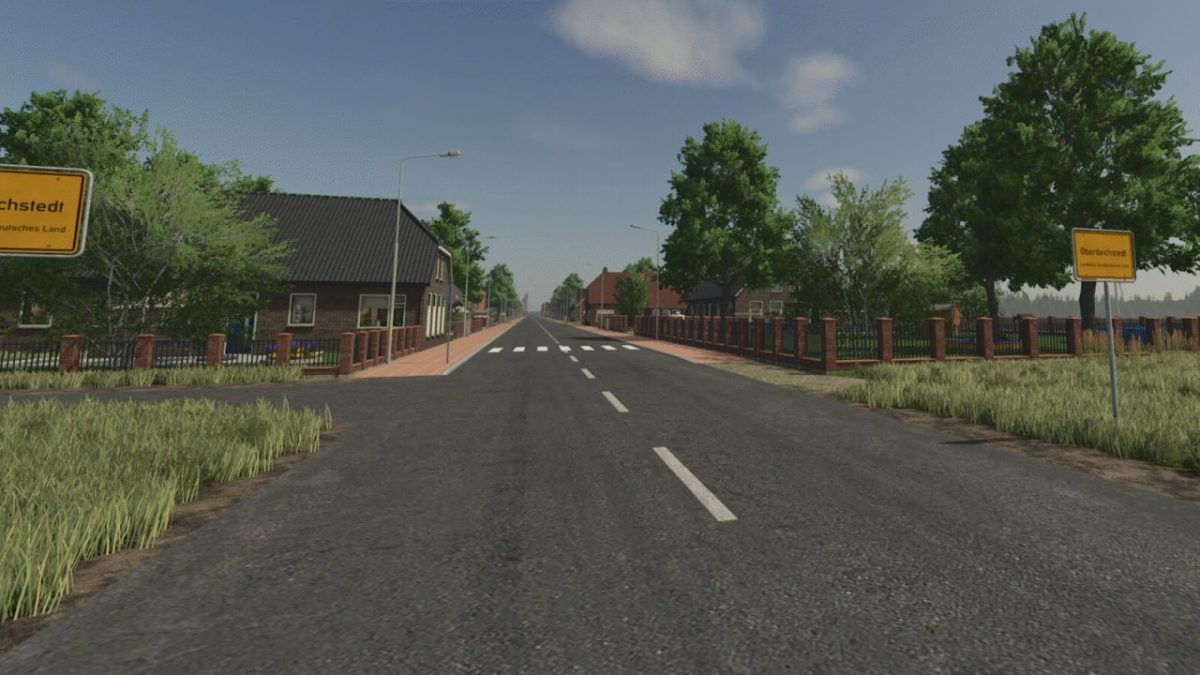
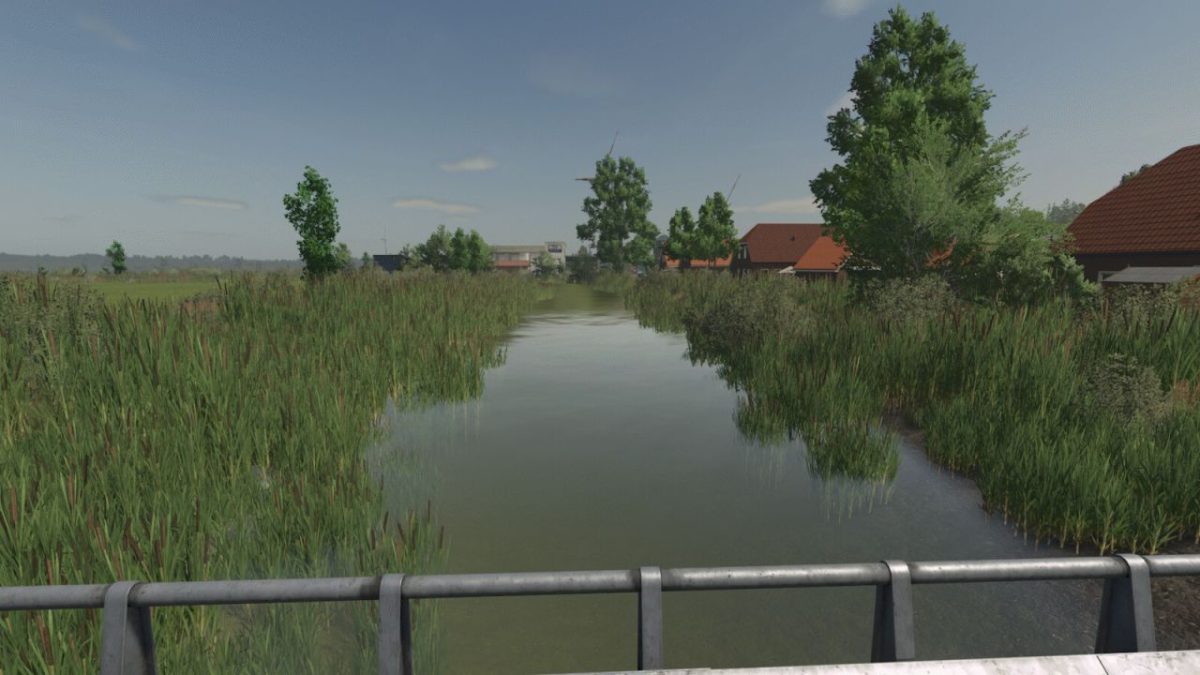
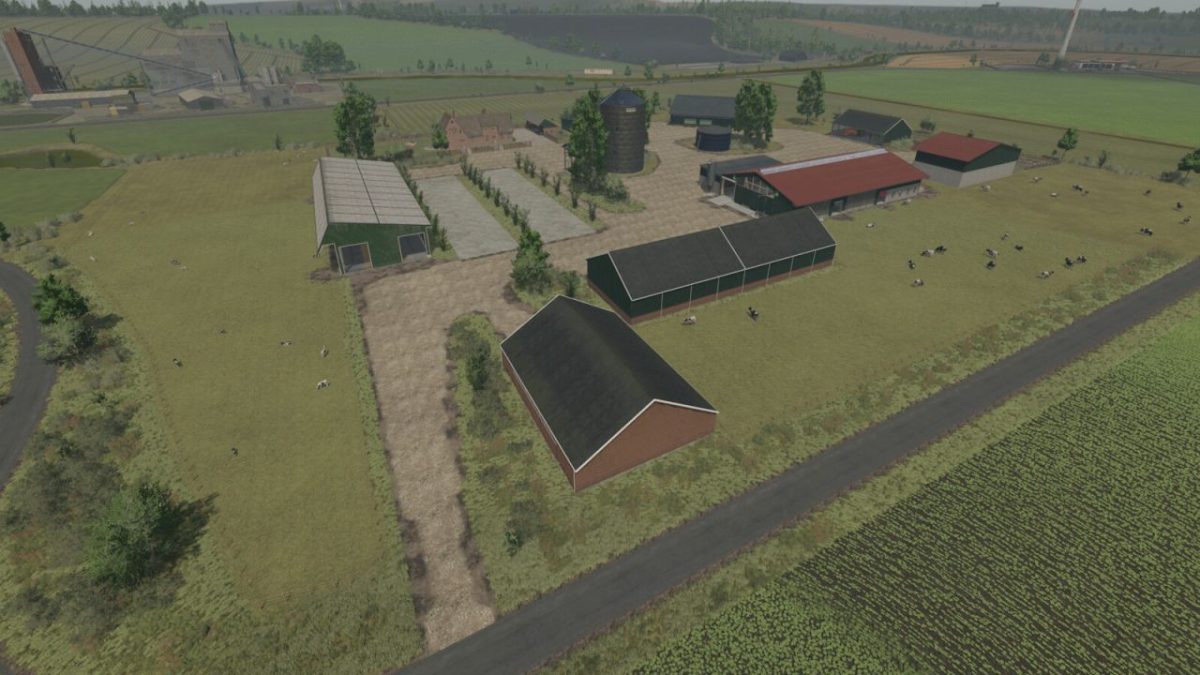
North German Country Map v 1.0


– 151 fields, lots of grassland.
– 76 forest areas.
– 7 farms with farmhouses.
– 10 farms for settlers.
– 4 cow pastures.
– 3 sheep pastures.
– 2 horse pastures.
– At the sugar factory, each of the 7 main farms has a bulk bunker for storing sugar beets.
– Dedicated soil map for precision farming.
– A fully equipped starter farm with used machinery.
– Many small details that will make you smile.
– Numerous production facilities and sales outlets.
– Crop and stubble destruction.
– The farm decorations, including curbs, fences, etc., can be removed when the doghouse is sold.
– Multi-crops: 9 additional crops: rye, triticale, spelt, green rye, viburnum, field grass, humus-active, mustard, spring barley, spring wheat, and a flowering cover crop.
– 256 soil angles.
– Livestock pastures can be bought and sold via farmland.
– All pastures also have some water and fodder.
– A biogas plant only appears in the price list and field missions; the others are purely productions.
– Buildings you want to demolish will incur a demolition fee.
– Custom script for more pastures and productions with a limit of 256.
– Many custom textures and decorative plants.
– Many soil textures, plants, and trees in the building menu.
Credits:
Niedersachse85 von NDS Modding, LS Schleswig - Holstein, Bal


