

North Frisian 25 Map v 1.0.1.1


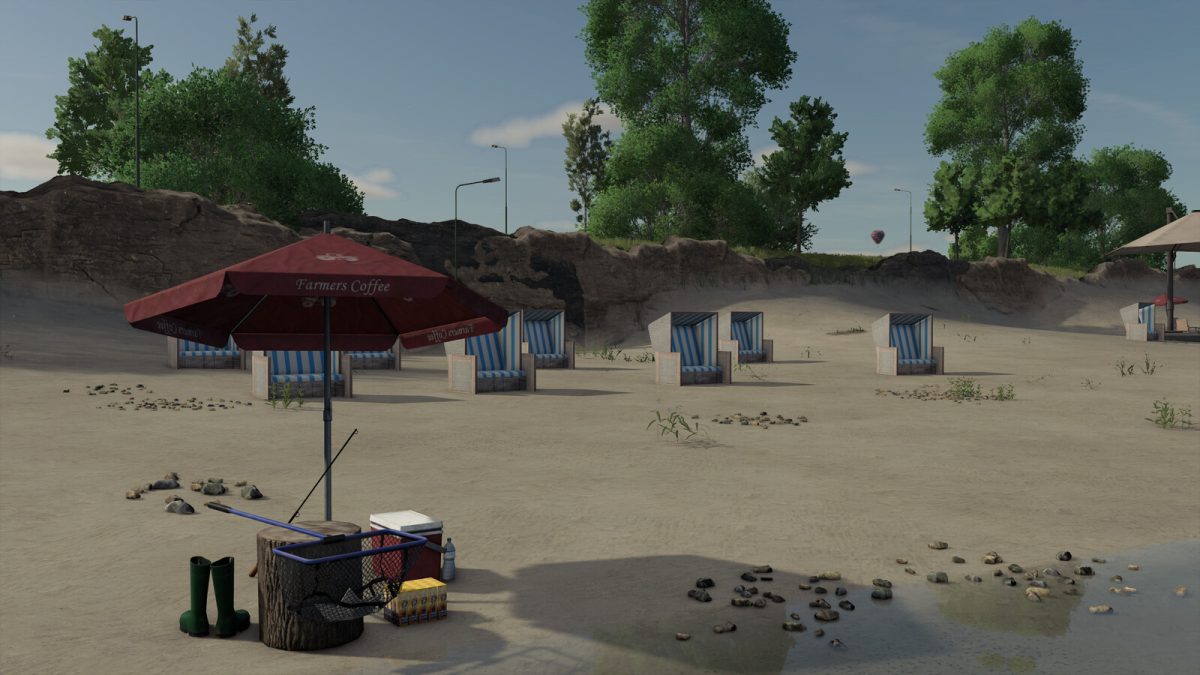
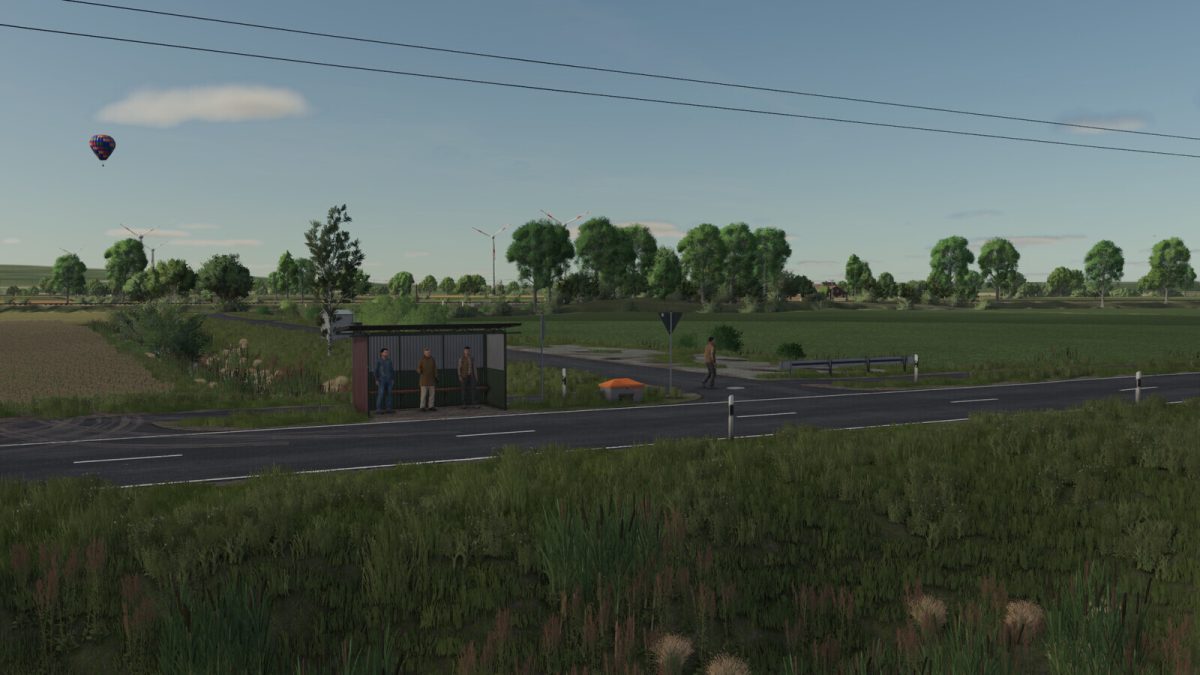
Welcome to North Frisian. This map takes you to the far north of Germany, directly to the rugged but beautiful North Sea coast.
True to detail and with a lot of love for the landscape, it reflects the typical charm of northern Germany.
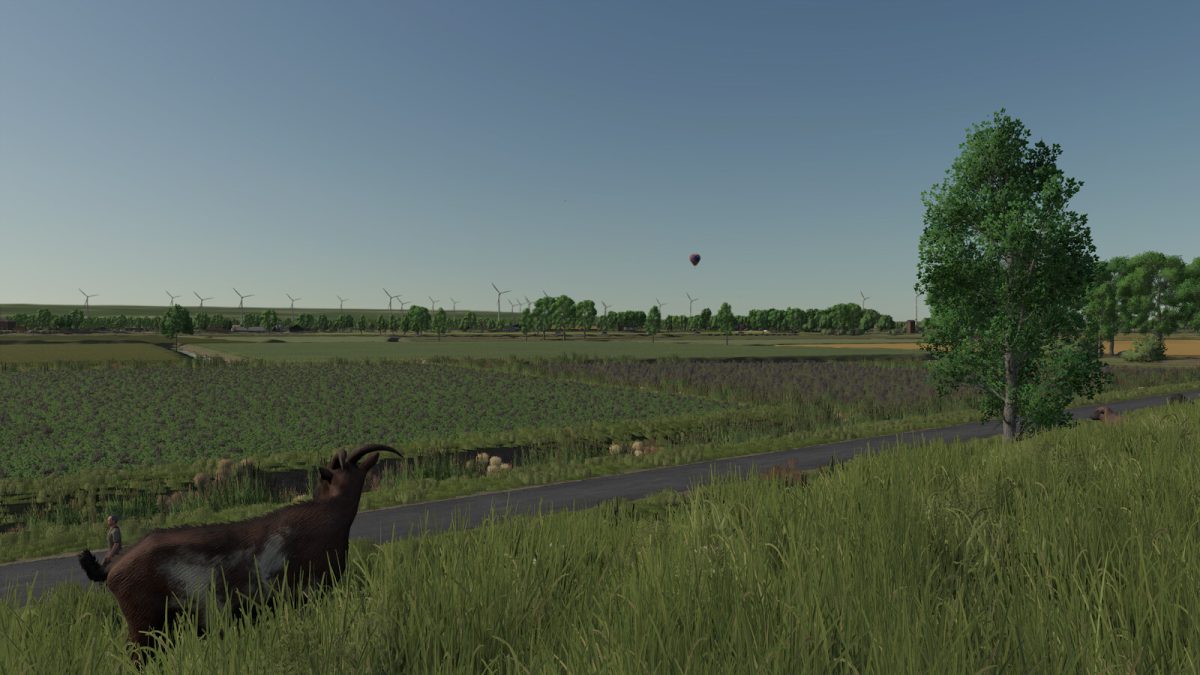
Vast fields, idyllic villages and authentic farms create a realistic game world that will delight both fans of small family farms and operators of large agricultural businesses.
Thanks to the varied environment and generous areas, the map offers plenty of space for modern machines, extensive farm structures and shared gaming experiences.
Immerse yourself in the unique atmosphere of North Frisian and experience an agricultural landscape that perfectly combines closeness to nature, tradition and progress
Number of purchasable fields: 98 Fields
Average acre size: 2,53ha (0,17ha – 11,04ha)
Number of purchasable forestry land: 14
Version 1.0.1.1:
* Precision Farming Soil Map installed
Credits:
SirJoki80, Jogi


