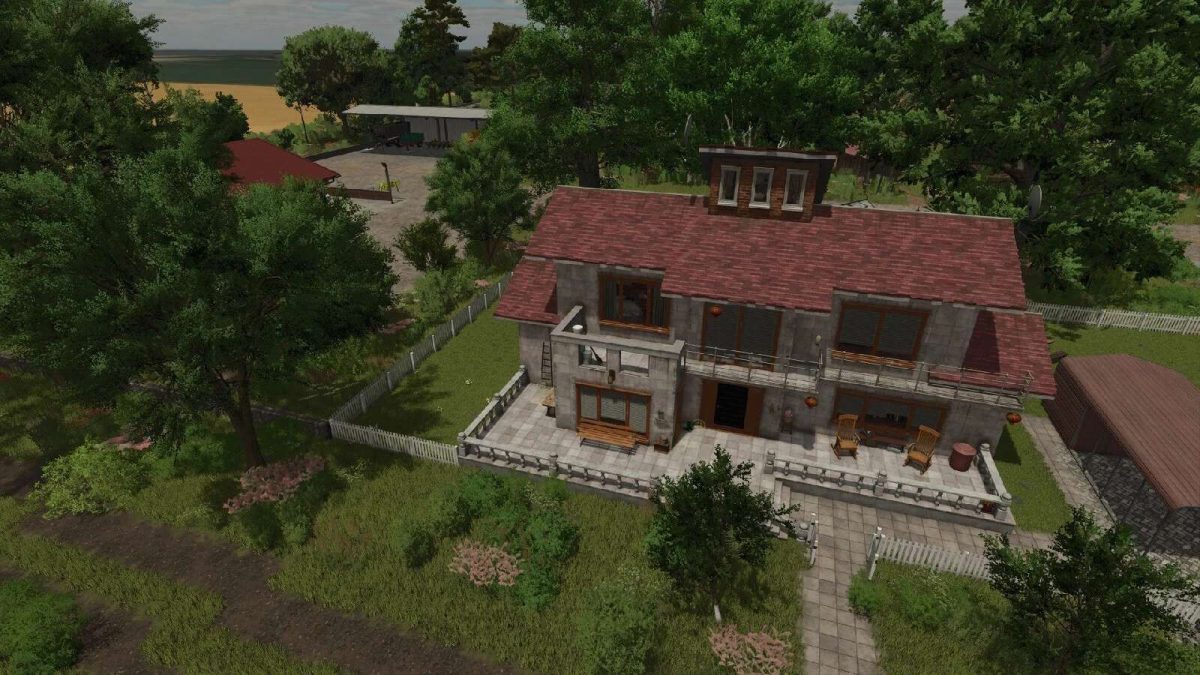
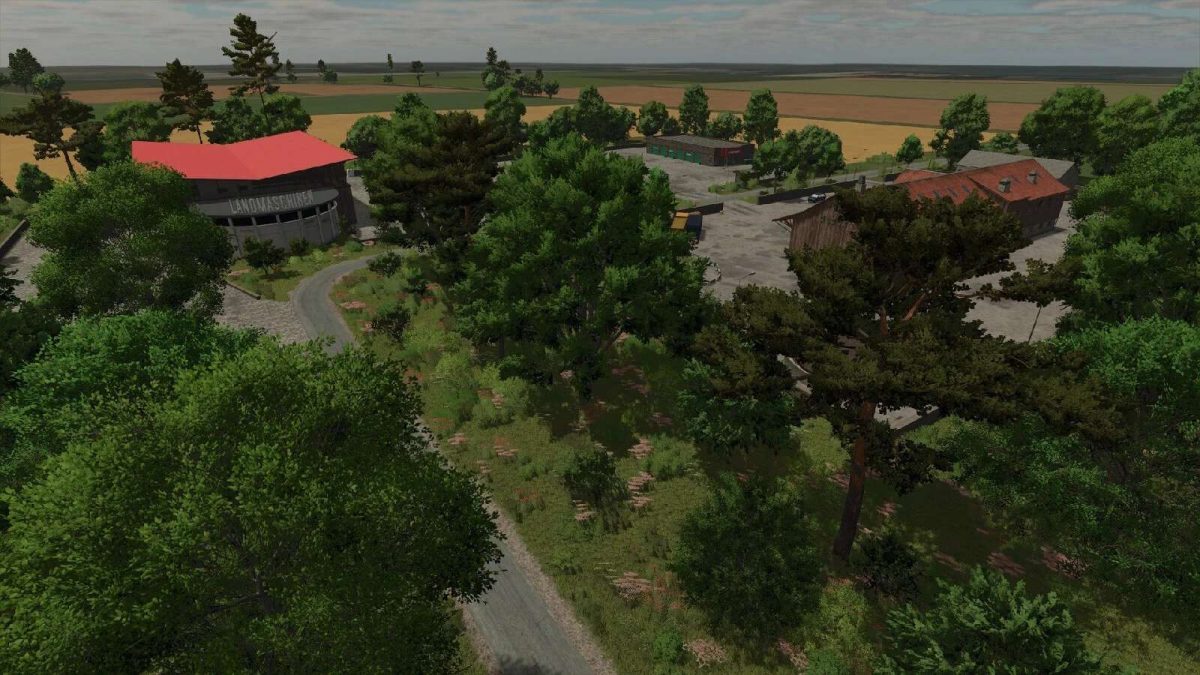
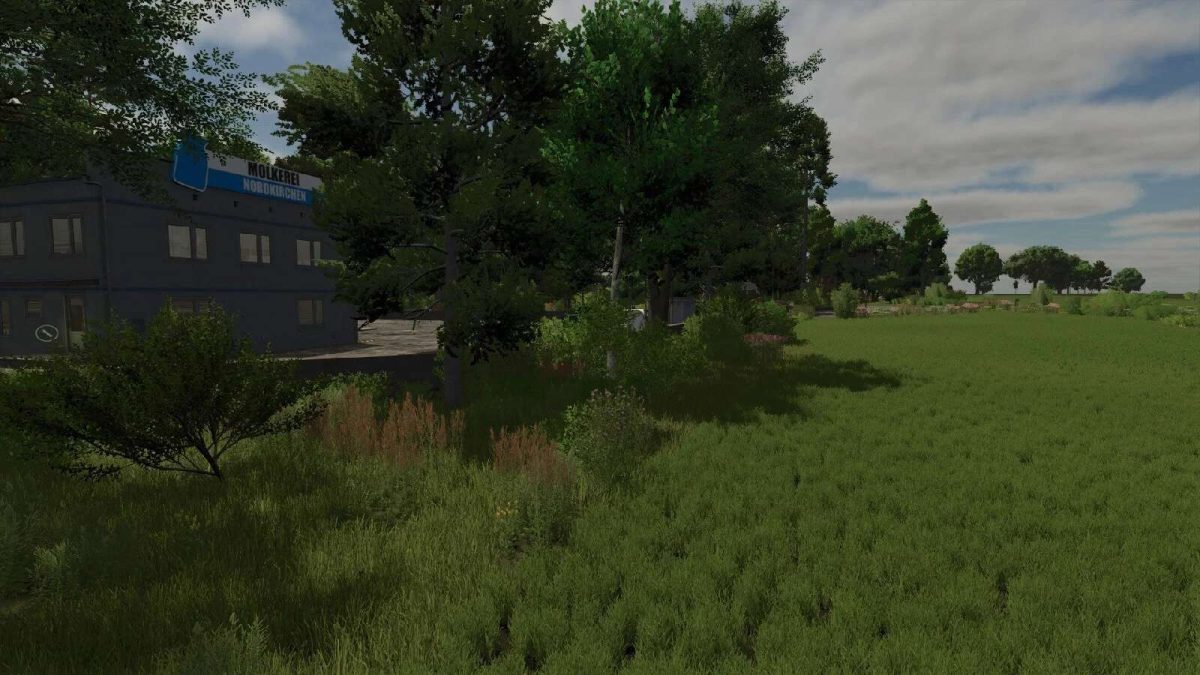
Nordkirchen Map v 1.1


– Standard area for cultivation and farming
– 63 fields (287 ha / ⌀4.56 ha)
– 7 meadows/pastures
– 8 forest areas with 10,383 trees
– 9 places to buy products and 13 places to sell them
– 4 productions
– One fixed 1MW BGA
– 50 gathering items
– 9 additional crops: rye, triticale, spelt, green rye, vetched rye, field grass, silage maize, humus active and mustard
– Stubble destruction for: Barley, rapeseed, maize, oats, sorghum, soybeans, sunflowers, wheat, rye, triticale, spelt, green rye and vetch rye
– There are 84 soil textures and 77 trees as well as the decorative grass (meadow) available for designing
Version 1.1:
* Missing animation fixed (TypedMotionPathEffect) (CutterMotionPathEffect)
* The additional crops can now be sold
* Catch crops and field grass can now be mulched
* Rye, triticale and spelt can now be mown with the swath mower
* Collectibles were hidden
* Water texture adjusted
* Missing BGA image added
* Field Stones fixed (Stone collector mission)
* Individual tree position adjusted
* Purchasable area BGA adjusted
* Lime production added at the cement plant
Credits:
FrechDachs93