

No Winter Weeds v 1.4.1.0


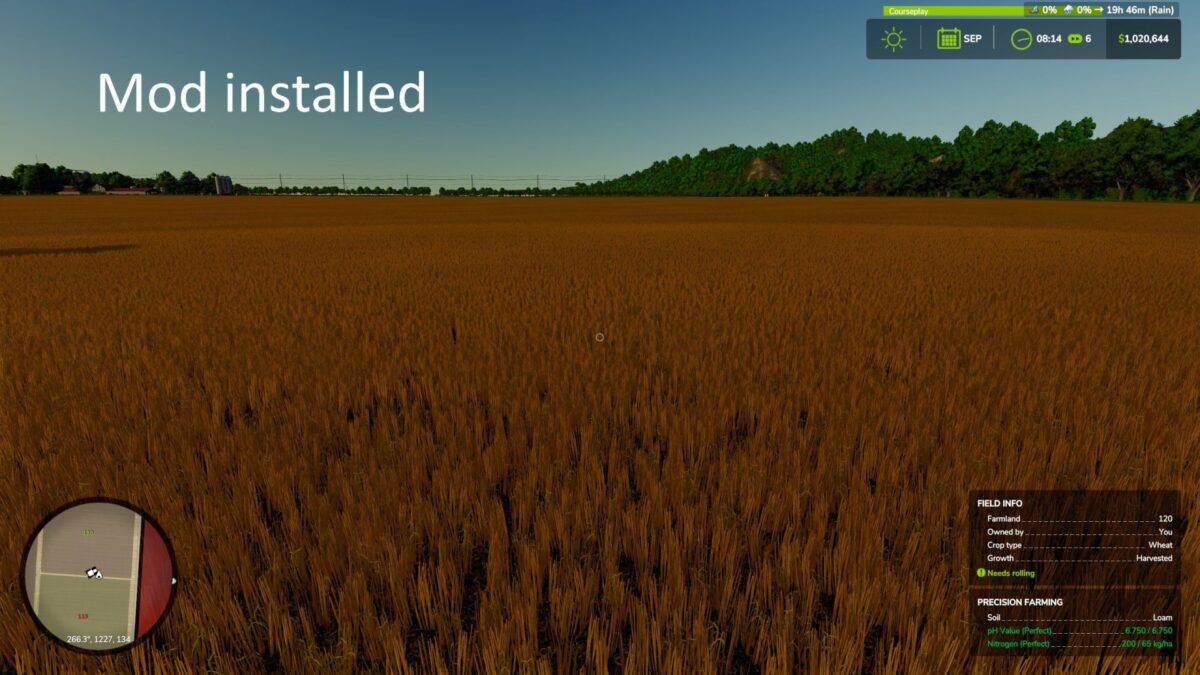
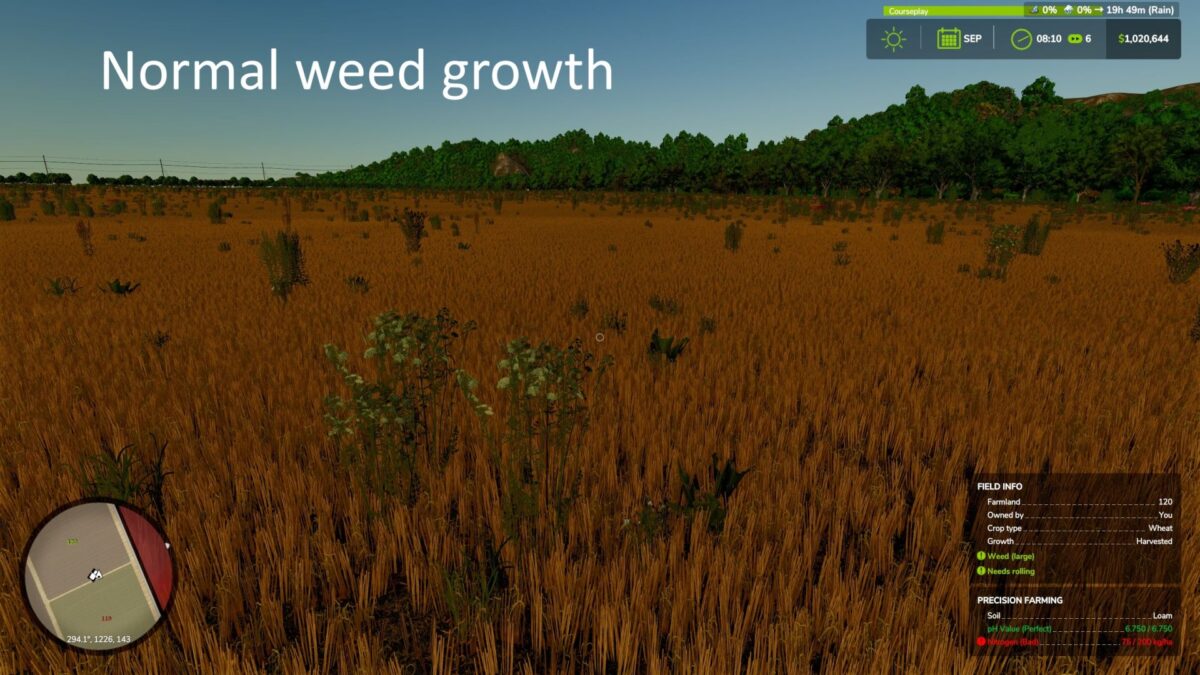
On real North American farms, weeds aren’t sprouting immediately after harvest in autumn or winter. This mod sets a block on weed growth from September to February, allowing residue to remain without your fields getting packed with weeds! Weeds start growing normally in March. If you choose no-till, leaving crop residue for soil health through the winter, the government pays you $100/hectare at the end of February.
HOW IT WORKS
A block on weed growth is placed for September. Any field you harvested and did not disc/cultivate/plow pays you $100 per hectare when March arrives. The mod simply looks for stubble still sitting on the field: if you cultivated or plowed after harvesting, the stubble is gone and so is the bonus. Crops you never got around to harvesting, permanent hay and pasture, and land with your buildings on it don’t count.
CONSOLE COMMANDS
gsNoWinterWeedsStatus – print the current period number and whether blocking is active right now
gsNoWinterWeedsForce 0 or 1 – force blocking off/on immediately, for testing without waiting for the season to change
gsNoWinterWeedsFields owned — lists your fields and, for each one, whether it’ll earn the bonus and why or why not.
Version 1.4.1.0:
* Improved field state detection for no till payout. Multiplayer very likely not to be supported
Credits:
dcoo


