

NF Marsch Map v 1.7.2


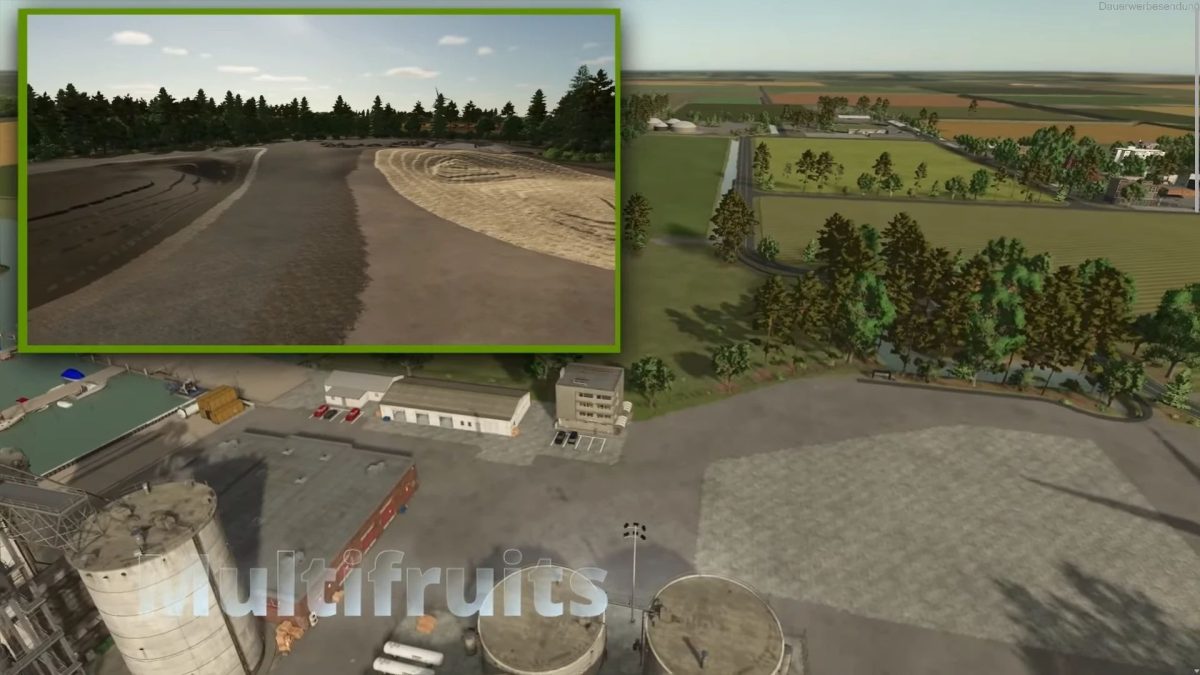
– Multifruit map with 10 new types of fruit: rye, spelt, triticale, summer wheat, summer barley, hemp, linseed, field beans, field peas and alfalfa
– 5 new types of bales (hemp swath, flax swath, alfalfa hay, fresh alfalfa and pulse straw)
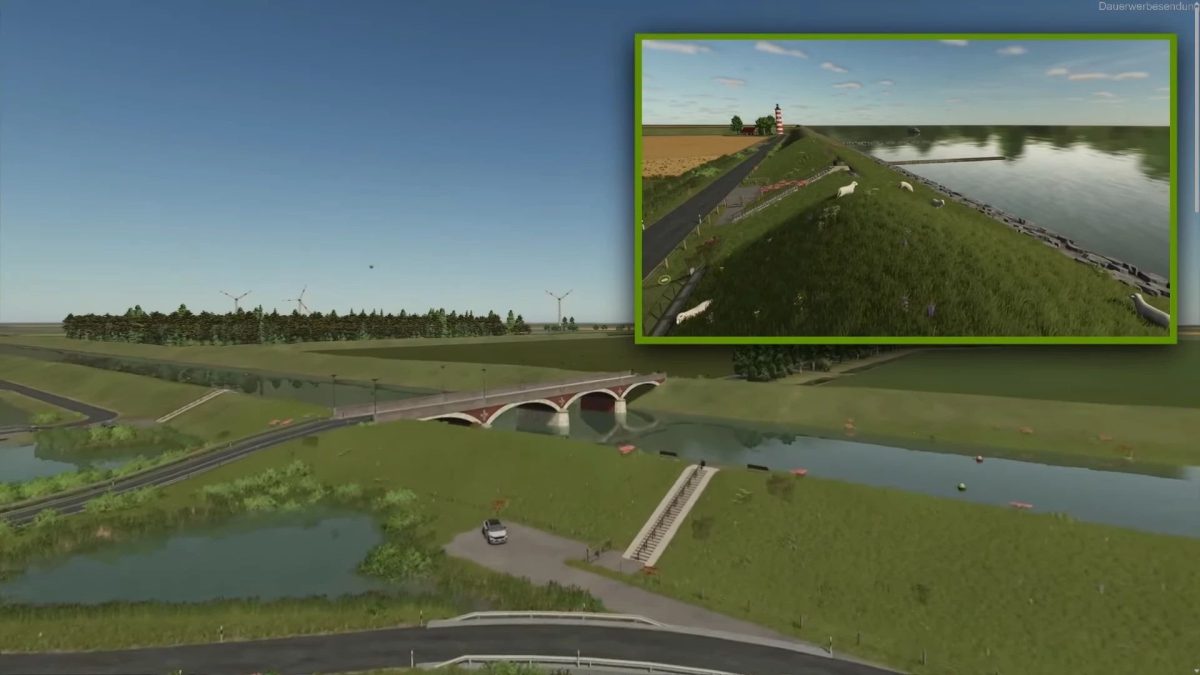
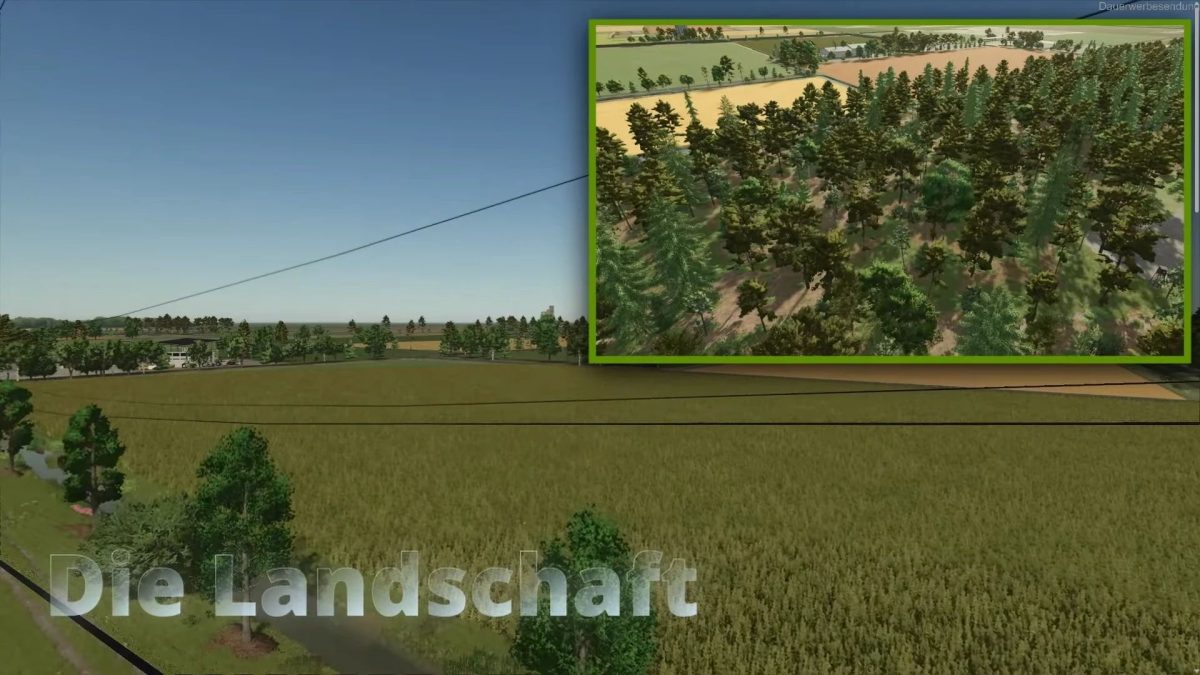
– Typical North Frisian lowland landscape extensively revised and redesigned
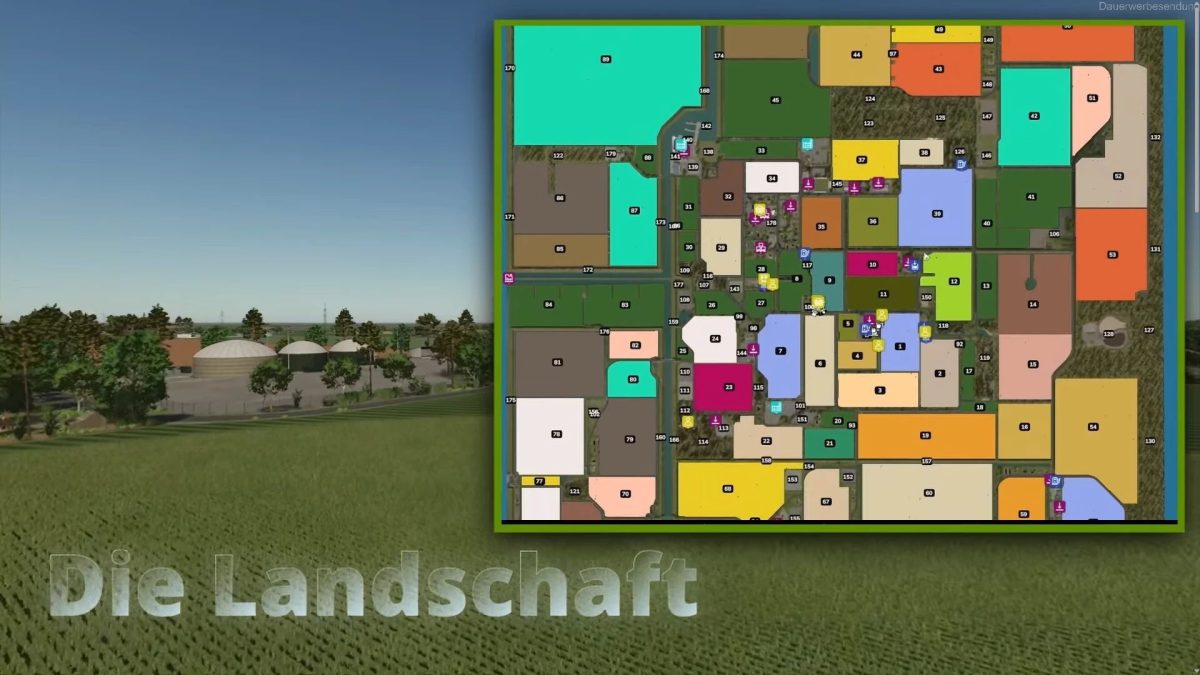
– 89 fields with a total of approx. 1,159 ha of field area approx 146 ha of forest areas, approx 64 ha of purchasable dike areas
– Fed Mods Pack & Fed Production Pack are required
– 3 different collector’s items (gold coins, Shelly shoes & pallets)
– Animals can be fed with the multifruits
– Horses are significantly more valuable
– Sand, earth, gravel for digging
– Train as a point of sale
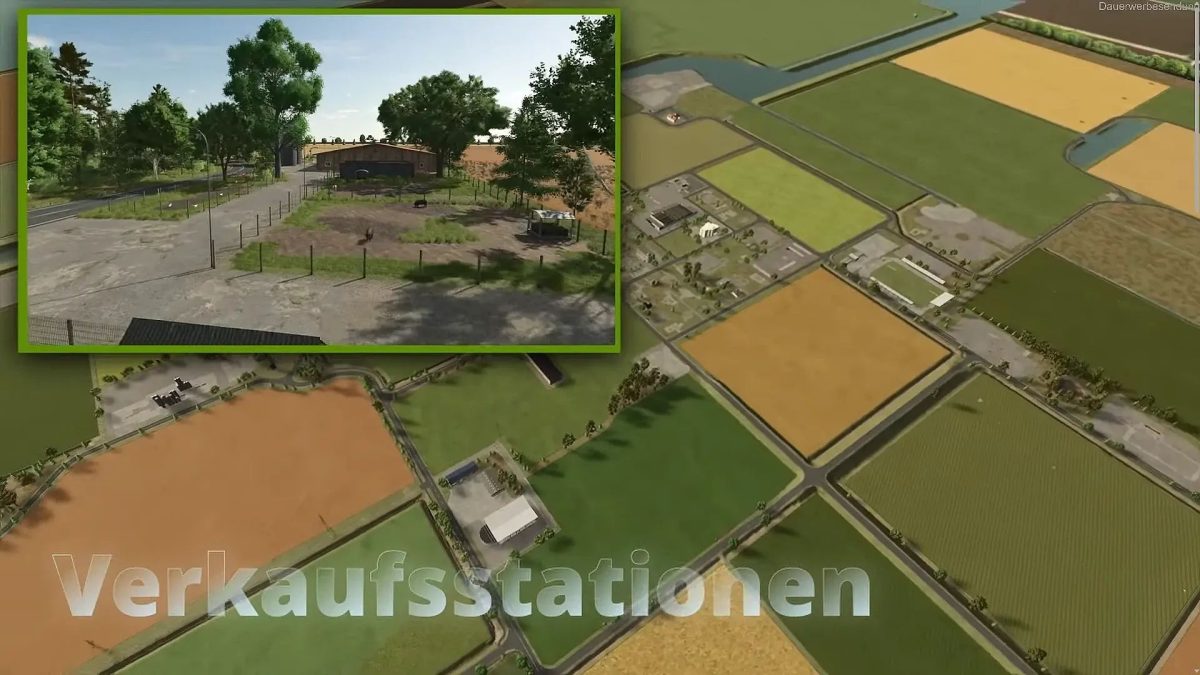
– Approx 15 different sales stations
– 3 Gas stations (one with diesel and methane purchase)
– Major project playground in the park
– Large stadium with football function
– 2 BGAs installed
– 2 stations for purchasing bulk goods
– Hardware store for purchasing pallets of building materials
– Lots of purchasable areas for farms and/or production
– Extensive road network
– More than 40 paintable ground textures
– Lots of grasses, bushes and flowers to place/paint yourself
– Shop decorative vehicles but be careful on servers and multiplayer
– Grain converter to change summer wheat and summer barley to normal wheat and barley
– Animal trade with the possibility of purchasing liquid manure and dung
– Areas of the wind turbines can be purchased and wind turbines can be replaced with electricity-producing wind turbines
– Empty pallets, bark mulch, OSB and chipboard pallets
– House residents and supporters all up to date
Version 1.7.2:
* Grass is now significantly denser
* Wooden bridges at fields 78 and 81 can now be completely removed with the object hide mod
* Riding arena split into 2 parts so that they can be better removed with the object hide and do not come back after a restart
* Fruits with stubble destruction can now be completely mulched (thanks to Achim)
* Growth level for lavender and tobacco adjusted
* Screws of the guardrails texture error fixed
Credits:
fedaction


