New Horizon Farm Map v 1.0


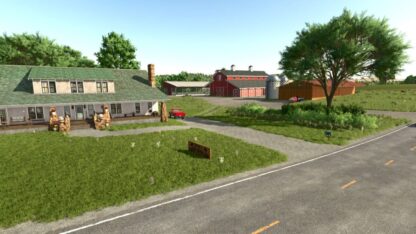
– In the new Farmer mode, you have a property with three different fields to cultivate and 2 pastures to raise cows and a chicken coop
– The farm has a house, a silo, sheds, vehicles and implements to start your journey
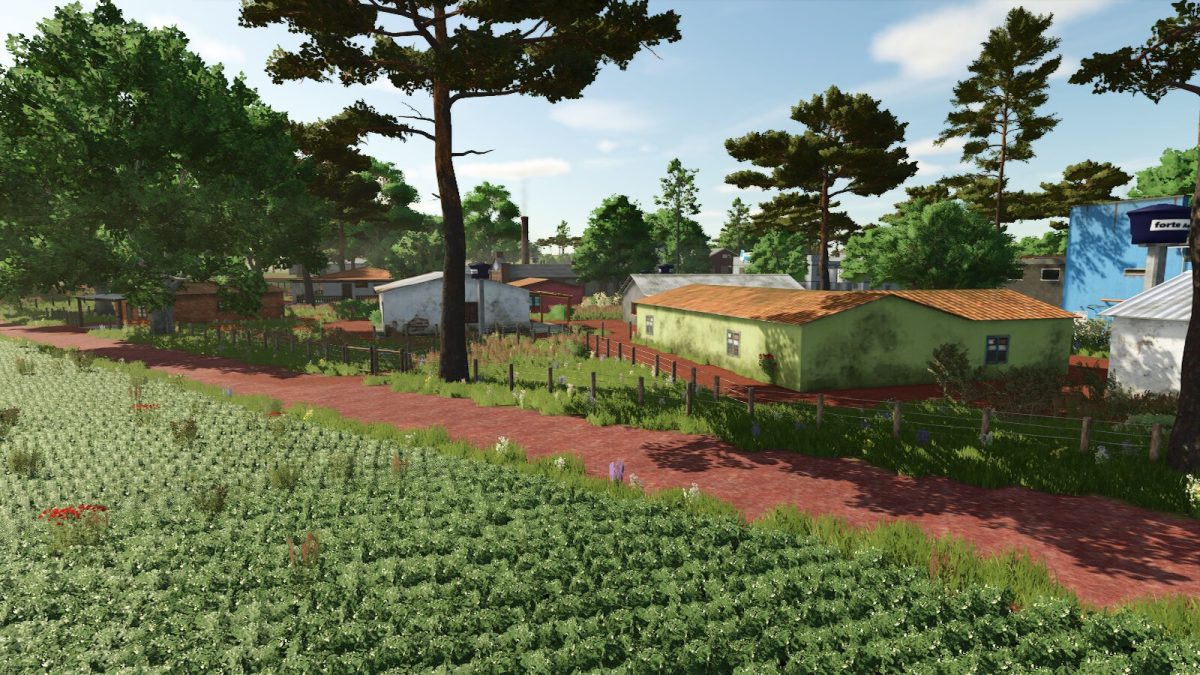
– The map contains 75 fields and some areas where you can create your own fields
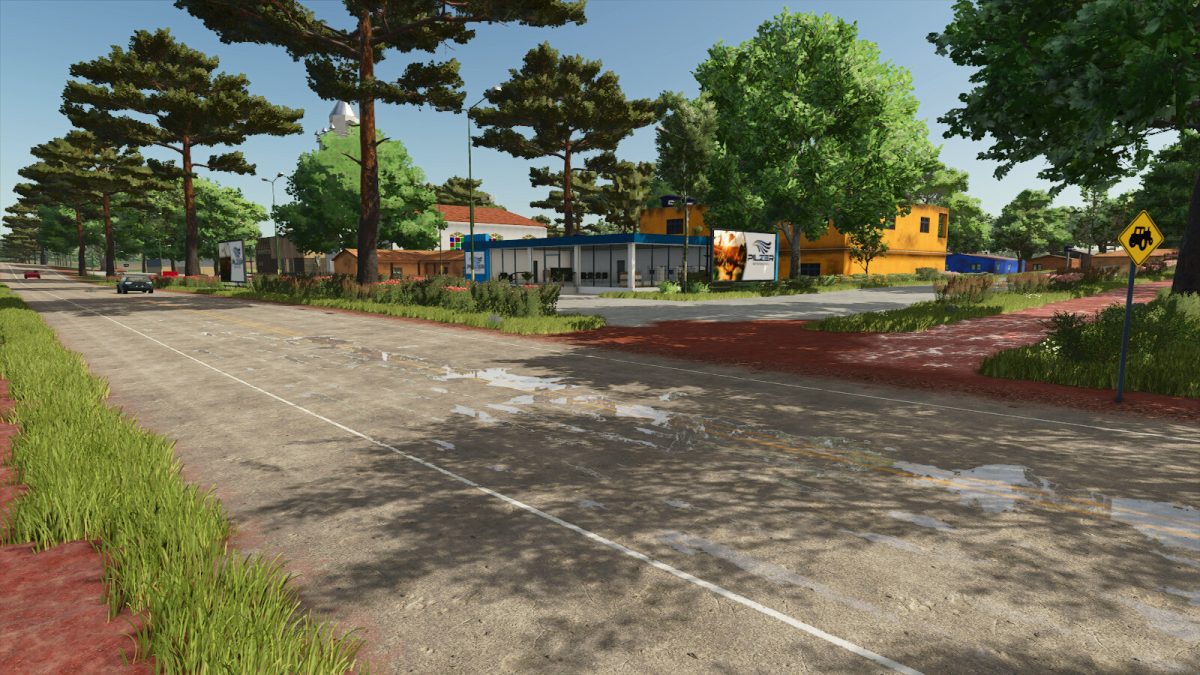
– Points of sale and stores are scattered around the map
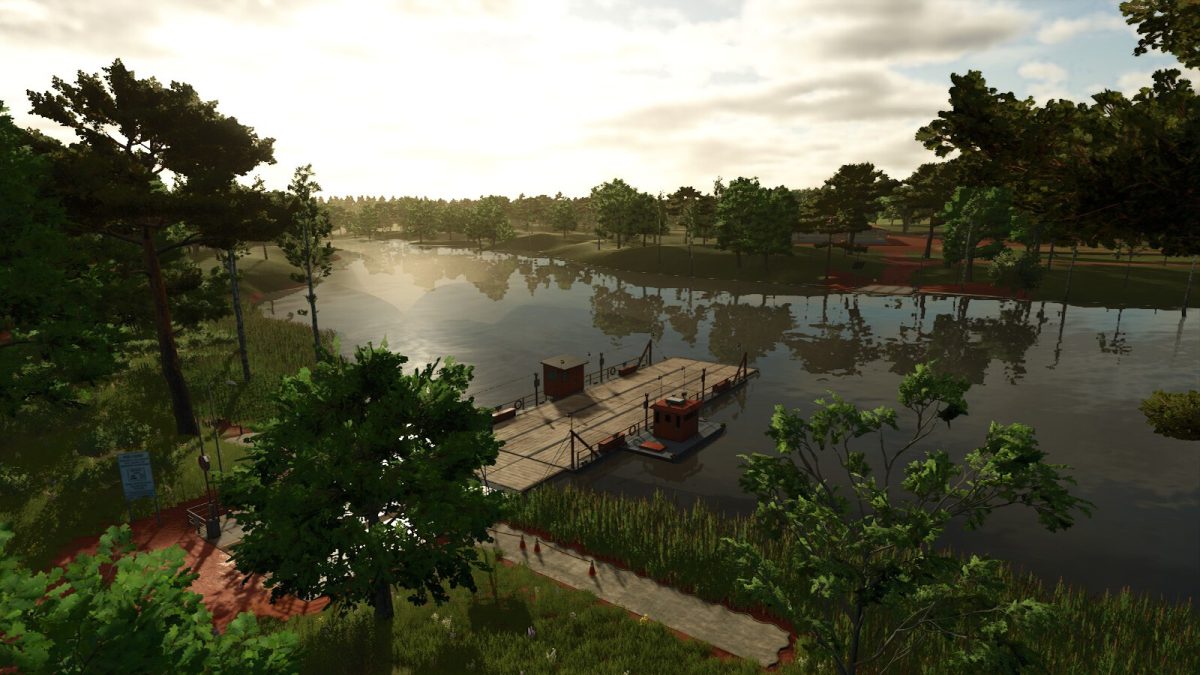
– If you need water, there is a river and lakes on the map
– There is a small quarry on the map, and you can also buy an area to extract limestone. You can use it on your farm
– Added a second corn crop
– The long grain rice harvested in February will grow again
– There are collectibles scattered around the map
– The road can be painted
– Animals can be bought and sold at the animal dealer
– The map comes with some rice fields installed
– To buy animals and lime, you’ll need to take the ferry
– There is a second farm ready to play in multiplayer mode
Credits:
ian