

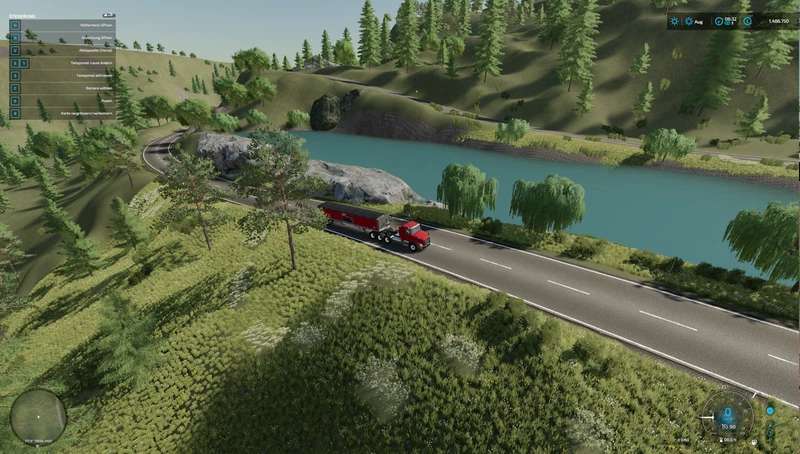
New Horizon 64x Map v 1.9


Version 1.9:
* Incorrect naming of straw types at the power plant fixed
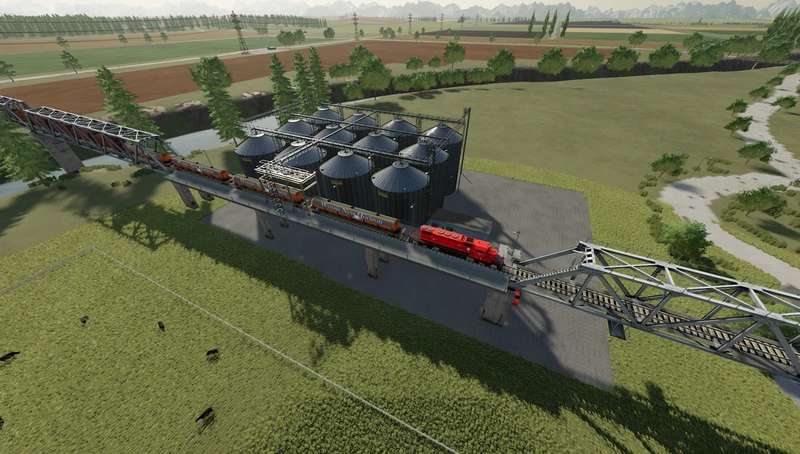
* Unloading station for train installed in Farm Silo
* Unloading trigger for Farm Silo adjusted as not all trailers were recognized
* Complete folder structure of the map revised
* BGA xml brought into play so that electricity and methane are also produced there (to be picked up)
* Olives/stones added to Farm Silo
* Stones added to Train Wagon
* Farm Barn cellar exposed and terrain around it adjusted
* Second stone mine installed at power plant, second train system installed, you can load the train in the stone mine and sell stones at the lime works
* Sales station grain storage added, all harvested fruits can be sold there
* Buckwheat added in flour production
* Price for air dried hemp adjusted
* Straw storage for flax adjusted
* There is an Accu Trailer available in the shop to transport electrical loads from the BGA to your Accu Silo (available in the construction menu under Container) or to charge your Accu vehicles
* Added two electric combine harvesters with normal capacity
* Bellos Wood Heating Plant added missing entries so that all types of hay can now be sold there
* Maker icons wood sales, Bellos Wood Heating Plant and wood train sales changed
* Iron ore, copper ore, steel, copper, slag, slag stones in sales station: selling station harbor, sales harbor, sales harbor south and sales train harbor added
* Steel, slag and slag stones in sales point Construction site 01, construction site 02 added
* An ore mine, soup factory and steel/copper factory with matching sales stations will be available as a separate mod and can be found under: FS22_Wossis_Erzmine, FS22_Wossis_Suppenfabrik, FS22_Wossis_Stahlfabrik
* At user request the position of the paper factory has been changed to make it easier to approach loading and unloading points, and invisible collisions at the entrances to the paper factory have been removed
* Update 1.9 requires a new savegame if you want the new features
Credits:
wossi1975


