

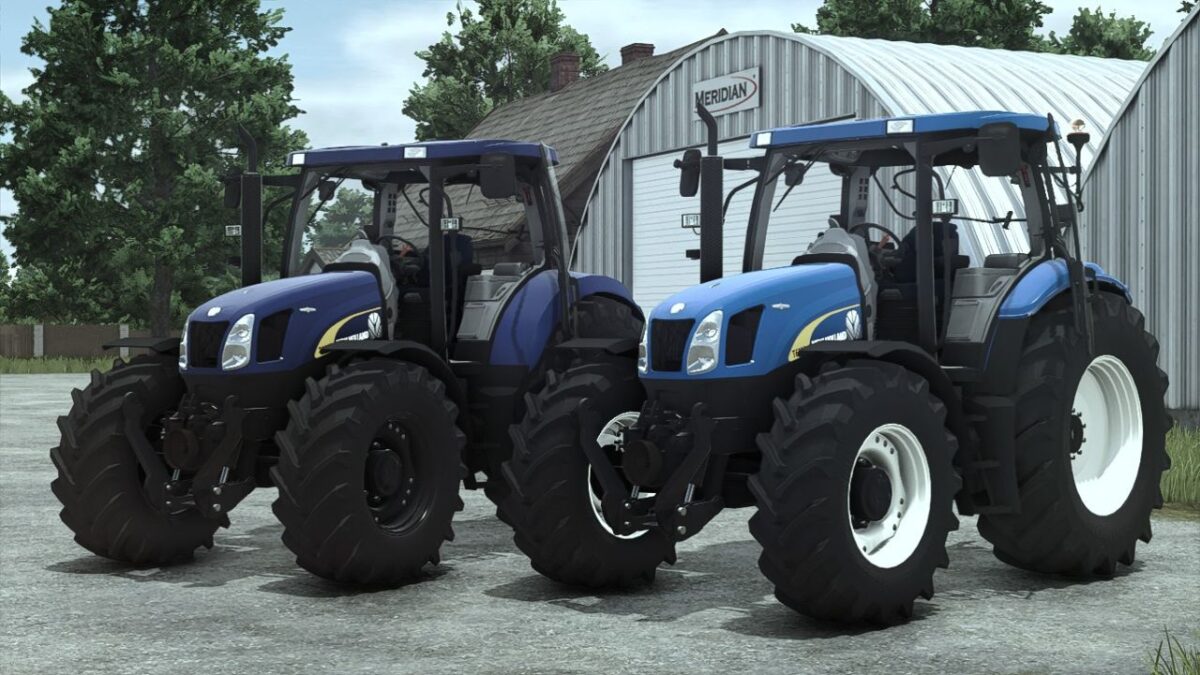
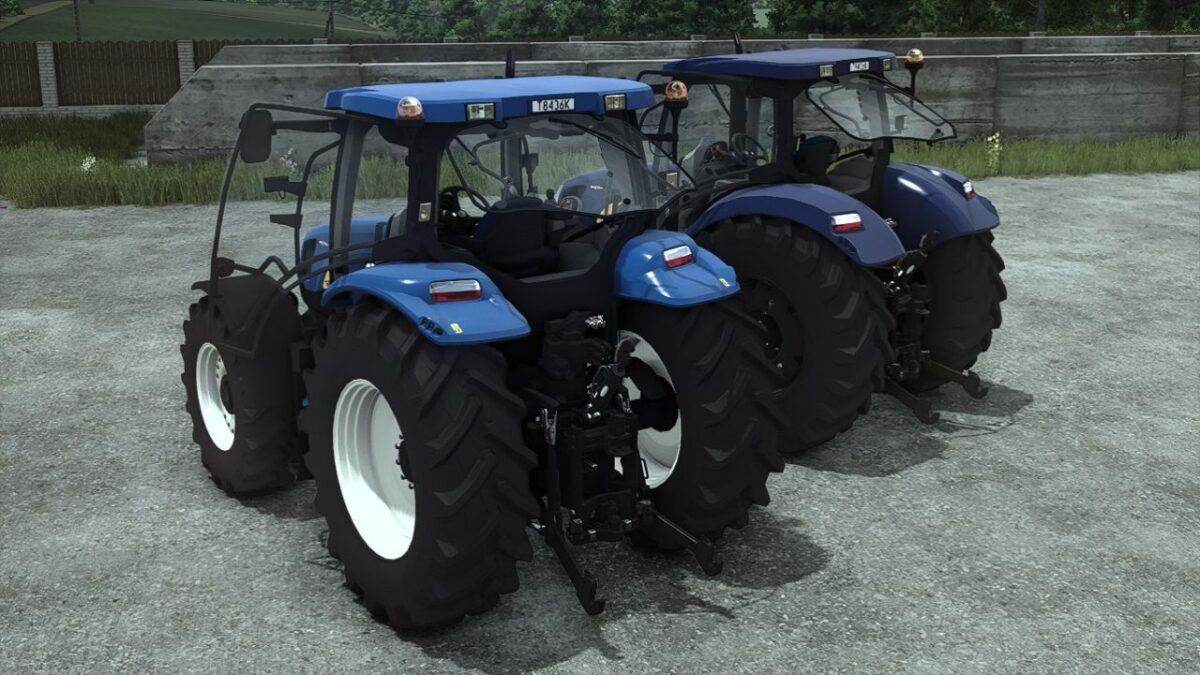
FS25 New Holland Tractors

New Holland T6000 v 1.0

New Holland T6000 v 1.0

Price: 82.000
Power: 112-150hp
Max speed: 50 km/h

Configurations:
Front weight/3 point attacher
Engine setup: (T6020-T6080)
Wheels brand
Wheels setup
Beacon lights
Back fenders
GPS Dashboard
Precision farming crop sensors
Main color (with all base game NH colors)
Rims color configuration

Gameplay mods support:
Interactive control with sounds modifier
Precision farming crops sensors

For fs25:
Added main color/rims color configurations with all base game NH colors
Added base game beacon lights
Reworked wheels configuration
Added interactive control mod support (With sounds modifier)
Sounds replaced
Removed all textures and other things that are not used and file size reduced in half
Configuration fixes/adjustments

Credits:

Starlexs, Le Simulateur, Dimanche, ZARGANA, DMG Modding

How to install FS25 New Holland Tractors?
Firstly find a mod which you like and want to download. Then download a mod to your PC. Mods are usually in .zip format file. But sometimes it can be in .rar. If a mod file is a .zip format no needed additional actions. If a file is in .rar, then you must unarchive mod with software like WinRar or Zip7. Windows 10 users no need to use software for archives, Win10 itself has a feature to unarchive files.
The next step is to find mods folder in your PC. Usually, it is in Documents/My Games/Farming Simulator 25/2025. Open the "mods" folder and put downloaded .zip archive or unarchived .rar file to this folder.
Last step. Enjoy of FS25 mods!

Leave a Reply

Your email address will not be published. Required fields are marked *