
FS25 New Holland Harvesters

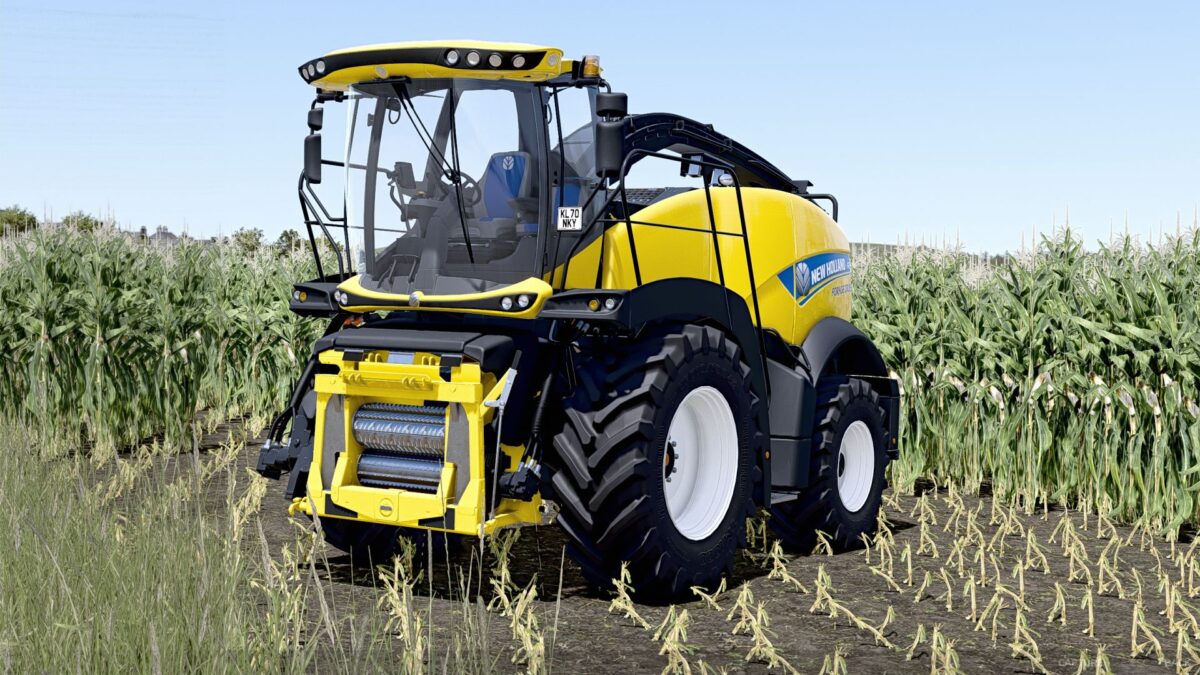
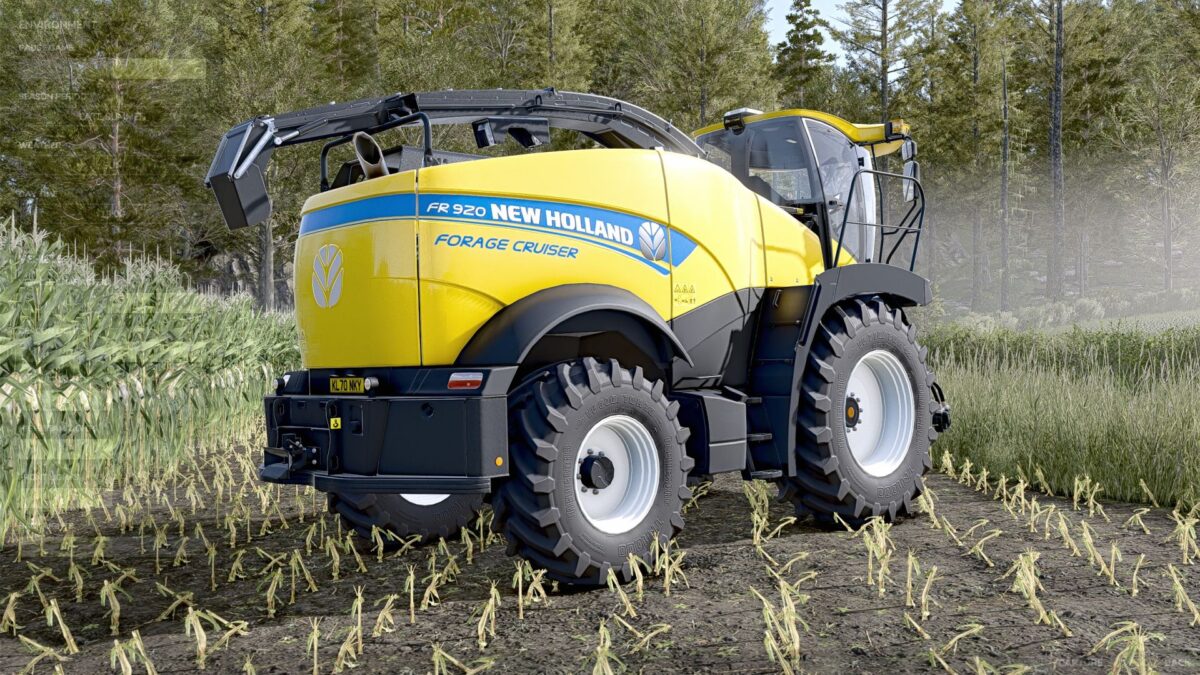
New Holland FR780 (US Version) v 1.1

New Holland FR780 (US Version) v 1.1

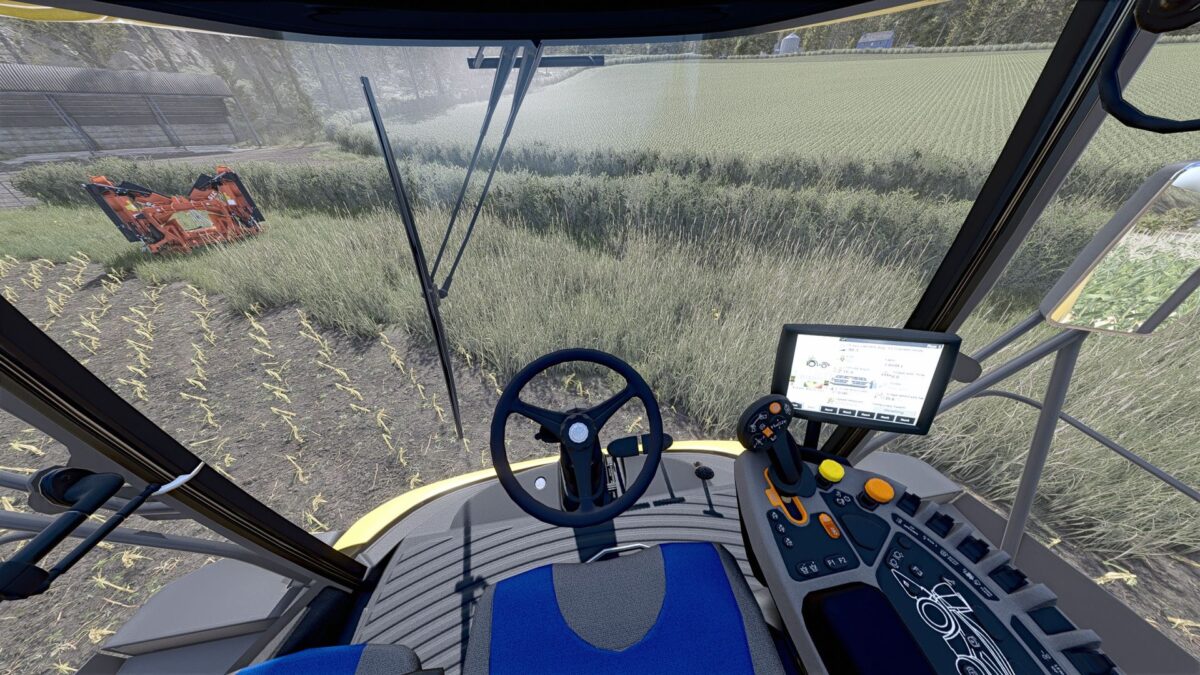
US Version of the New Holland FR Series forage harvester.

Initial changes from the base machine:
Made rear red/white reflective stripes selectable
Added selectable SMV triangle

Version 1.1:
* Changed mod and file names to reflect changes presented below
* Added engine configs (480, 550, 650 and 920)
* Added option for additional fuel tank (extra 79 gal / 300 liters)
* Slightly adjusted steering attributes
* Lowered base price to account for engine config pricing
* Several other small XML and i3d changes
* Added “Vehicle Years” mod support (optional, if you don’t have it, nothing happens, just purely a visual thing in the shop)

Credits:

Burco Modding

How to install FS25 New Holland Harvesters?
Firstly find a mod which you like and want to download. Then download a mod to your PC. Mods are usually in .zip format file. But sometimes it can be in .rar. If a mod file is a .zip format no needed additional actions. If a file is in .rar, then you must unarchive mod with software like WinRar or Zip7. Windows 10 users no need to use software for archives, Win10 itself has a feature to unarchive files.
The next step is to find mods folder in your PC. Usually, it is in Documents/My Games/Farming Simulator 25/2025. Open the "mods" folder and put downloaded .zip archive or unarchived .rar file to this folder.
Last step. Enjoy of FS25 mods!

Leave a Reply

Your email address will not be published. Required fields are marked *