

New Holland CR11 & Case IH AF11 v 1.0


Two Harvesters and Headers for Farming Simulator 25
Harvesters:
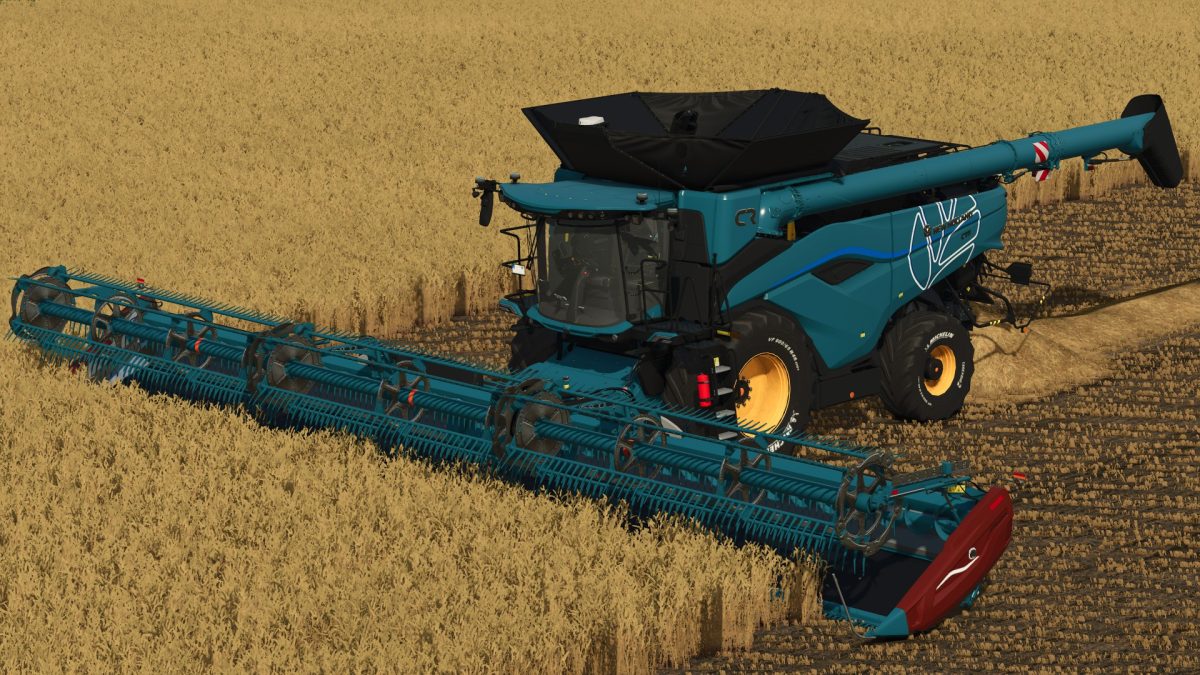
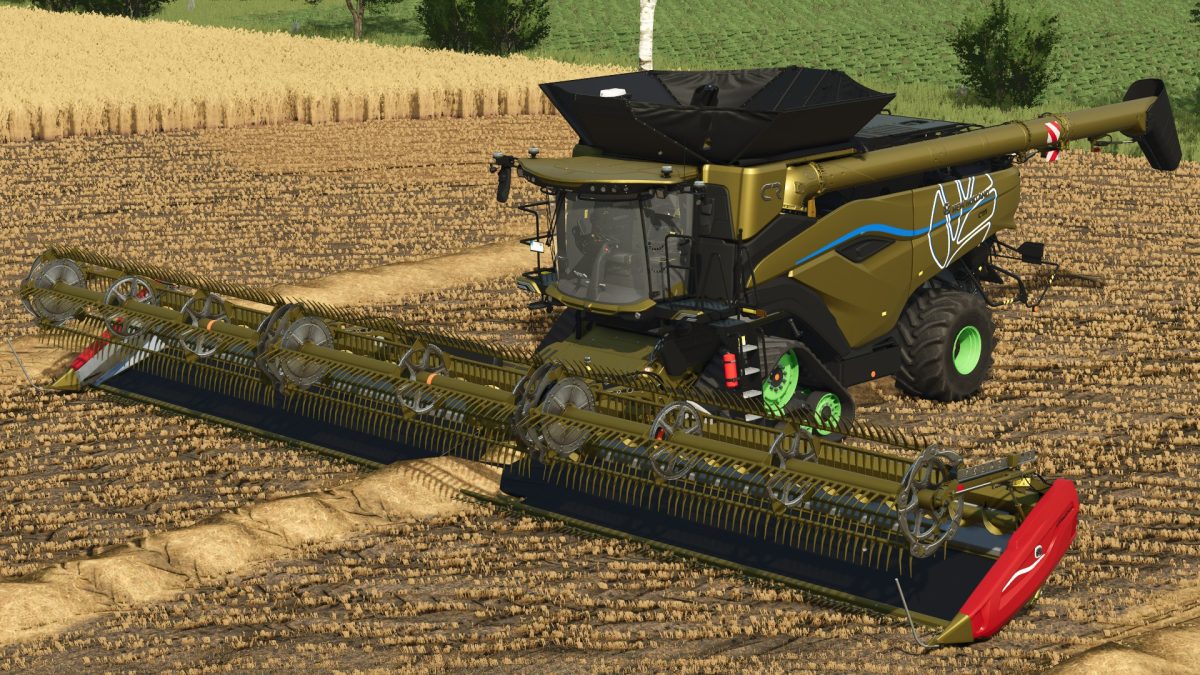
– New Holland CR11
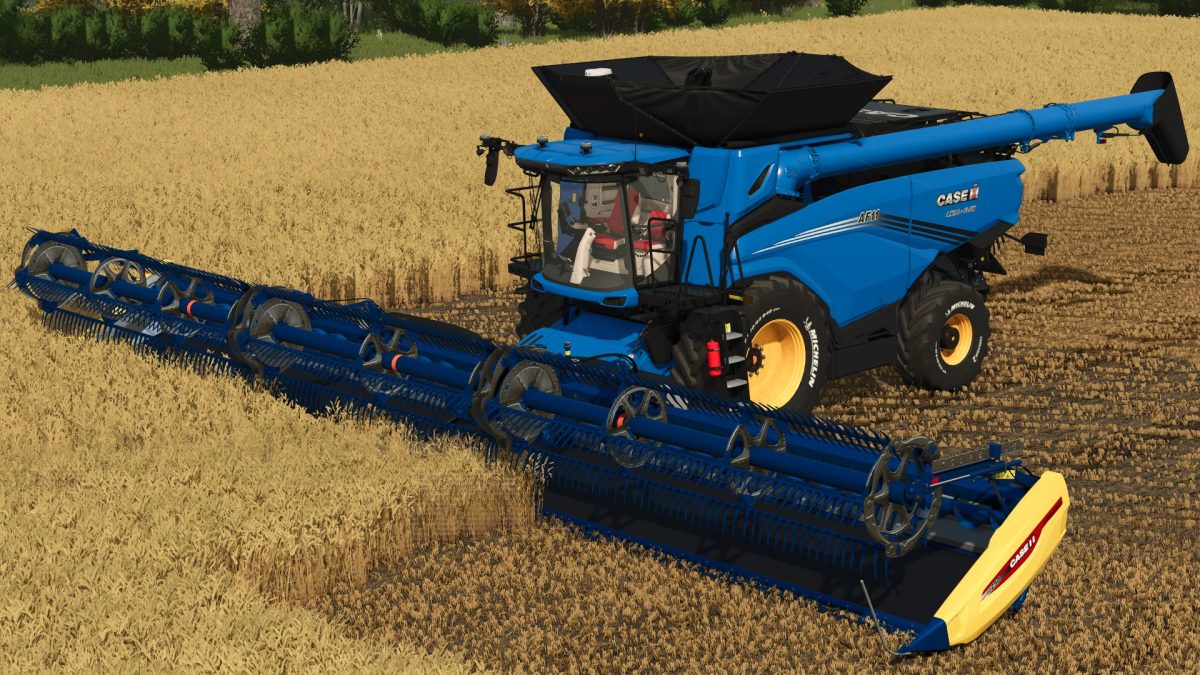
– Case IH AF11
Harvesters Features:
– Engine Configuration Options 775 hp, 1150 hp
– Capacity Configuration Options 20000, 40000, 80000 or 12000 liters
– Wheels Brand Configuration Options
– Pipe Configuration Options
– Rim Color Configuration Options
– Main Color Configuration Options
Headers:
New Holland FD250 Flex Draper:
– Working width 15.2 meters
– Working speed 10 km/h
– Transport Wheels Configuration Options
– Design Configuration Options
– Design Color Configuration Options
– Main Color Configuration Options
– Rim Color Configuration Options
New Holland FD250HS Flex Draper:
– Working width 15.2 meters
– Working speed 15 km/h
– Transport Wheels Configuration Options
– Design Configuration Options
– Design Color Configuration Options
– Main Color Configuration Options
– Rim Color Configuration Options
Case IH FD250 Flex Draper:
– Working width 15.2 meters
– Working speed 10 km/h
– Transport Wheels Configuration Options
– Design Configuration Options
– Design Color Configuration Options
– Main Color Configuration Options
– Rim Color Configuration Options
Case IH FD250HS Flex Draper:
– Working width 15.2 meters
– Working speed 15 km/h
– Transport Wheels Configuration Options
– Design Configuration Options
– Design Color Configuration Options
– Main Color Configuration Options
– Rim Color Configuration Options
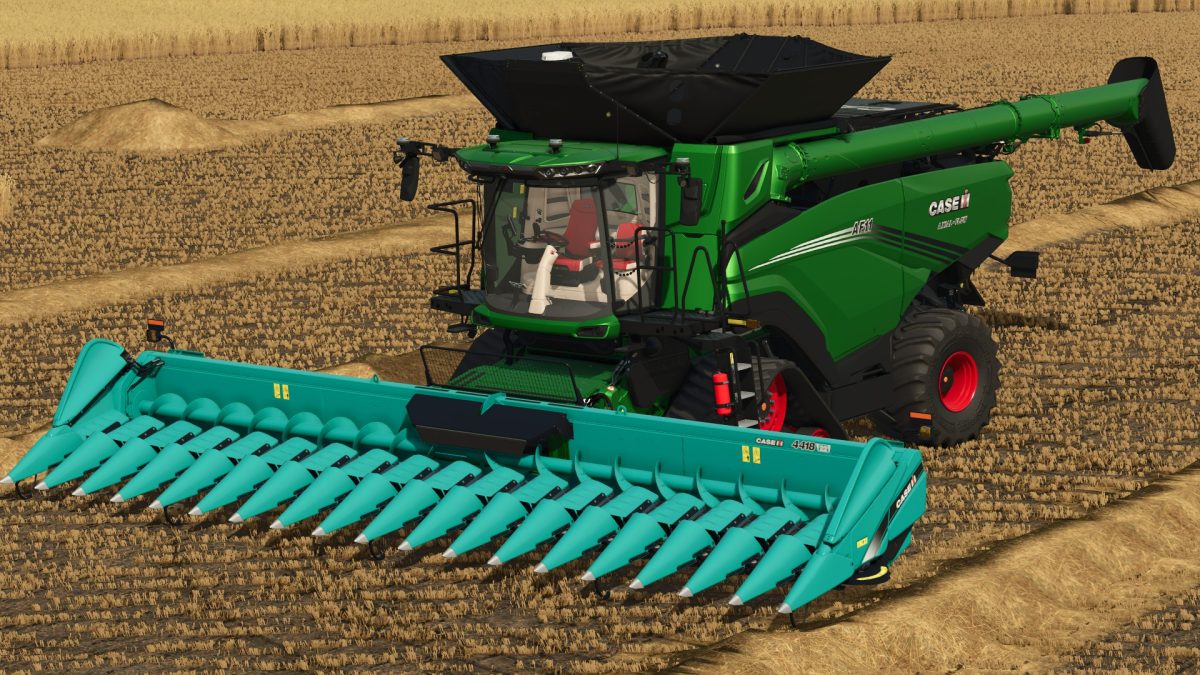
Case IH 4418NCR9801830HS Corn Header:
– Working width 10 meters
– Working speed 18 km/h
– Design Configuration Options
– Main Color Configuration Options
Credits:
redler


farbwahl geht nicht .schade