

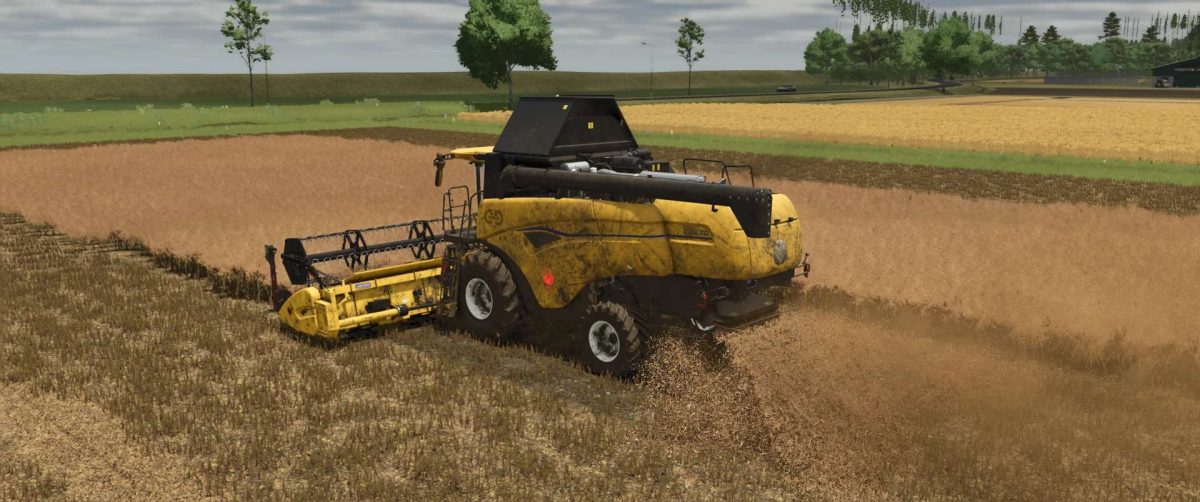
New Holland CH Series v 2.5


New Holland CH with Interactive Control & Real GPS.
Outdoor Interactive Control:
– Ladder open/close
– Attach/remove warning sign
– Straw chopper/straw swath (animation only: to switch between swathing and chopping, you must do this as usual in the vehicle)
Indoor Interactive Control:
– Ladder open/close
– Rotating beacon on/off
– Front work light on/off
– Rear work light on/off
– Switch between two monitors (additional IC points on the second display)
– Wiper on/off
– Thresher open/close
– Start/stop engine
– Start/stop work mode
– Tube fold in/out
Version 2.5:
* Added LEDs on the sides (turn on with the parking lights)
* Added Sign on the roof (available options: DjB advertising [€1500 discount if selected], New Holland logo [€1000 discount], Forbidden Mods logo [€1000 discount], Häckterjäger lettering)
* Added Warning LEDs at the front under the cab and rear, turn on with the rotating beacons if installed
* Added Warning LEDs on the warning sign at the front (which can be installed/removed with IC) turn on rotating beacons if installed
* Tiger decals better positioned
* Everything that can be retrofitted is now removed by default. This means you no longer have to deselect what you don’t want, but select what you do want
Credits:
DjB


