

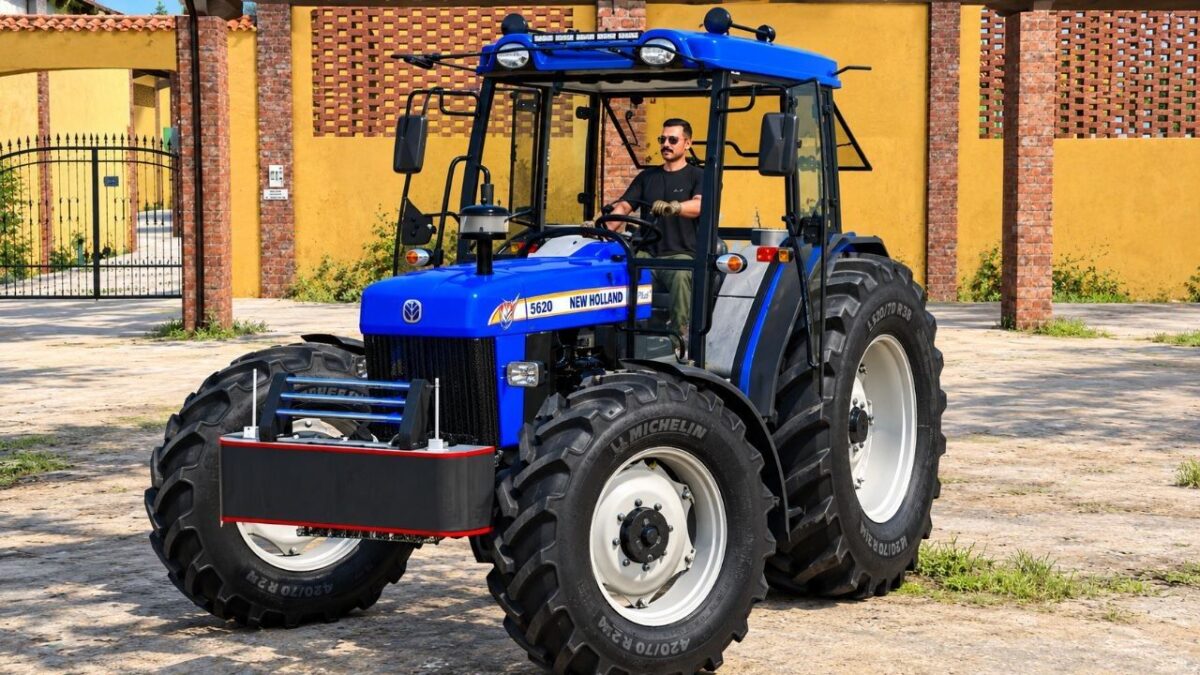
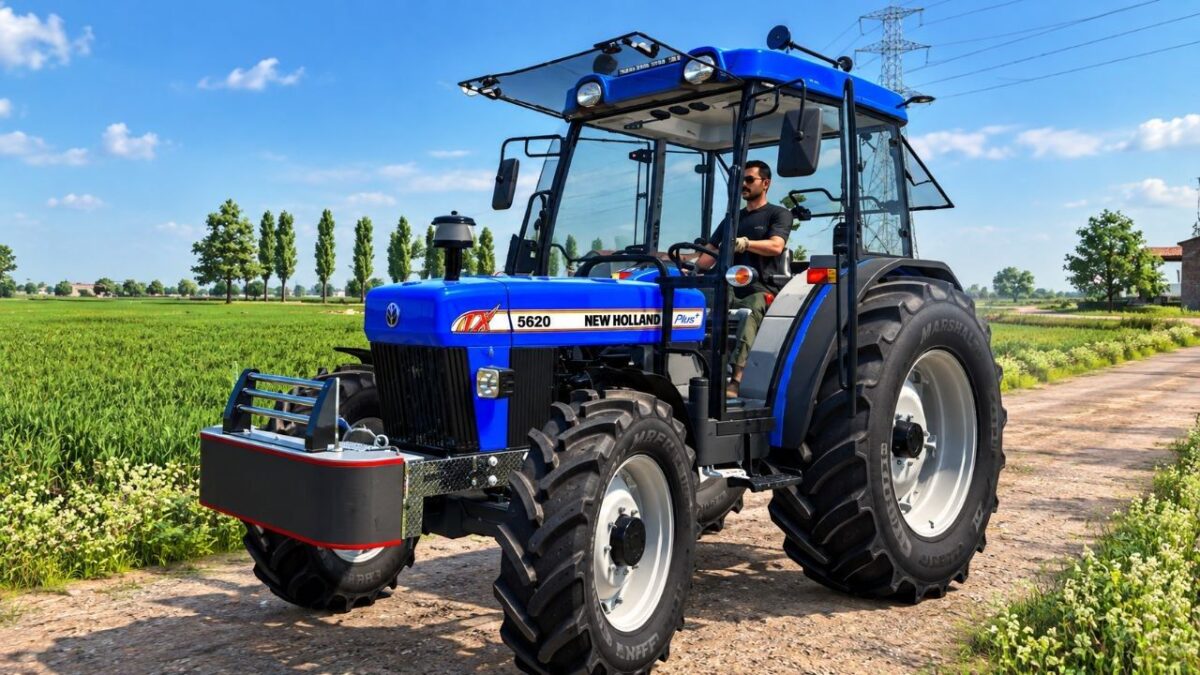
New Holland 5620 v 1.0


Key Features & Specifications
Engine Power: 210 HP – Delivering the perfect balance of raw power, high torque, and fuel efficiency for your medium-to-heavy farming operations.
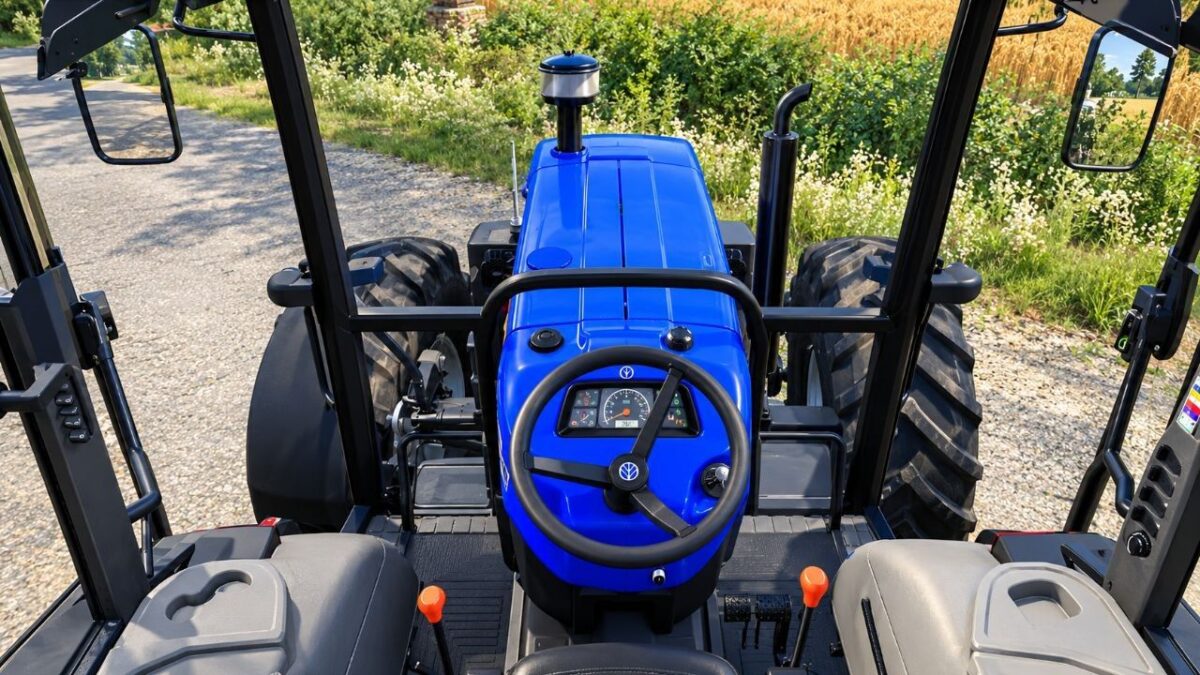
Interactive Control (IC): Fully operational All-Working IC system. Seamlessly open and close doors, windows, and adjust interior components with realistic animations.
Configuration Options: Highly customizable setup! Choose from multiple tire brands, wheel configurations, front loaders, main body colors, and rim variations to fit your style.
Smooth Optimization: Game-ready performance with clean code and high-quality textures. Fully optimized for a completely smooth, lag-free gameplay experience.
Working Elements
Functional dashboard gauges, digital displays, and authentic interior lighting.
Realistic engine sounds and precise hydraulic controls.
Working mirrors, dynamic exhaust effects, and complete 360-degree working lights.
Credits:
RAJTHAKUR001


