

Neighbors on the Fields v 1.0


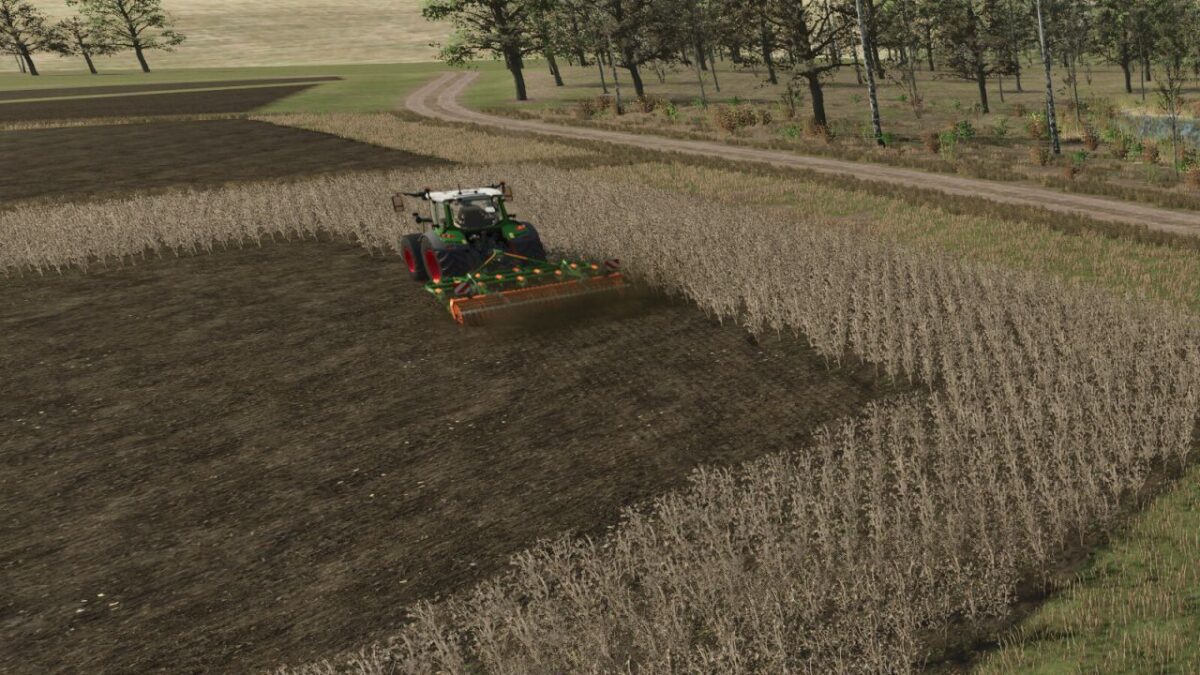
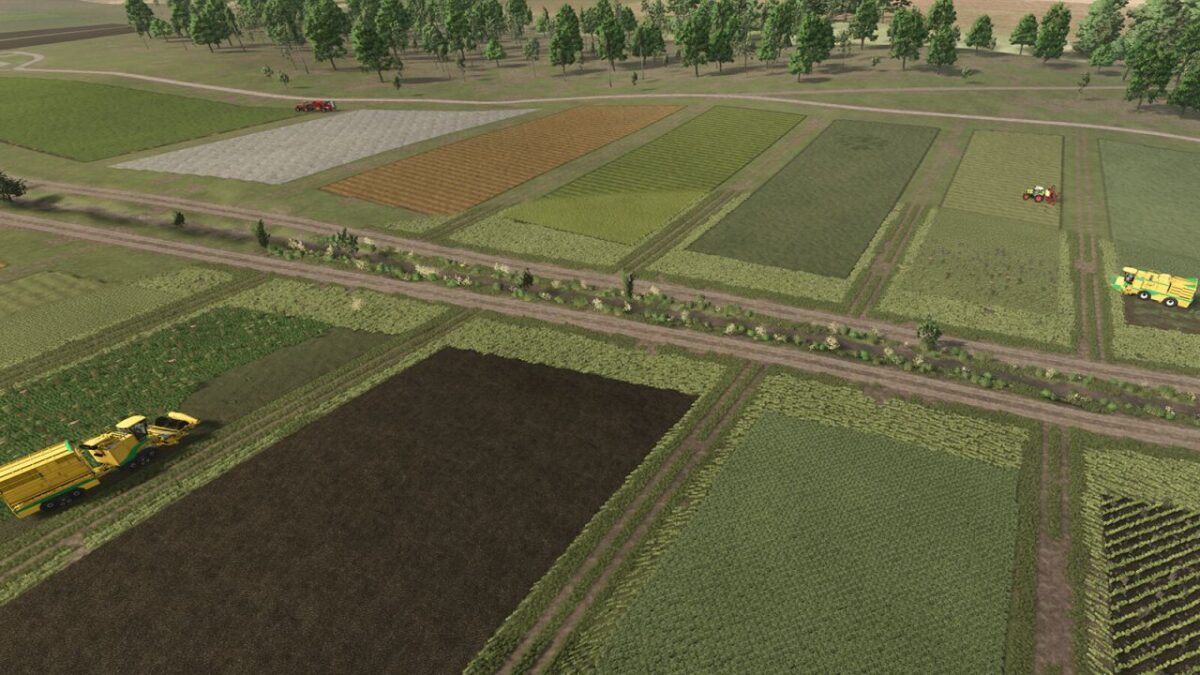
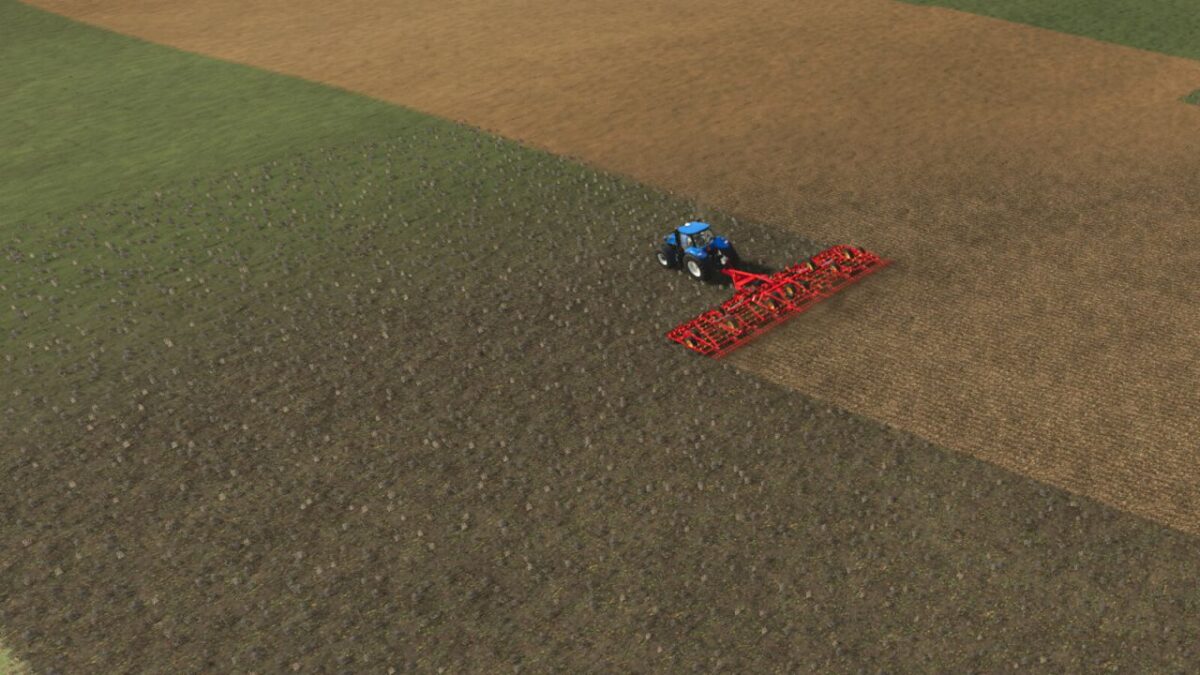
This mod spawns agricultural vehicles on foreign fields that perform field work there. This creates a more immersive experience on the map.
At the moment, neighbors can perform the following jobs: harvesting, fertilizing, sowing, mowing, tedding, cultivating, plowing, spraying, weeding, and hoeing.
Harvesters are not unloaded by support vehicles. The harvested crop simply disappears inside the harvester. Seeds, fertilizer, and similar consumables cost you nothing and are refilled automatically.
In the game settings, you can set the maximum number of neighbors that may work on fields at the same time. By default, the value is 0 (off). The more neighbors are active, the more performance your computer needs.
You can also choose whether neighbors are allowed to take existing contracts that you could also accept (creating competition), or whether they should generate their own contracts.
For the second mode, there is an additional option to adjust fields for contract generation. If all fields have been worked during the day (for example everything is already fertilized or sown), no new contracts may be generated. In that case, field states are adjusted so contracts become possible again.
MP: In multiplayer, the second farm that takes and runs these contracts is visible. It is best to leave that farm alone.
Credits:
Huxinator


