

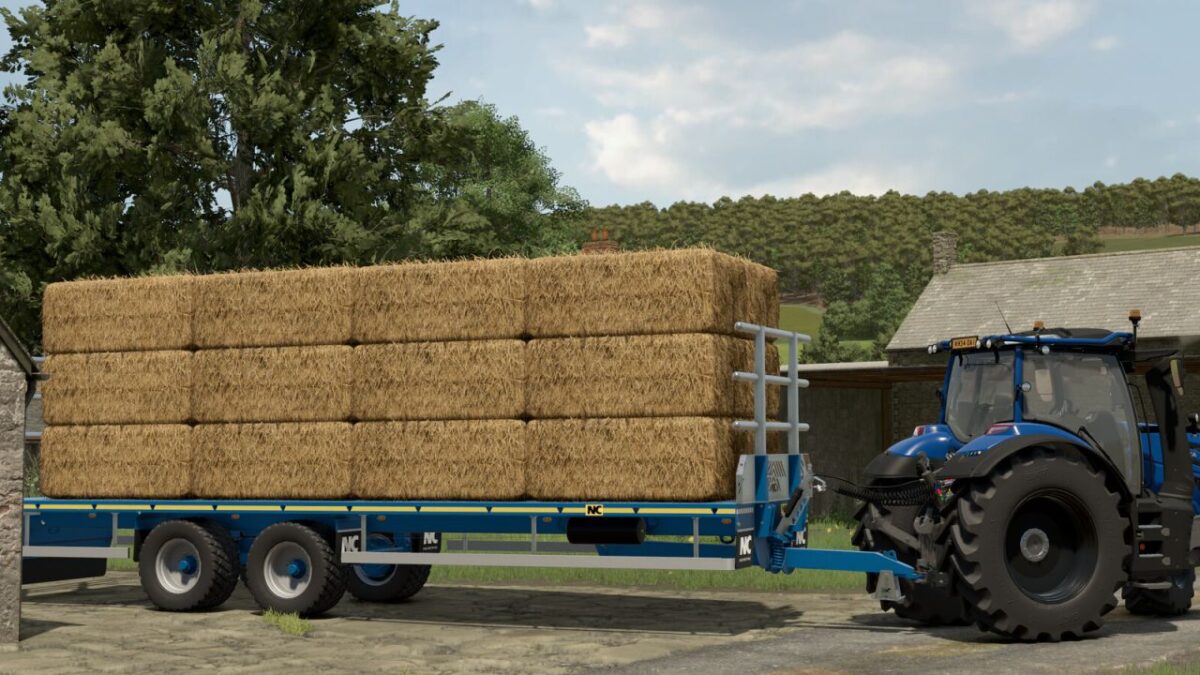
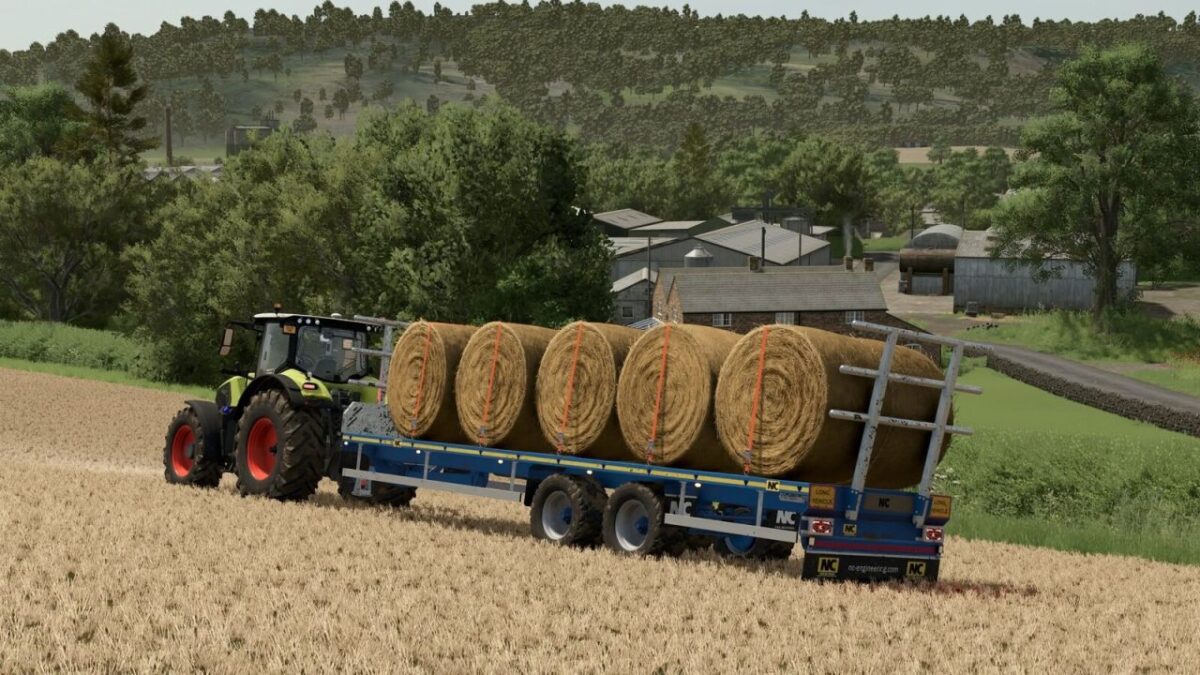
NC Engineering 16t Bale Trailer v 1.0.0.1


Category: Transport
Price: $18,500
Configurations:
– Front and Rear Bale Racks
– Front Guard
– Autoload
– Colour Configurations
– Wheel Configurations
Autoload capacities:
Square 120: 220
Square 120 Packed: 24
Square 180: 30
Square 220: 24
Square 240: 24
Round 125: 26
Round 150: 22
Round 180: 18
Square Cotton: 2
Round Cotton: 4
Square Hesston 180: 30
Square Hesston 220: 27
Square Hesston 240: 24
Square 180 Krone BigPack 1270: 24
Square 220 Krone BigPack 1270: 27
Square 240 Krone BigPack 1270: 30
Version 1.0.0.1:
* Fixed the train sell point
* Smoothed out a bump in the road near the BGA (requires a new save game)
* Added cows and pigs at the animal dealer
* Added opening hours sign at the warehouse
* Added PDA icon for the animal dealer
* Fixed minor issues
* Small farm in the village: bales can now be loaded into the cow barn
* Fixed the shop gate opening times when starting a new save game
Credits:
NM Modding


