
FS25 Misc

Multiplayer Vehicle Keys v 1.0

Multiplayer Vehicle Keys v 1.0

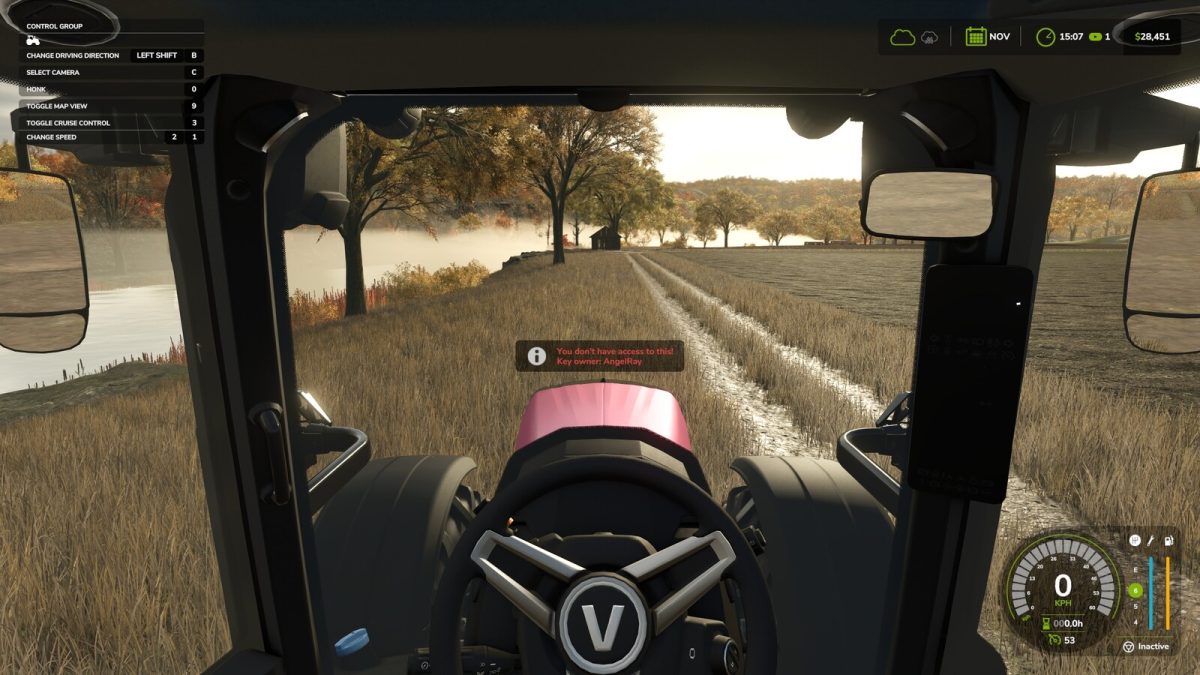
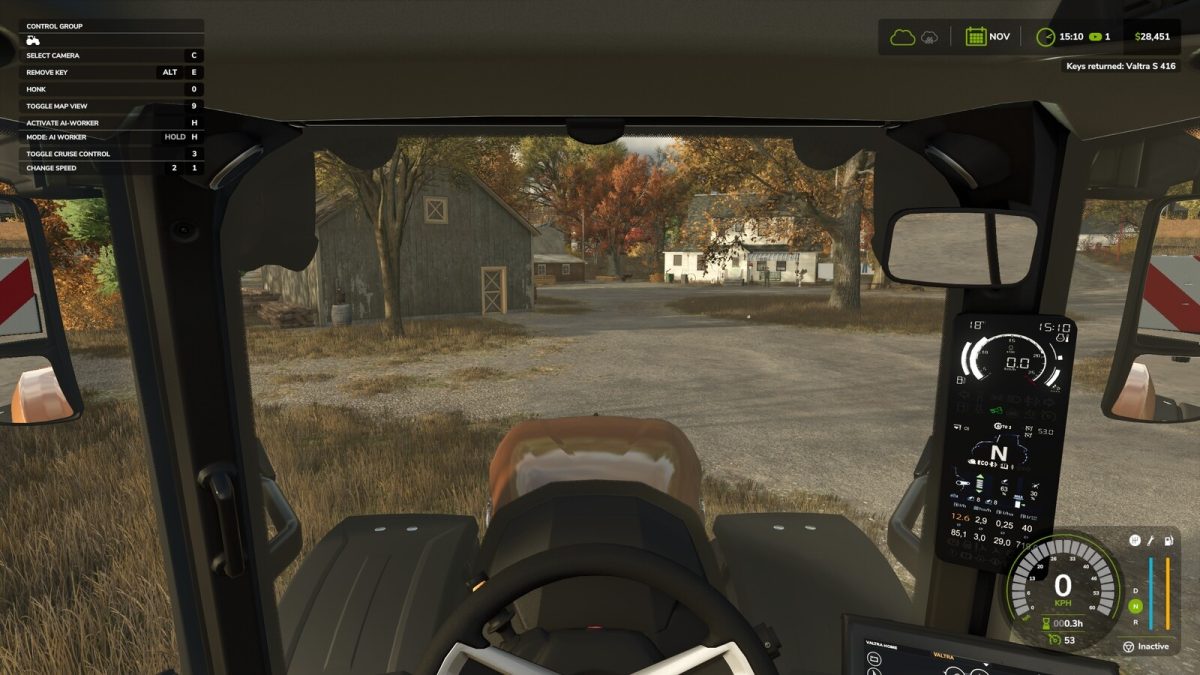
This multiplayer addon allows players to remove the keys from a vehicle preventing it from being driven by other players.

Vehicles that have their key removed will only be available for ‘tabbing’ by the key holder.

Key Bindings (Configurable in Controls Screen):
– ALT + E

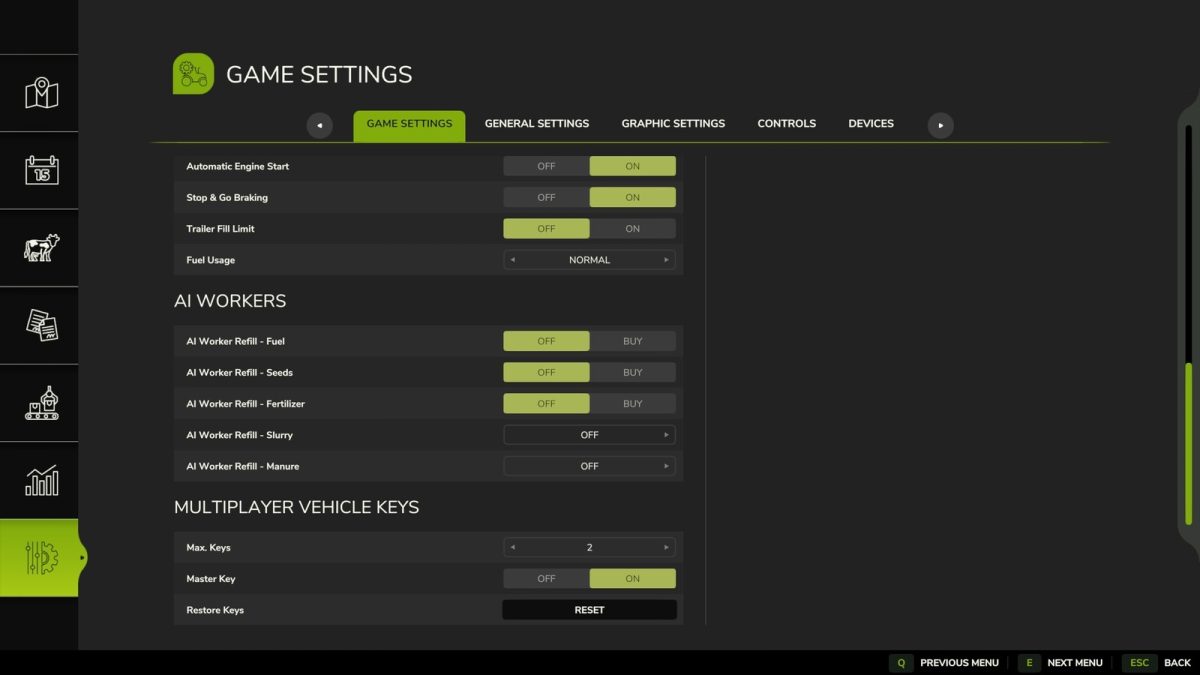
Game Settings:
– Max. Keys: Sets the number of vehicle keys each player can hold (Limit = 60).
– Master Key: Admin users can directly access other user vehicles from the same farm when the key owner is offline.
– Restore Keys: Returns the keys of the currently entered vehicle regardless of the user. / Returns all vehicle keys regardless of the user if no vehicle is entered.

Note:
– This mod is designed for multiplayer games only and will be disabled in single player mode.

Credits:

GtX

How to install FS25 Misc?
Firstly find a mod which you like and want to download. Then download a mod to your PC. Mods are usually in .zip format file. But sometimes it can be in .rar. If a mod file is a .zip format no needed additional actions. If a file is in .rar, then you must unarchive mod with software like WinRar or Zip7. Windows 10 users no need to use software for archives, Win10 itself has a feature to unarchive files.
The next step is to find mods folder in your PC. Usually, it is in Documents/My Games/Farming Simulator 25/2025. Open the "mods" folder and put downloaded .zip archive or unarchived .rar file to this folder.
Last step. Enjoy of FS25 mods!

Leave a Reply

Your email address will not be published. Required fields are marked *